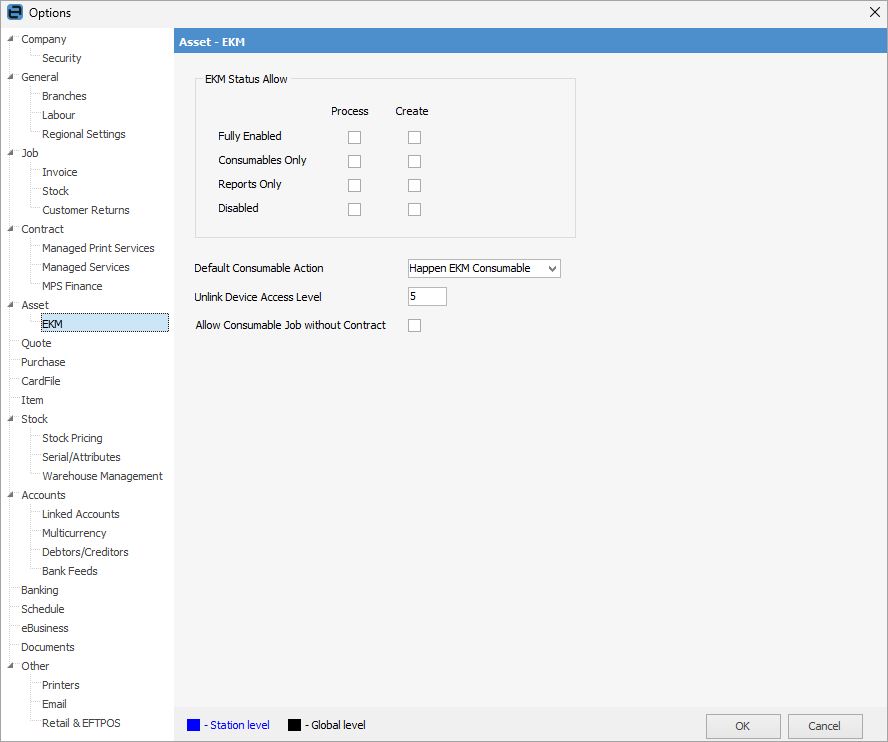
If you are using Happen EKM, the following can be set up here. See Happen EKM for further information.
Field |
Explanation |
|---|---|
Fully Enabled |
Will process/create consumables and reports based on what is ticked. |
Consumables Only |
Will process/create consumables only if ticked. |
Reports Only |
Will process/create reports only if ticked. |
Disabled |
Nothing will be processed or created. |
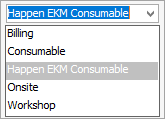
Default Consumable Action |
This defaults to Happen EKM Consumable as required for the template.
 |
Unlink Device Access Level |
Select the security level for users able to unlink devices from Jim2 to Happen EKM> |
Allow Consumable Job with Contract |
If ticked, a consumable job will be allowed for machines that are not on contract, and the serial number of the machine will be used. |
|
Note: For v4.3 style contracts, EKM can be found under Projects in Options. |

Further information