To create a new stock adjustment, on the ribbon, go to Stock > Stock Adjustments.
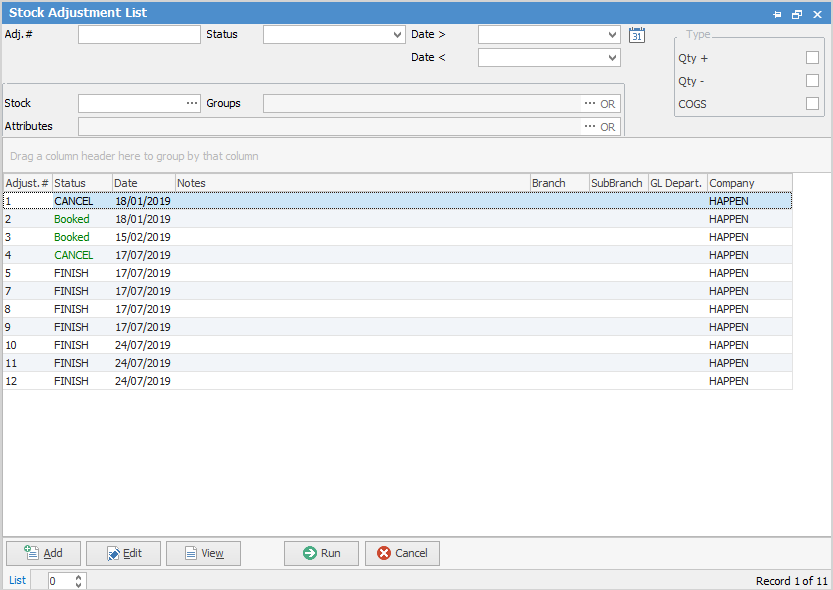
The Stock Adjustment List will appear. There are a few fields within this list which are explained below:

Field |
Explanation |
|---|---|
Adj.# |
Selects stock adjustment with this number. |
Status |
Selects stock adjustments with the status chosen here. |
Date> Date < |
Selects stock adjustment in between this date range. |
Stock |
Enter the stock code. |
Groups |
Select the report/non report group for this stock. |
Attributes |
Select attributes for this stock. |
Type |
Use the checkboxes to search for adjustment of a specific type. |
Field |
Explanation |
|---|---|
Adjust. # |
Numerical order of adjustments. |
Status |
The status of the adjustment. |
Date |
The date of the adjustment. |
Notes |
Any dotes on the adjustment. |
There are also additional buttons at the bottom of this form, as explained below:
Button |
Explanation |
|---|---|
|
Add a stock adjustment. |
|
Edit an existing stock adjustment. |
|
View an existing stock adjustment – the option to edit the adjustment is available View is clicked. |
|
This will run the list and any filters clicked. |
|
This will close the list. |


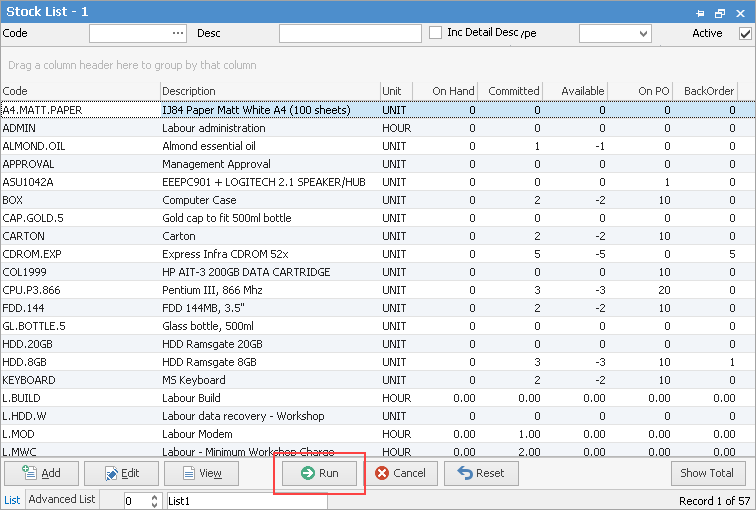

Further information