There are three areas in Jim2 that allow you to log off.


Using this method, Jim2 does not save the current workspace, so when you log back in it will not be where you left off.
It will also close Jim2 down completely. |
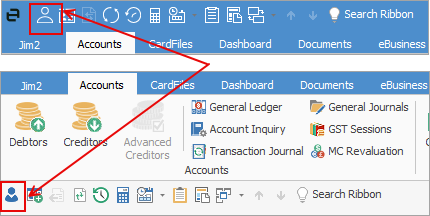
Using this method, Jim2 will save the current workspace, so when you log back in it will be where you left off.
It will also present you with the log on screen. |
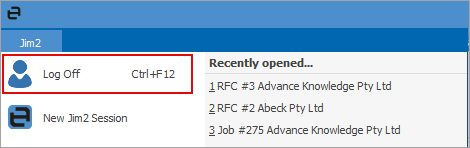
Using this method, Jim2 will save the current workspace, so when you log back in it will be where you left off.
It will also present you with the log on screen. |
Further information