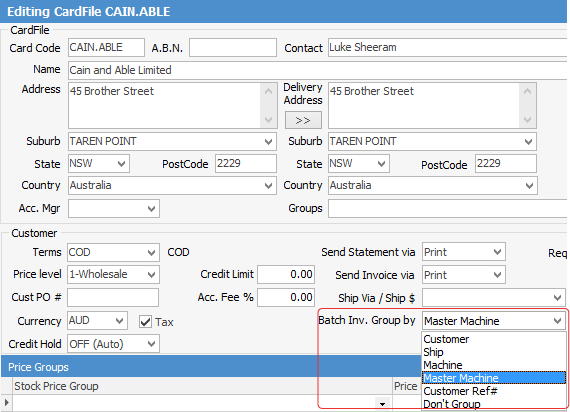
If one customer has multiple master contracts, set up the customer cardfile accordingly. Open the customer cardfile and go to the Customer tab. Change the Batch Inv. Group by to Master contract.
This setting is always required for finance jobs.
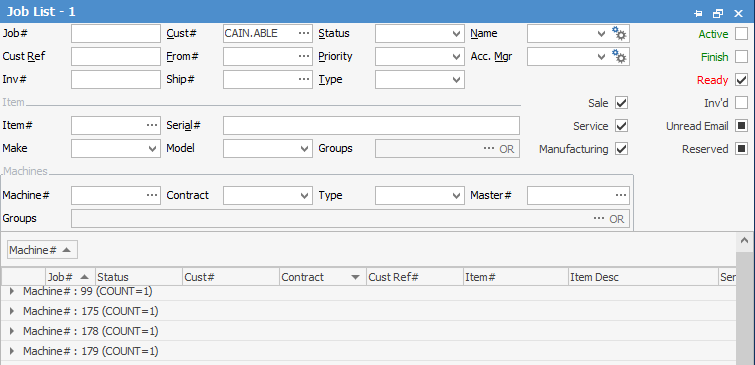
Run a Ready Job List for that customer:
Click Invoice Job on the ribbon, and the batch invoicing screen will appear.
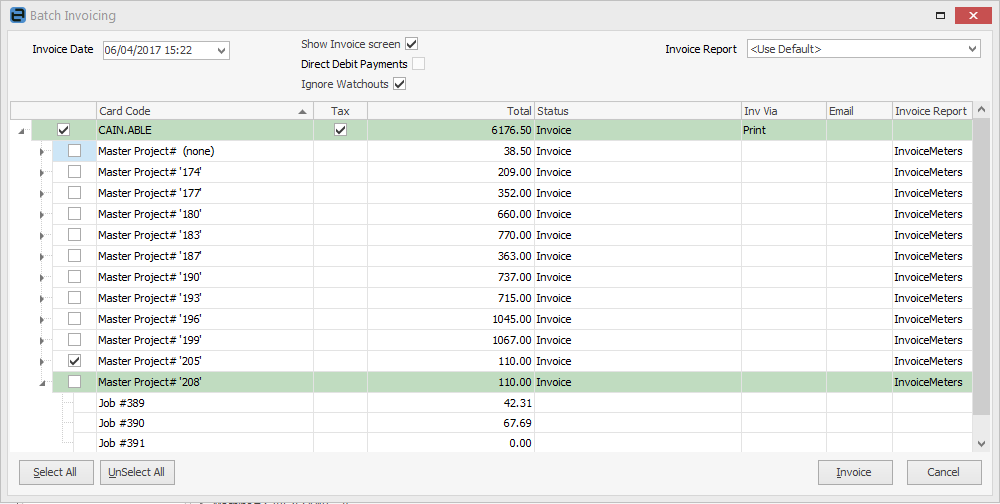
Untick all Master Project#, and leave the one to be invoiced ticked. Click Invoice.
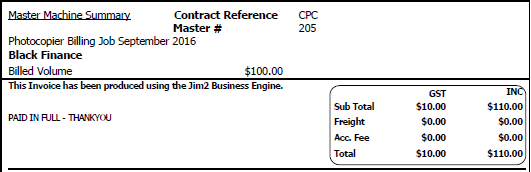
Invoicing this contract using the the Invoice Meters – Master report, following is the result:
Further information