
This functionality applies to jobs and purchase orders created between companies, either by: ▪Using the built-in intercompany features, or ▪By manually creating standard jobs/purchase orders using company cardfiles (ie. without intercompany functionality) .
Intercompany transactions Intercompany transactions are created using the built-in functionality and are the recommended method.
There are two available options: ▪Purchases > Intercompany Purchase 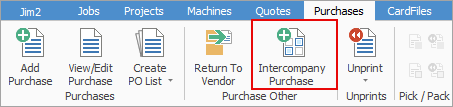 ▪Add Purchase Order > Type: Intercompany Purchase 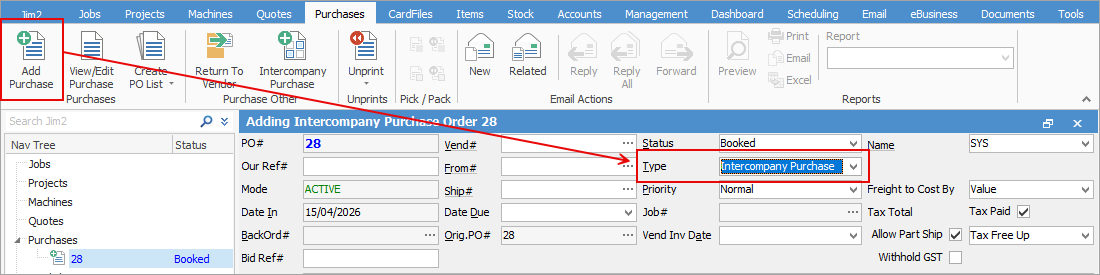
Non-Intercompany transactions These are created manually where a company cardfile is used as a customer or vendor without using the intercompany functionality.
Security Via Security > Companies > Allow Non-Intercompany Purchase/Sales Between Companies ▪Unticked by default ▪Must be enabled manually ▪Should only be granted to authorised users. 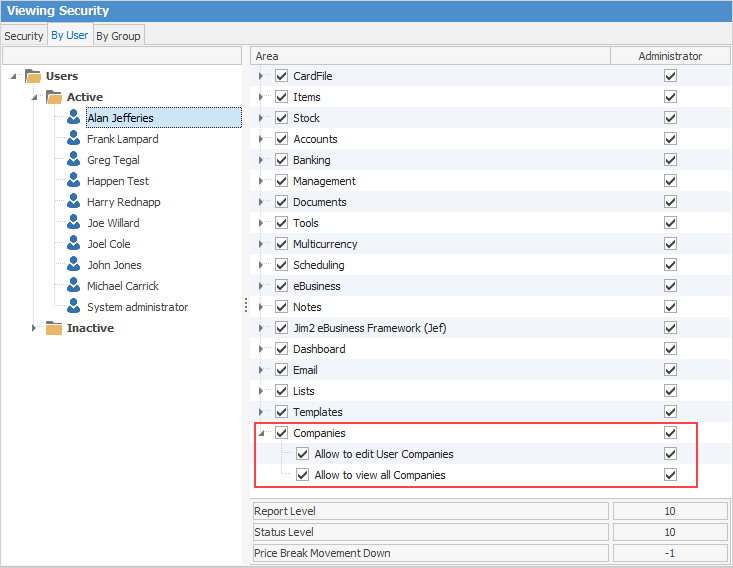
System Behaviour If a user does not have access to create non-intercompany transactions, a warning message will appear when attempting to use a company cardfile as a customer/vendor .
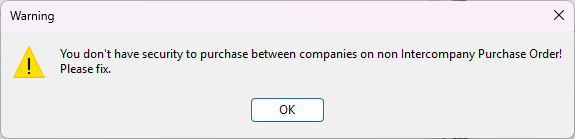
If a user has access: ▪A confirmation message will appear when creating: –a job 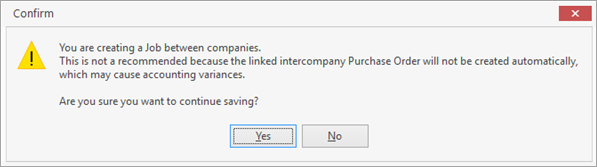 –a purchase order 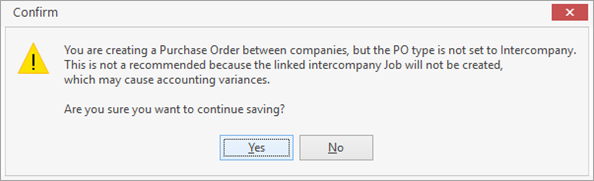 ▪Click Yes to proceed |

When processing returns for intercompany transactions, Jim2 links the return from customer (RFC) and return to vendor (RTV) automatically.
Process 1.Create a return from customer as per the standard process. 2.Enter the invoice number. 3.Jim2 detects it as an intercompany transaction, and the Generate RTV button appears in the RFC header (Add/Edit mode only).
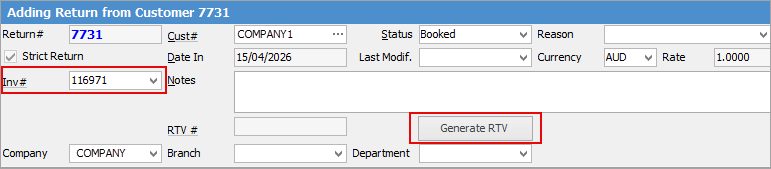
Generating the RTV 1.Add stock to the RFC grid as normal. 2.Click Generate RTV. A confirmation message will appear indicating the stock grids in both RFC and RTV will be locked. This ensures both documents remain consistent. 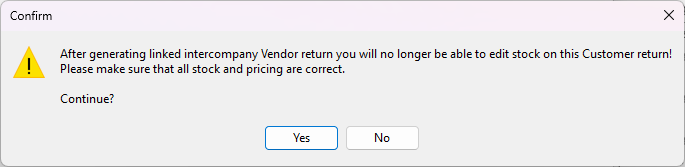 Click Yes to proceed.
Linking between RFC and RTV ▪The RTV number appears in the RFC header (RTV# field). 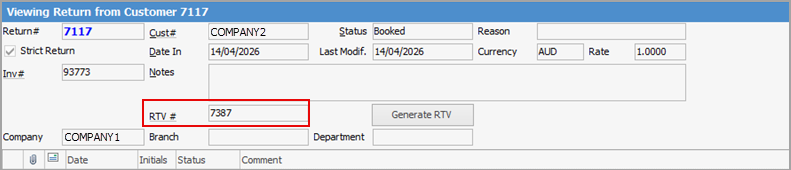 ▪The RFC number appears in the RTV header (RFC# field) . 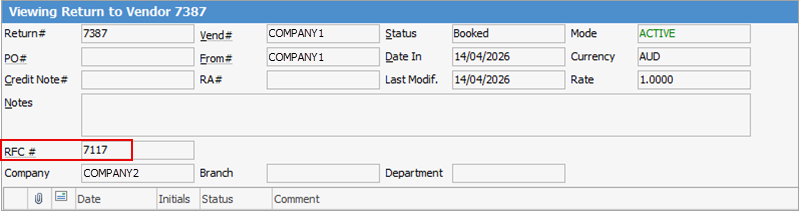 ▪Both are hyperlinks that you can click to go to and from the RFC/RTV.
Key rules ▪The RTV must be finished before the RFC can be finished. ▪Only one object (RFC or RTV) can be edited at a time.
Validation and warnings Attempting to finish an RFC without an RTV, the following warning message will appear:
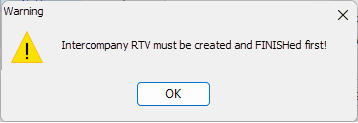
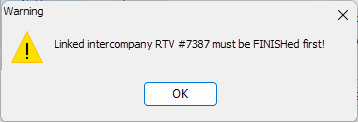
Attempting to finish an RFC while an RTV is still in Active mode, the following warning message will appear
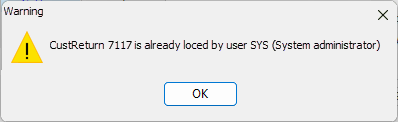
Editing restrictions If one object is in Edit mode, the other cannot be edited.
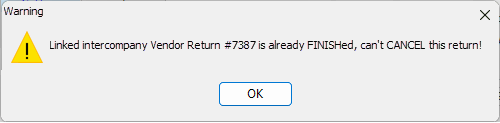
You cannot cancel an RFC if the linked RTV is already finished.
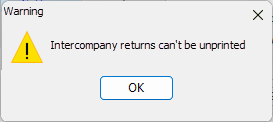
Unprinting RFCs and RTVs cannot be unprinted once linked.
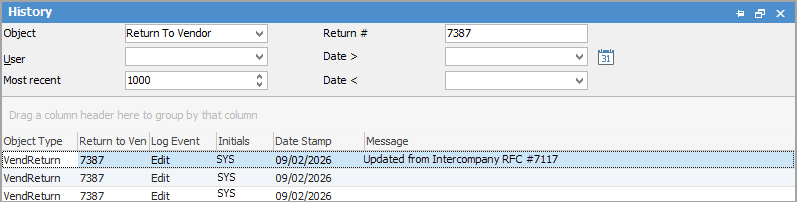
History Tracking If an RTV is generated from an RFC, a system message is recorded in the Object History
 |

For non-intercompany transactions: ▪Standard RFC/RTV process applies . ▪The Return to vendor must be created manually. ▪There is no automatic linking between RFC and RTV .
|
It is not permitted to batch invoice a mix of intercompany transactions, and non-intercompany transactions.
Result: ▪Status will be set to Failed ▪An error message will be displayed.  |
If invoicing a customer with mixed transaction types, a warning will prompt the user to filter by Source.
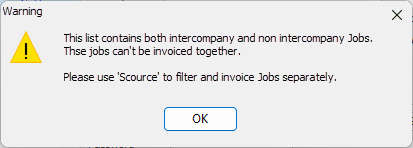 |
Batch invoicing must be run separately: 1.First run: ▪Filter by Source = Intercompany.  2.Second run: ▪Filter for Non-Intercompany transactions.  ▪Filtering can also be via the Advanced List tab > Source 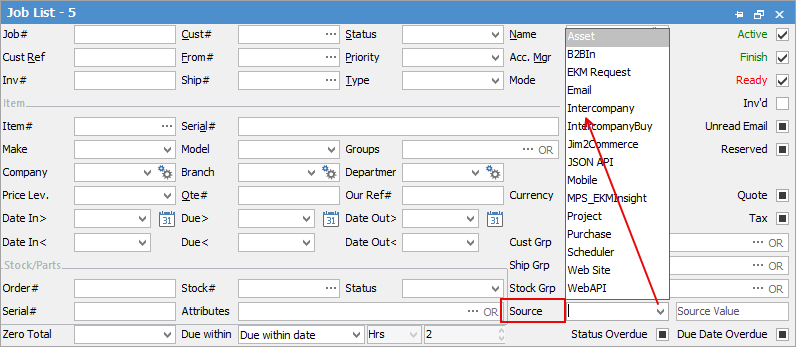
Legacy Transactions For historical data where intercompany and non-intercompany transactions were invoiced together: ▪The RFC will be treated as a non-Intercompany transaction ▪The RTV must be created manually ▪A confirmation message will appear to inform the user. 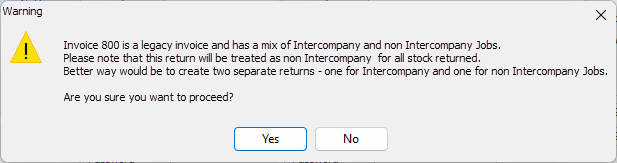 |
If Advanced Warehouse Management is enabled, you cannot cancel the RFC if the RTV has started picking process.
Further information