These are the reads that come in from MPS connectors or that come in as service reads. Reads are populated based on the connector setups.
Manual reads are service reads that have been manually entered by a user. No reads will also be noted as manual.
The Read Type column will show what type of read is entered. All connector reads will display as Normal Read, whereas Average, Estimate or No read reads used in billing will be stated.
The Status field indicates if the status is active or inconsistent. If inconsistent, this indicates the read is lower than the preceding read for that meter, which may signal a data entry error or a meter reset.
Created By – System Administrator means they were received via eBusiness, whereas manual reads will display the user who entered them.
See here for setting security on which users can see preview panes.
When in an Asset, the preview pane will display on the right hand side of the screen.
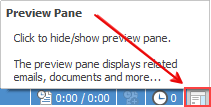
Select the Preview Pane icon on the bottom right of the status bar to show/hide the Preview pane:
 |
Note: The Asset Meter Read preview pane is only available in the v4.4 style billing engine. |
Area |
Explanation |
|---|---|
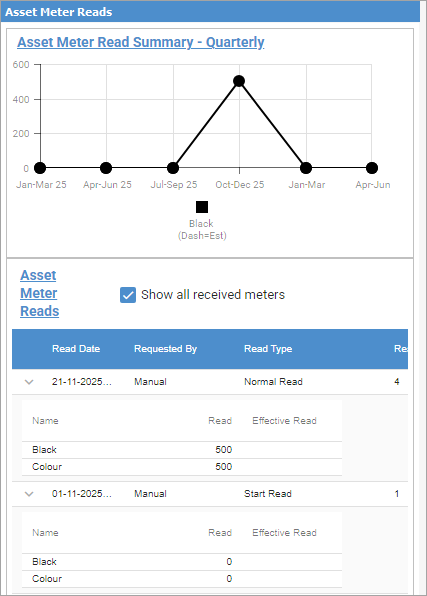
Asset Meter Read Summary |
Monthly will show monthly reads for all meters on the Asset.
Quarterly will show a quarterly meter read summary for all meters on the Asset in graph format. |
Asset Meter Reads |
This area displays information on meter reads for all meters on the Asset, including effective date, requested by and read type. Tick Show all received meters to view all. You can use the side facing arrowheads to expand each section for more information. |
Further information