To refund through Tyro, you will need to create a return from customer first. Then, click the down-facing arrow under the Payment icon in the ribbon
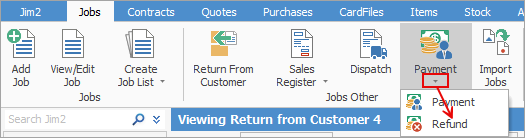
This will bring up a list of credits on the debtor account.
Tick the checkbox to select the relevant return. In the Payment By field, use the down arrow to select the payment type you use for Tyro. Click Refund.
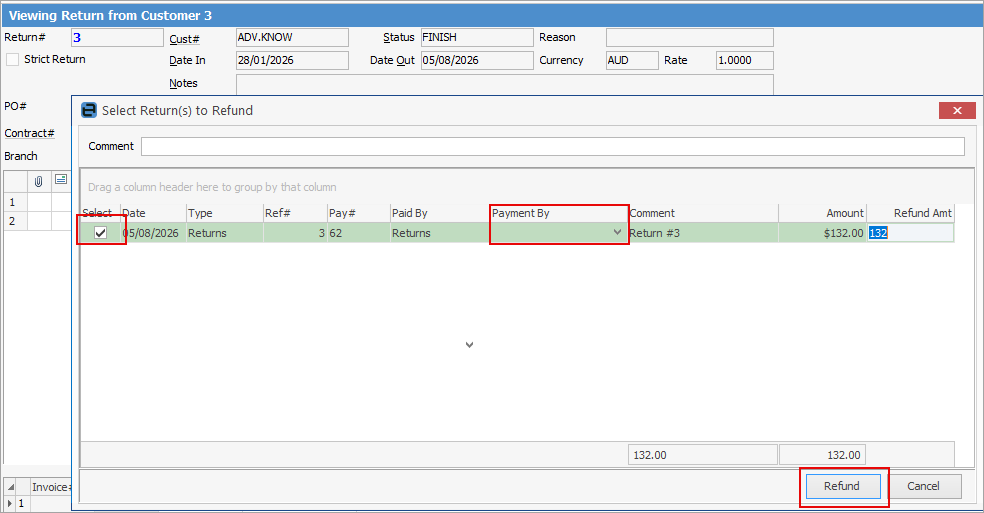
This will trigger the Tyro window, which will connect to your eftpos terminal.
Enter the relevant information in Tyro to process the refund.
Alternatively, you can add a refund straight onto the debtor account, selecting the Tyro payment type and apply it against the return – this will trigger the Tyro process.
Further information