

The Transaction Journal's function is to record and list transactions created throughout Jim2. When a purchase order is finished or a job is invoiced, a transaction is created and placed in the transaction journal to update the appropriate accounts and their balances, recording that a particular action took place within the business.
The Transaction Journal is divided into the following specific information areas that will provide a complete detailed record of:
▪the Transaction Journal list – listing all transactions created through Jim2
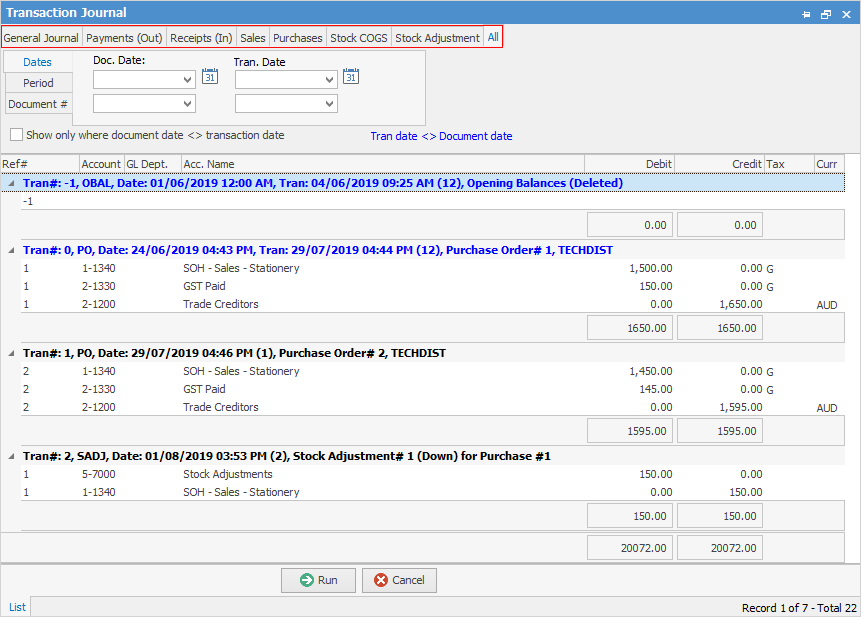
▪separate tabs to locate specific transactions (tabs highlighted in above image)
▪list filters via the Transaction Journal Filters (in the header area of the above image).
Further information