On the ribbon, go to Email > Email Rules and select New
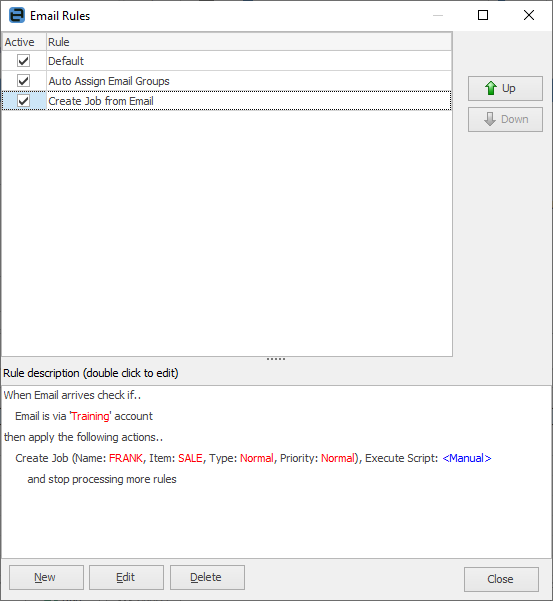
This example rule will do the following:
Conditions
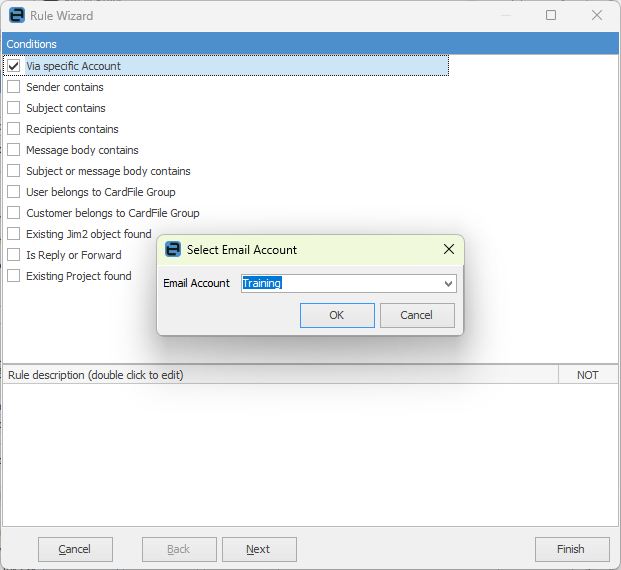
Check that the email was sent to, or via training@, and that it is not related to an existing Jim2 object.
Actions
If the above conditions are met, tag the email as Training. There is one more action to this rule: Create Job, but it is flagged as <Manual>. This means that this action applies to this email with the intention of not automatically performing this action.
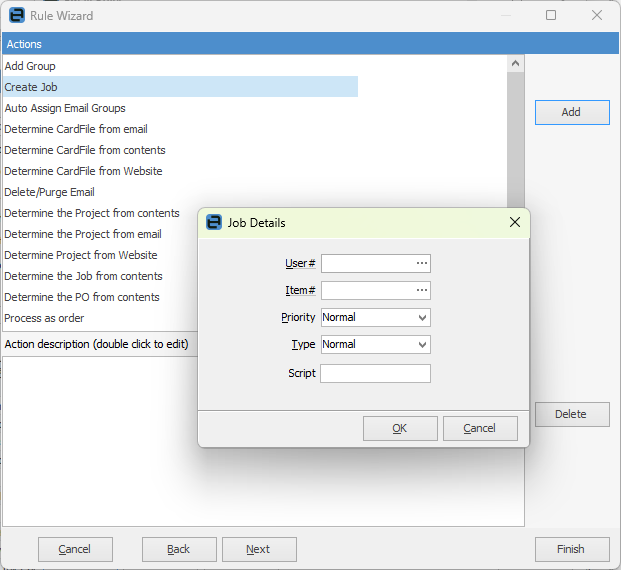
When viewing the email from an email list, it is flagged that there is an outstanding action (  ). The email can then be qualified, eg. this is a support email, then the action manually run, at which point a job is created.
Further information