Unprinting a return from customer is different to moving the status of the return to Cancel. Unprinting a return effectively reverses the original return. Although this is not recommended, there are instances where a customer return that has already been set to the status of Finish may required editing.
Unprinting a Return from Customer puts the stock back on the original purchase order.
If a Return from Customer has been transferred to another location automatically when doing the return, the stock transfer must be unprinted first.
 |
A return from customer cannot be unprinted if a refund has been provided or the credit has been applied to another invoice. |
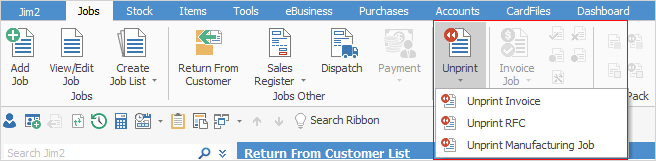
1.On the ribbon, go to Jobs > Unprint and select Unprint RFC.
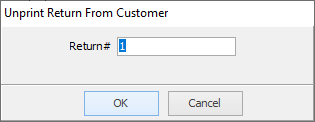
2.Enter the original Return# and select OK.
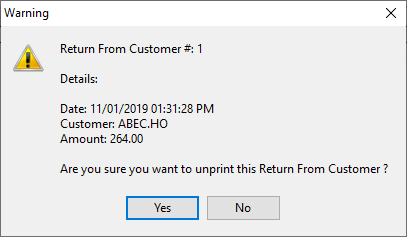
3.The following warning screen is displayed with details of the return, to confirm that this is the return to be cancelled. If the details are correct, select Yes.
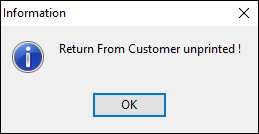
4.A confirmation screen will be displayed. Click OK and the return will now have a status of booked. The stock records will be updated. Depending on the reasons for unprinting, the next step is to edit or cancel that RFC.

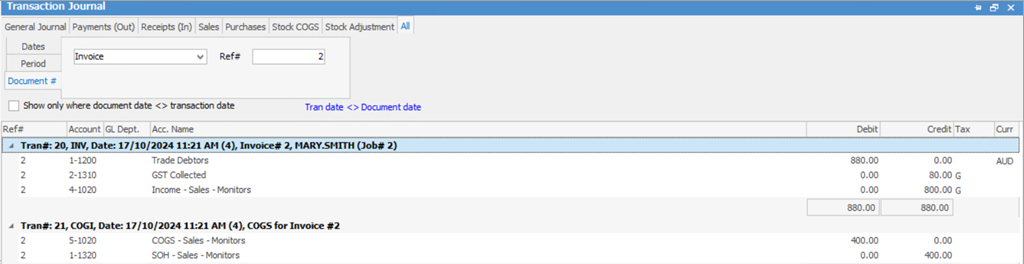
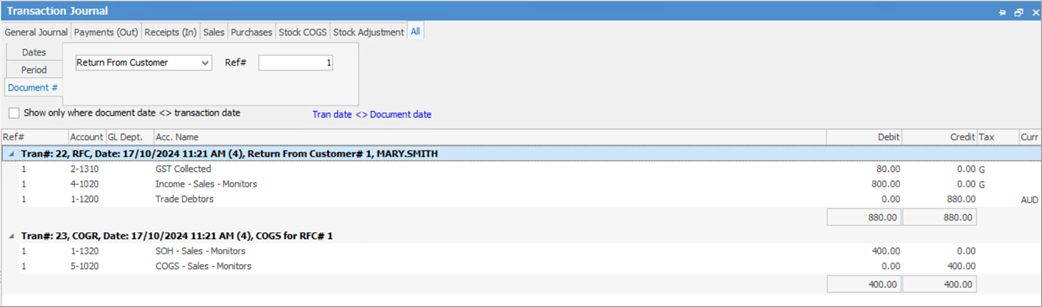
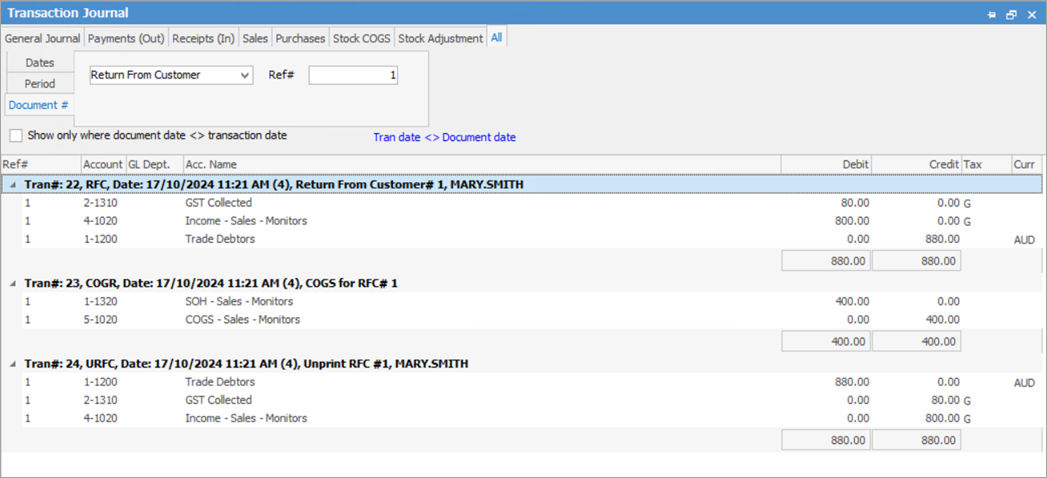
Following is an example of which GL accounts are impacted.
When you invoice a job:
When you create an RFC: GST Collected and Income will be debited, whilst Trade Creditors will be credited the inc GST amount.
When you unprint an RFC:
Note the COGI for the unprint of an RFC is displayed on the Invoice search rather than the RFC:
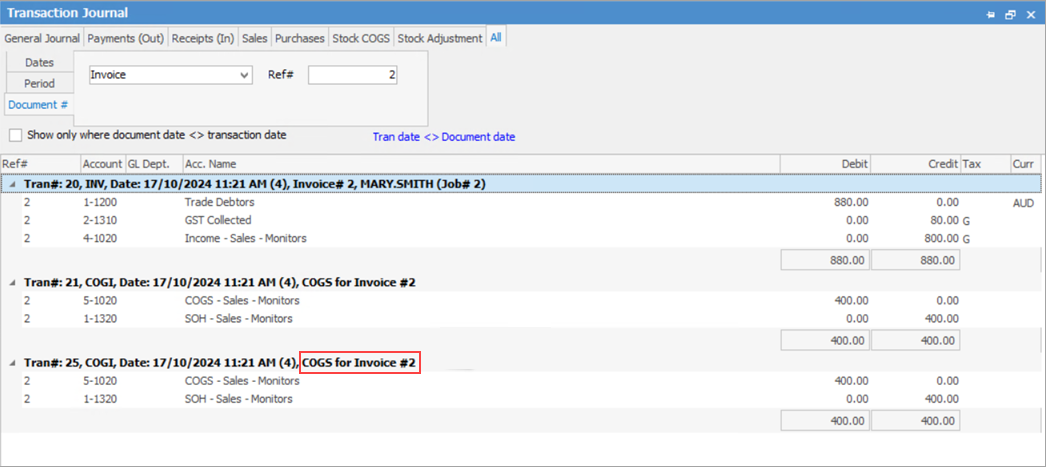 Image does not match above as it is to show COGS |
Further information