The Email Archive Rules icon can be found on the Email ribbon tab.

Email archive rules are based on conditions and actions, ie. check if certain conditions apply to an email, then execute the appropriate archive actions.
When the rules are run, either manually or scheduled via JES, they are executed in descending order. Once an archive rule has been found that applies to an email, no other archive rules will be applied. Therefore, the order in which the rules are executed is important. JES needs to be restarted when finished editing Core fields.
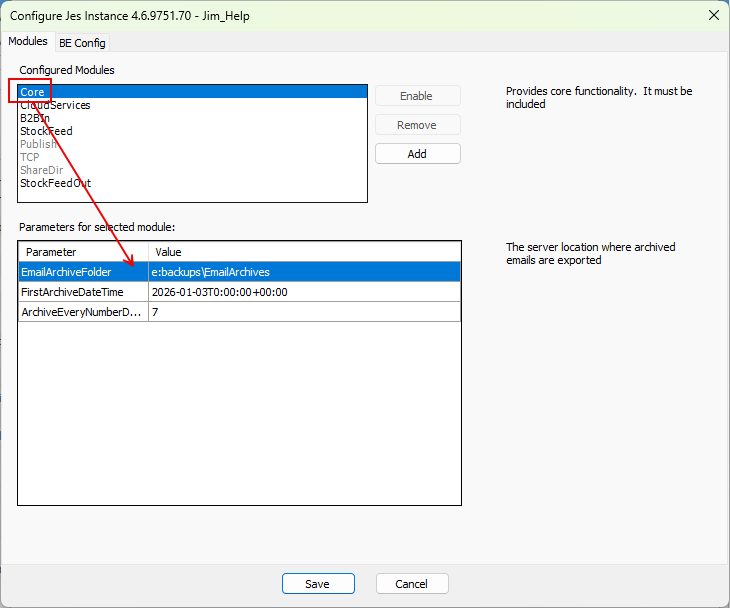
Scheduled via JES

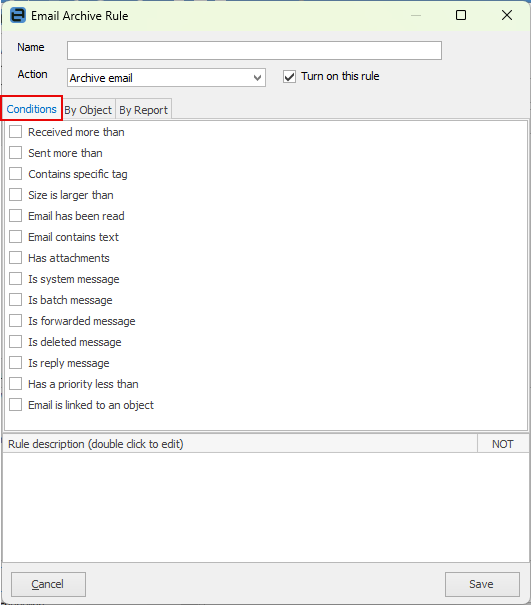
See here for more detailed information on Conditions.
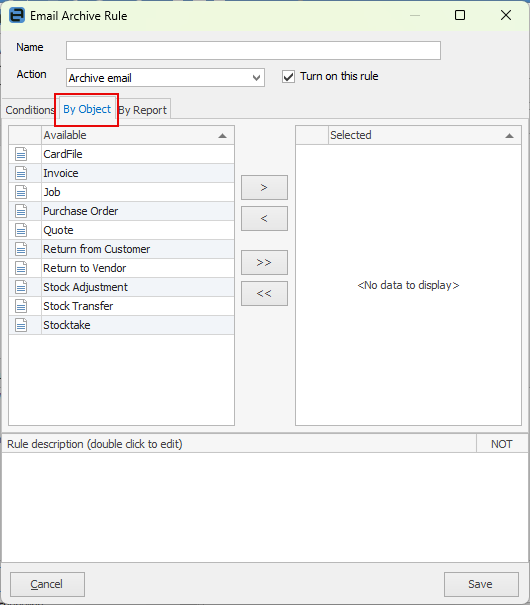
These are the objects available for archiving rules:
Email archiving also allows for rules based on Jim2 reports.
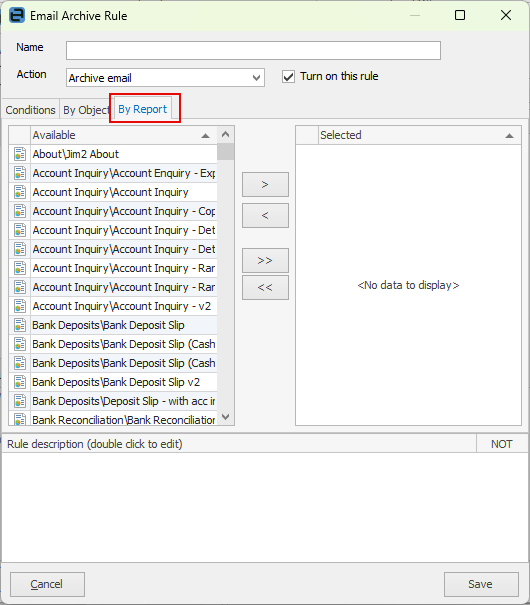
See here for more information on By Object and By Report
The processing of email archive rules is as follows: ▪archive rules will be run in order against each email until a rule is found that applies ▪if a rule is found that applies, it is executed and no further rules will be applied ▪if no rule is found, the email will be left as is.
Archive actions typically save an email to an archive file, or delete an email entirely, but can also be Do not Archive.
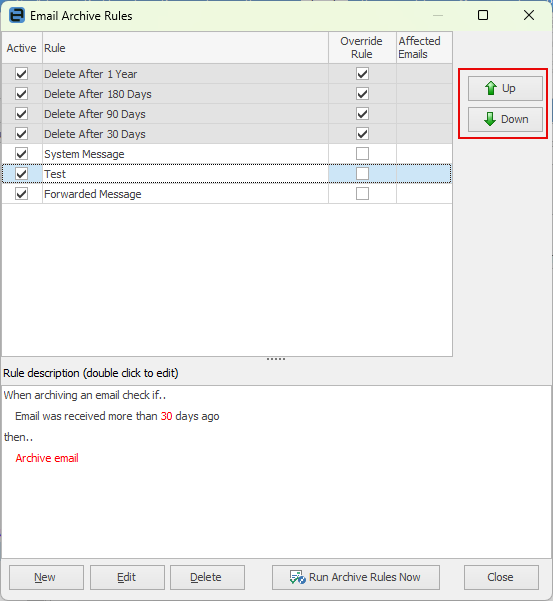
The rules with a grey background are system rules that cannot be modified. These rules are used to override archiving on individual emails. The rules with a white background apply to all emails with an archive setting of Auto Archive.
The Affected Emails column shows the number of emails that will be affected next time email archiving is run.
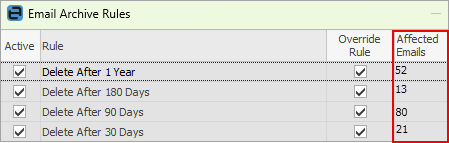
Moving the rules up or down changes which rule will run first, and will also change the number of affected emails that each rule affects. You can only change added rules. The system rules (grey background) cannot be moved.
If an archive rule has been manually set, only that rule applies and will be executed. So, if an email has been set to Never Archive, no other archive rules apply to that email. |
The default archive setting can be overridden in a number of ways: ▪when viewing an existing email, right click on it and select the archive method required ▪from an email list, right click on one or more emails and select the archive method required 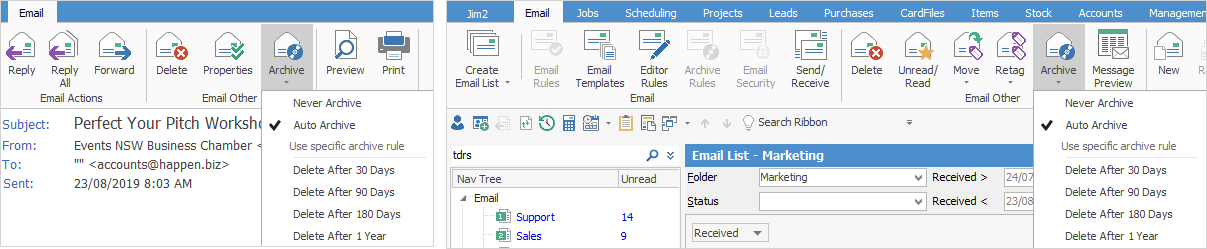 ▪when creating a new email, click on the Archive icon and make a choice. 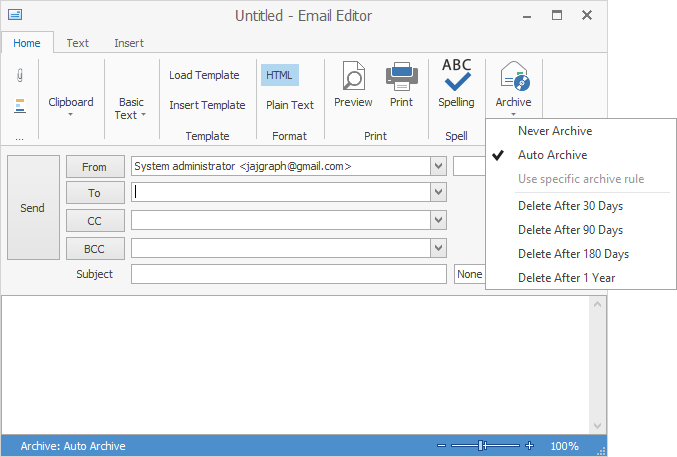 |
Further information
Email Archive – Setup Configuration