Consumable jobs track all consumables supplied to a particular contract. A Consumable job can be added either from the contract or from a list of contracts.

1.Click Add Jobs > Consumable at the bottom of the contract.  2.Use the shortcut Crtl+M to go straight to the consumable job. 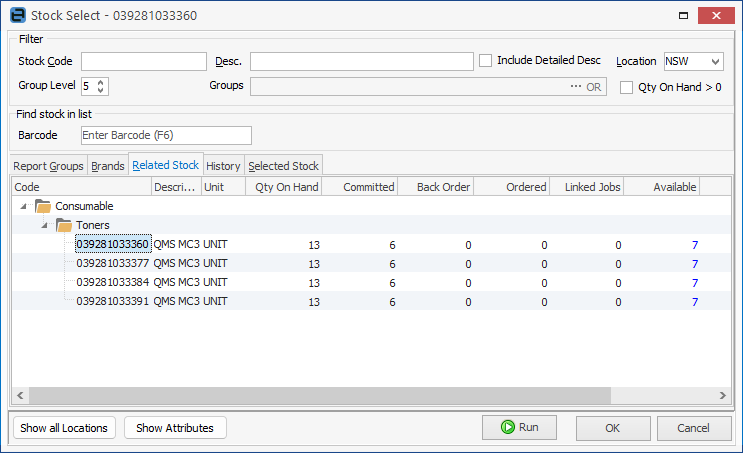 |
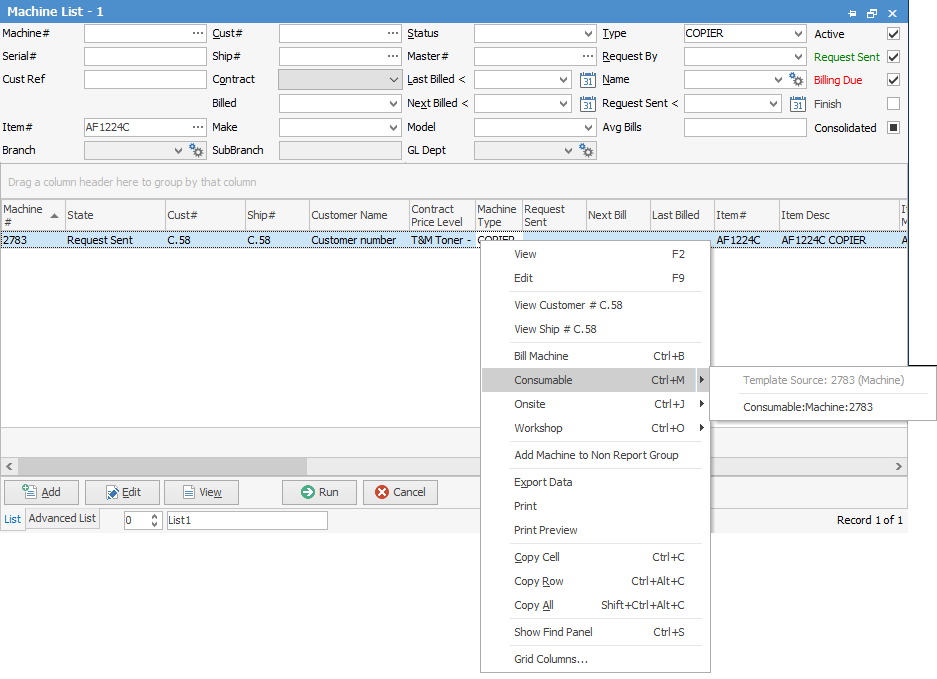
1.Right click on the contract and select Consumable, then select the Consumable template.
2.Select the contract, and use Crtl M to go straight to adding a consumable job.
|

The operation varies slightly, depending on how the particular contract is set up. The Stock Select screen appears with the focus on the Related Stock tab, displaying the stock allocated to this class of contract from the contract Item.
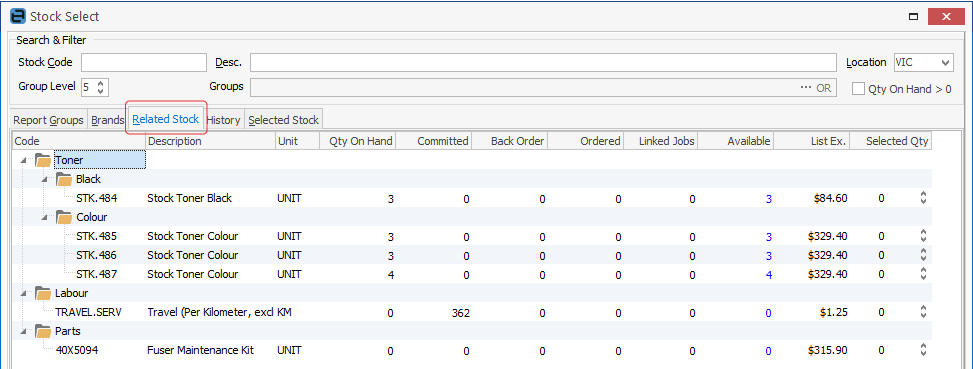
Select the required stock from this tab, or if necessary move to the other tabs, then click OK on the bottom right of the screen.
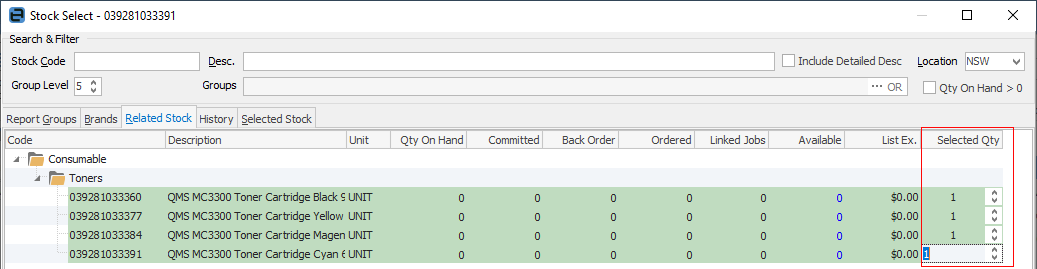
Alternatively, if default stock is set up on this contract, click Cancel and the default stock will be added to the job.
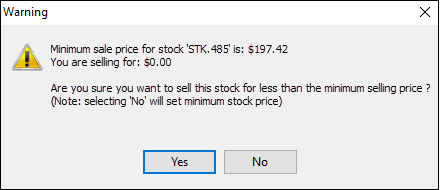 |

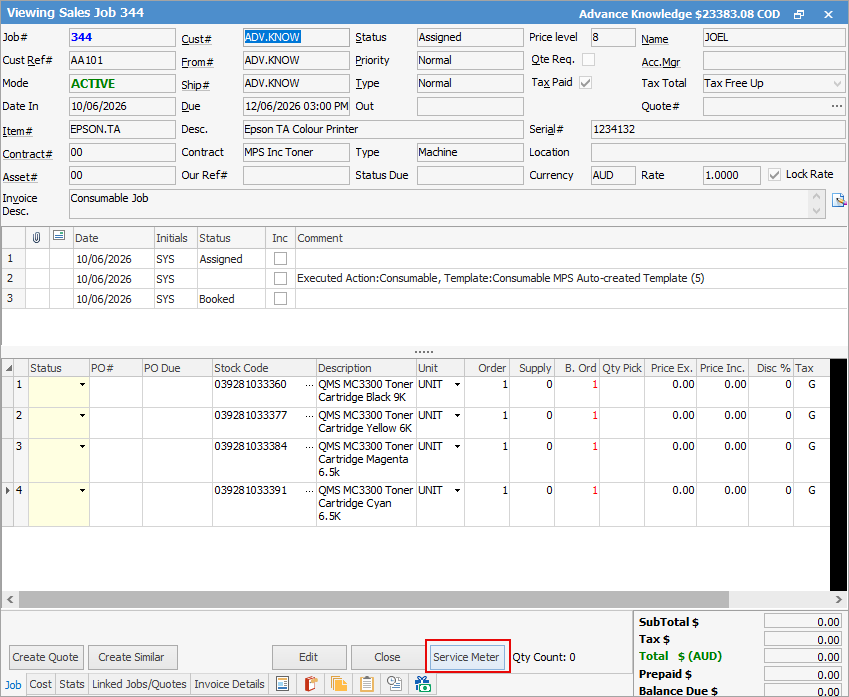
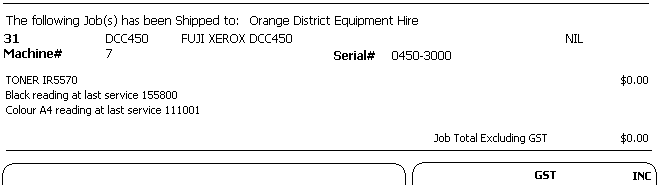
If meter reads are recorded when issuing consumable stock, click Service Meter at the bottom of the job screen.
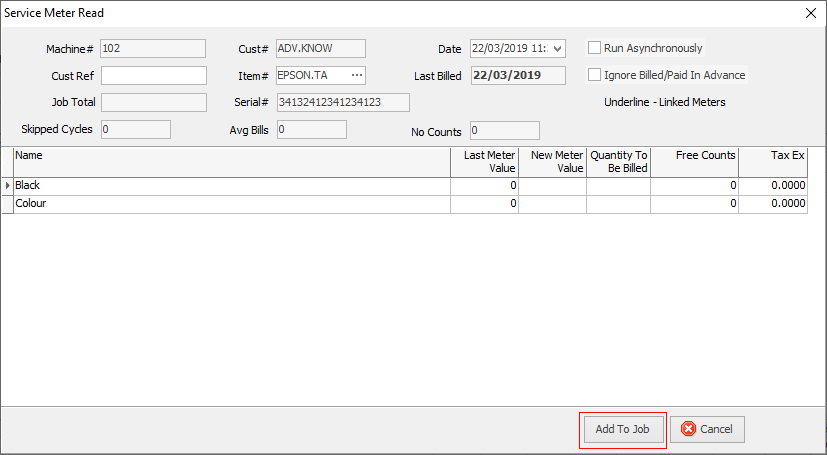
Enter the appropriate reading, and click Submit Read.
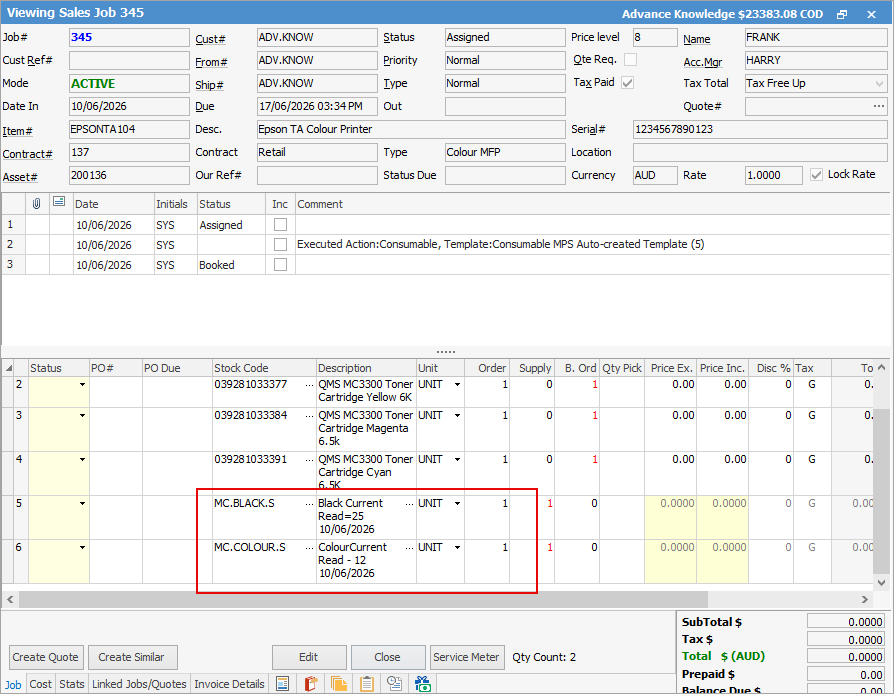
The readings appear as Service Stock in the job.
 |
Complete the job in the normal way, then invoice.
 |
Further information