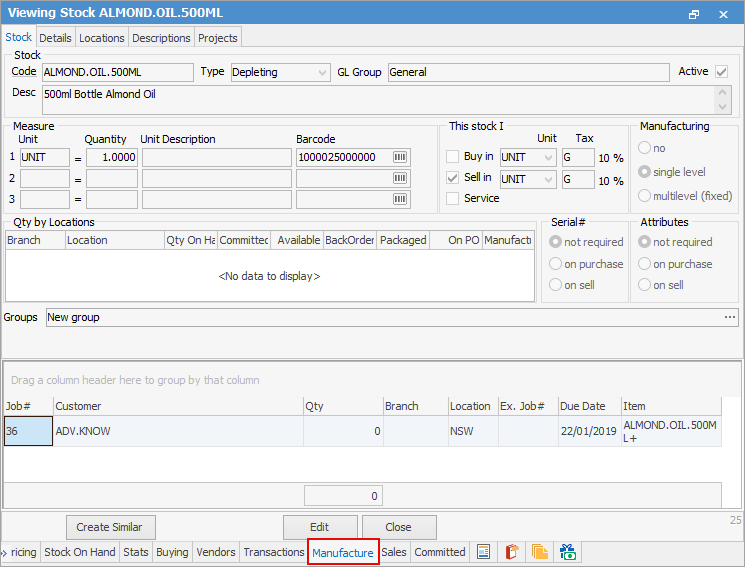
The Manufacture tab (appears on manufactured stock only) provides a simple list of all previous jobs related to this particular stock.
 ma
ma
Field |
Explanation |
|---|---|
Job# |
Job number. |
Customer |
Customer name. |
Qty |
Quantity of stock on the job. |
Branch |
Branch where the stock on the job comes from, if branches are enabled. |
Location |
The stock location. |
Ex. Job# |
If this job is related to another job, that job number will be shown here. |
Due Date |
Job due date. |
Item |
Item on the job. |
Filters
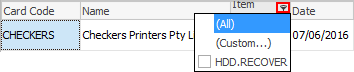
Within the Comment grid, hover over a heading and the Filter  icon will appear. Select the filter and a list of available filters will appear to help refine the search. This is particularly useful when there are a lot of comments within the grid. These filters will only show comments specific to the filter chosen.
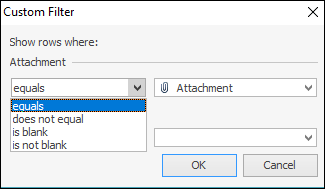
The Custom Filter choice allows defining the search further:
Further information