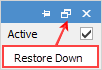
The multi-window option is available with all configurations, but obviously works best with large, high resolution screens. Using the Restore Down icon in the top right-hand corner of objects, the top object can be un-docked and moved aside to enable viewing two forms at once, rather than having to switch between the two objects.
 |
When viewing two forms at once, they both need to be completely within the Jim2 window, ie. they cannot be moved out to the desktop. |
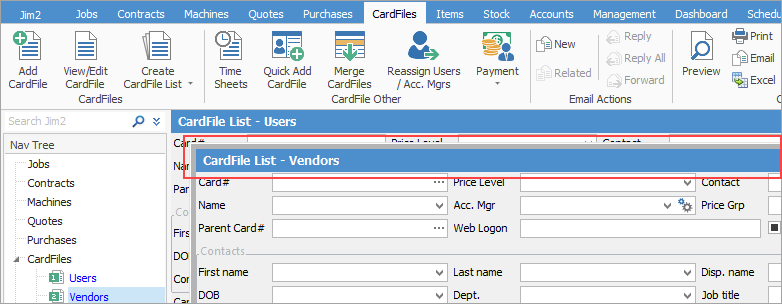
If the Restore icon is hidden, double click within the header (the blue header area in the image above) of the moved object to restore it, or using Ctrl+F4 will close the current form.
Further information