The Preview pane is a quick way to see recent activity for a customer, and is available on many Jim2 objects, ie. Job, CardFile, etc.
 |
Note: The security level for the preview pane can be changed via the Scripting Engine to allow/hide certain areas of the Preview pane. As a default, the scripting engine is not available. This is to protect from potential issues with the database. This is also governed by Jim2 Security.
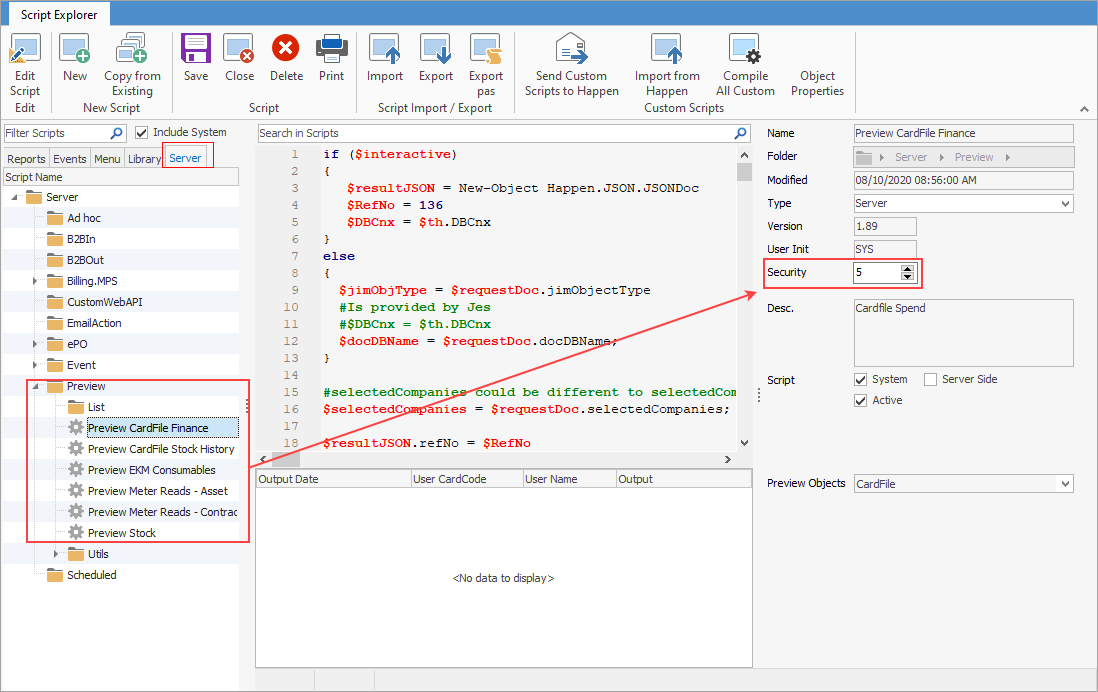
Furthermore, user security must match what is set up here. Or, you can set user security Report Level to below level 5 to hide the preview pane. |

When in a cardfile, the preview pane will display on the right hand side of the screen with two tabs at the bottom: CardFile Transactions and CardFile Spend. ▪CardFile Transaction Insights will display the last 10 jobs, most purchased stock, and all open quotes. ▪CardFile Spend will display yearly/monthly spend, spend summary by period, job type and Item type
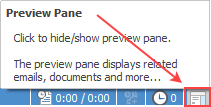
Select the Preview Pane icon on the bottom right of the status bar to show/hide the Preview pane:
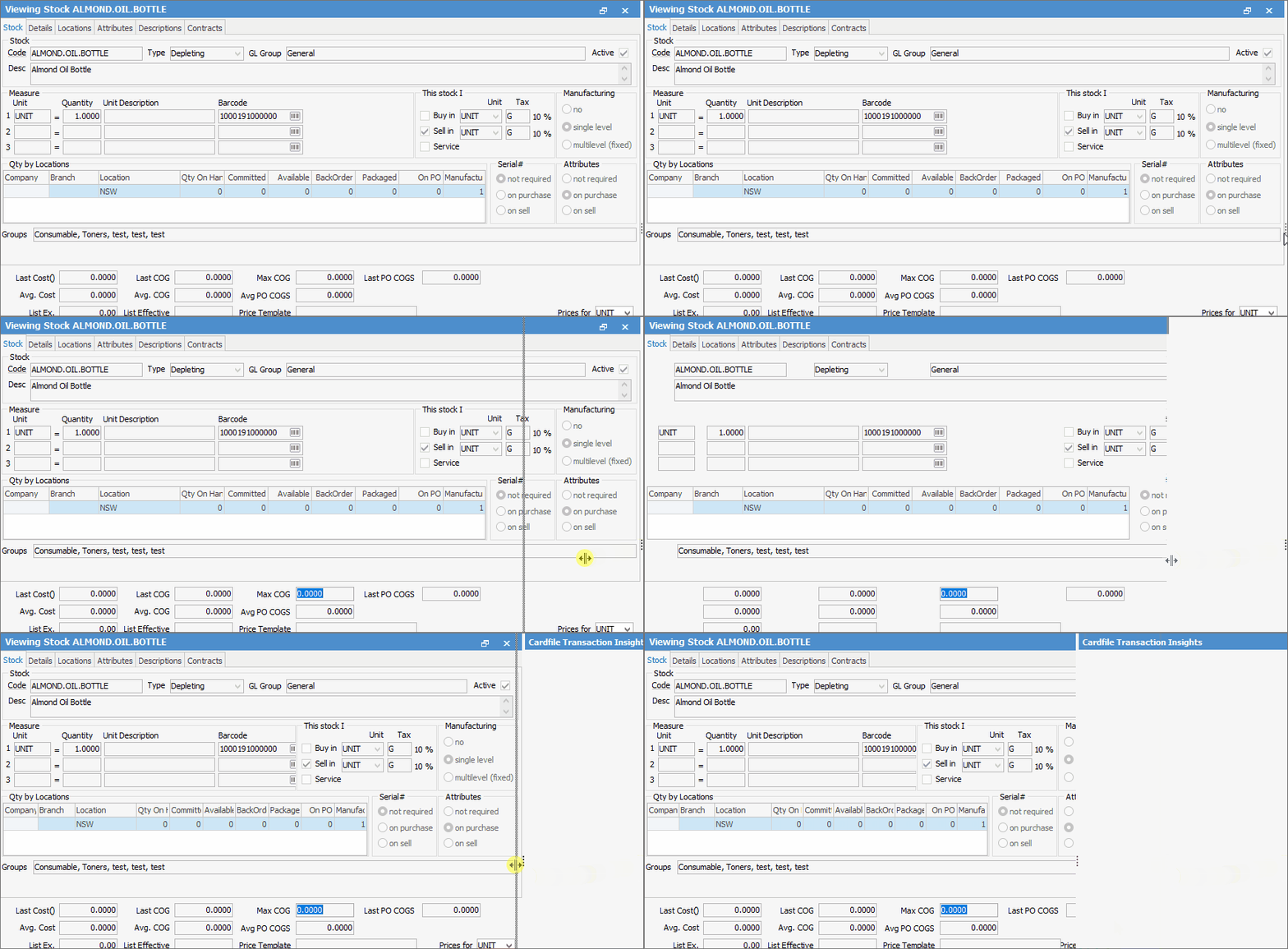
If the Preview Pane does not appear, click on the 3 vertical dots at far right and drag to the left, or double click for it to appear:
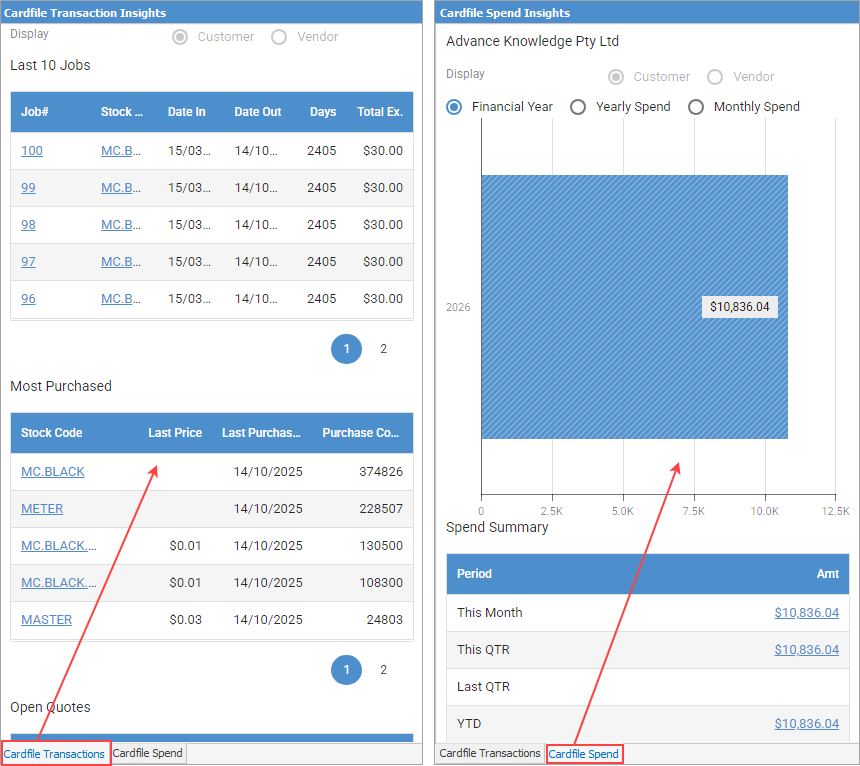 Showing CardFile Insights |
|
Note: If the preview pane does not populate, it will need to be refreshed. This can be done in a number of ways: ▪Double click on the blue bar at the top. 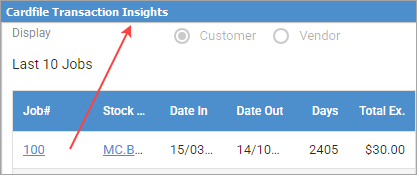 ▪Open another object with preview then go back to the original object. |

Further information