
From a return to vendor list, you can produce the RTV List report:
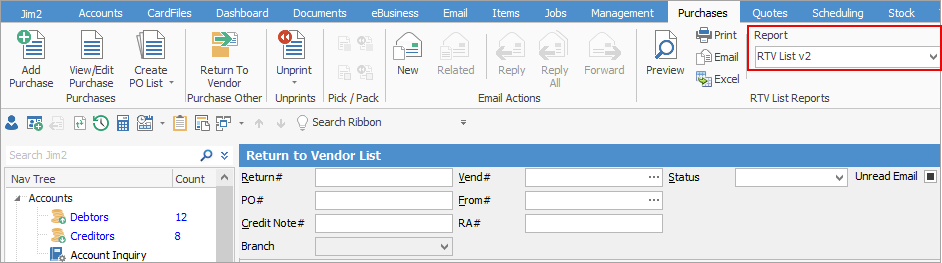
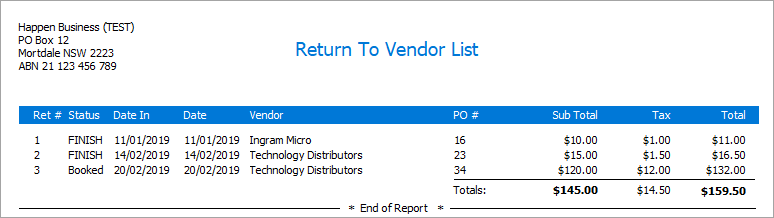
This will produce the following report:
You can use the Excel icon to produce reports directly to Excel. Permission for use of this is based on security since it accesses the report for the information.
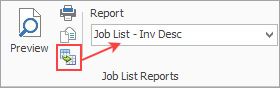
When Excel is selected, it will open spreadsheet windows and populate it with raw data from the selected report. Each report pipeline with be represented in a separate sheet. In this case, there is only one sheet and this will produce a much more comprehensive report in spreadsheet format. |
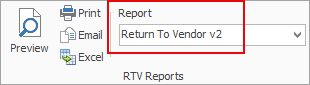
There are two reports available via a return to vendor: Picking Slip - RTV and Return to Vendor report.
Selecting the Picking Slip - RTV will produce a picking slip, if required.
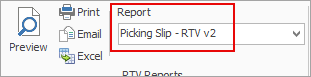
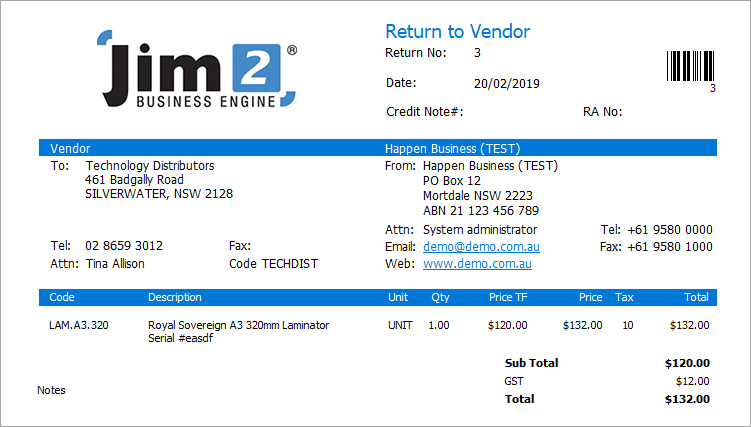
Selecting the Return to Vendor report will produce a report showing the details of the RTV:
You can use the Excel icon to produce reports directly to Excel. Permission for use of this is based on security since it accesses the report for the information.
When Excel is selected, it will open spreadsheet windows and populate it with raw data from the selected report. Each report pipeline with be represented in a separate sheet. In this case, there are 4 sheets showing total summary, vendor return, vendor return stock and company logo information. |

Further information