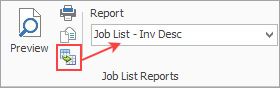
Security needs to be enabled to allow users to export reports using the Excel icon in the ribbon.
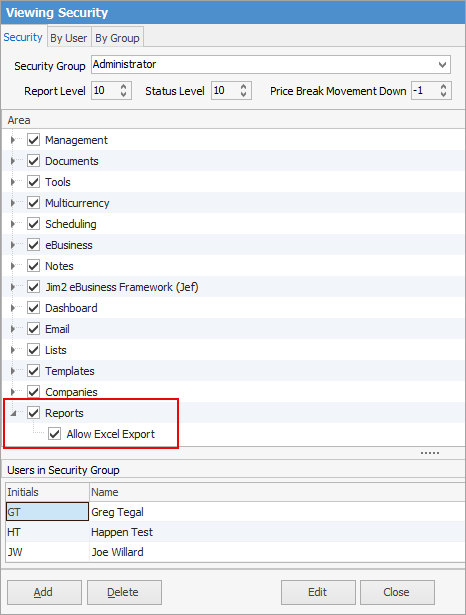
Go to Tools > Security and edit the user security group required, then scroll to the bottom to locate the Reports area. Expand this and tick Excel Export.
Further information
Effective User Security Groups