This explains what is required in order to provide a supplier with an invoice for commission:
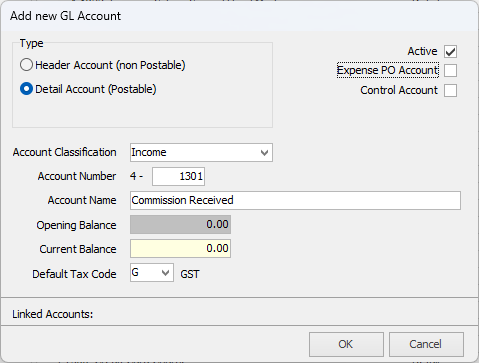
Ensure there is a Commission Received General Ledger account in the required area of the General Ledger, and that it is not ticked as an Expense PO account.
 |
If it is ticked as an Expense PO account, a separate general ledger account will need to be added for invoicing purposes. |
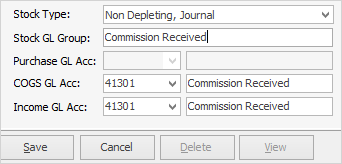
On the ribbon, go to Tools > Setups > Accounting > Stock GL Groups and add a new Stock GL Group for the commission received Type = Non Depleting, Journal. Select the Commission Received general ledger account in both the COGS and Income fields, then save.
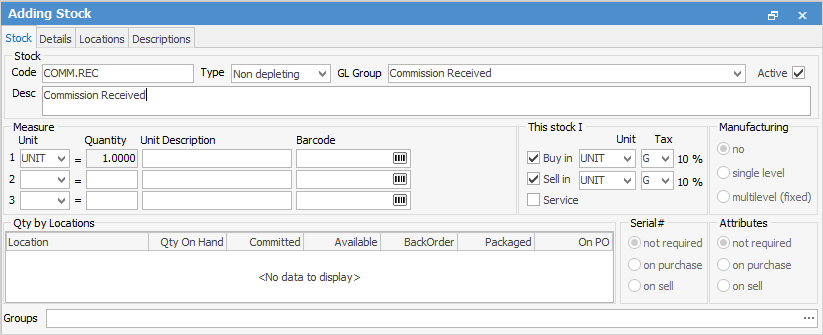
Add a stock record for Commissions Received, Type = Non Depleting.
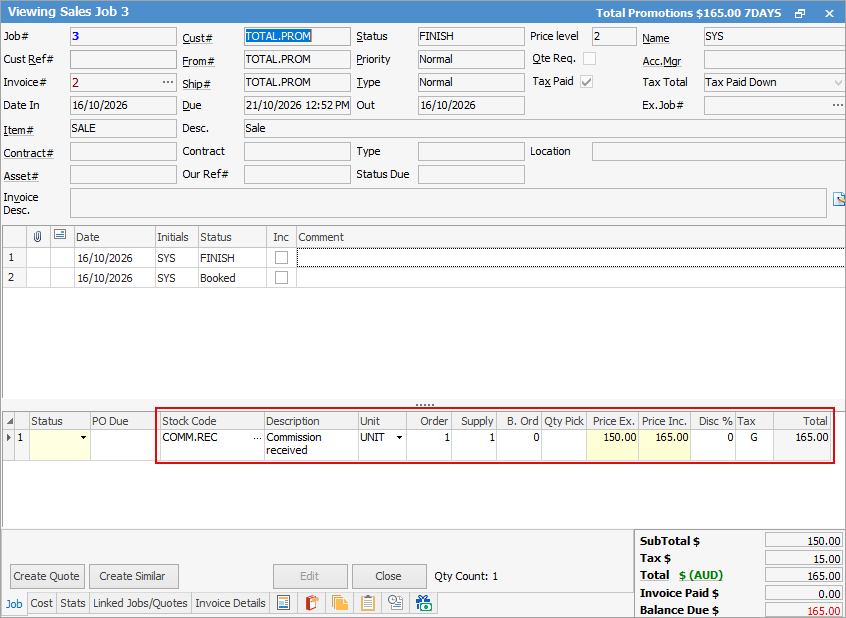
Add a job and invoice the supplier.
|
Note: Ensure that the supplier is ticked as a customer as well as a vendor, otherwise you will not be able to use the cardfile on the job. |

If you invoice the vendor for commission: Open the debtor record for the vendor and make a paynent for the amount, then double click in the Paid Now field of the invoice.
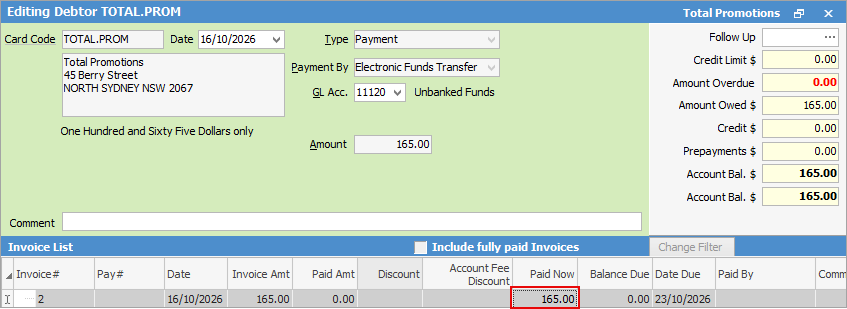
If you do not invoice the vendor for commission: Add a Negative Expense Order, and post to the desired general ledger account.
This will create a credit in the vendor's account. |
Further information
Factor a Procedure with 3rd Party Debtor Finance
Give a Customer a Permanent Discount