
The following example is based on filtering by a specific vendor. Stock will be transferred from NSW (PO Ship Location) to VIC (For Location). Transfer from is All Locations and Bulk Location is also BULK. Tick Show All Stock to bring all stock into the list, regardless of if there is a quantity on hand. Otherwise, you can select a stock code to show only that one in the list (as per below).
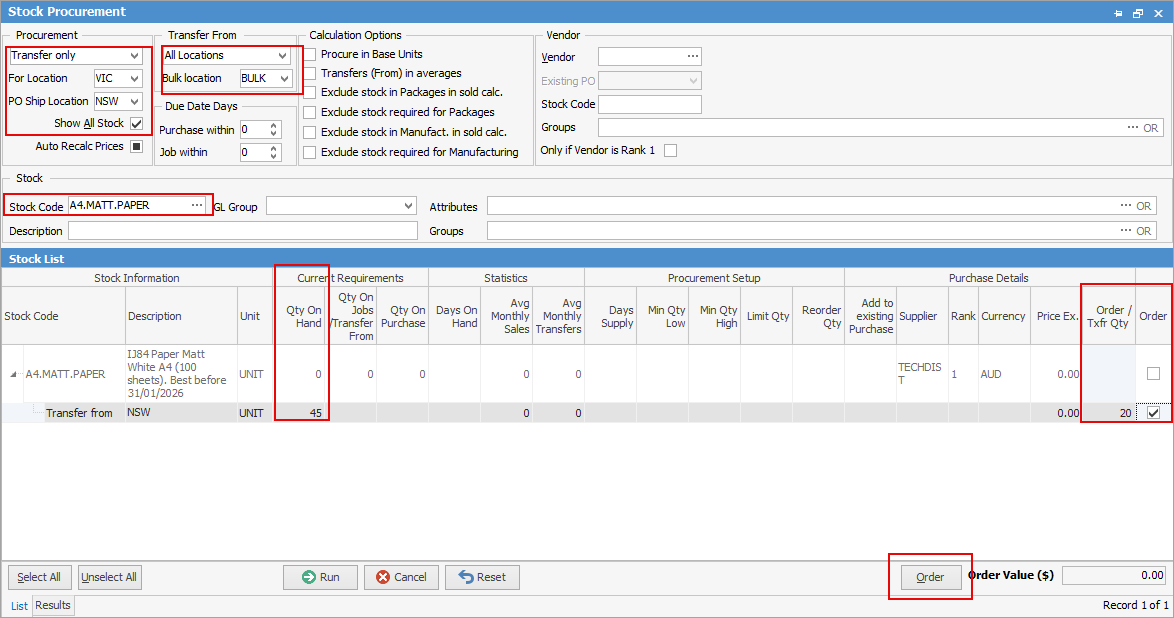
Enter the required quantity in the Order/Txfr Qty column and tick Order against each quantity to be transferred.
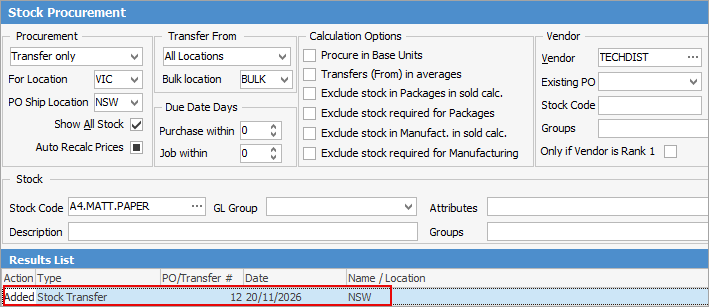
Click Order at the bottom right and the stock transfer is automatically created on the status of Booked.
Further information