The ability to use more than one database simultaneously is a must-have feature for multi-company sites.
To run multiple copies of Jim2 from the Jim2 Server, you need to do the following:
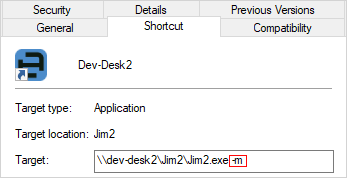
▪Right click on the Jim2 desktop icon on the Jim2 Server and select Properties from the drop-down list.
▪Change the Target string to ...\Jim2.exe -m and then click OK.
To run multiple copies of Jim2 on your workstation, you need to do the following
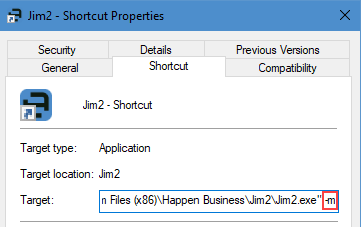
▪Right click on the Jim2 desktop icon on the Jim2 Server and select Properties from the drop-down list.
▪Change the Target string to ...\Jim2.exe" -m
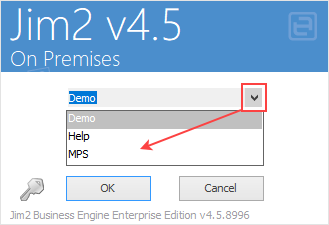
Now, you'll be able to run simultaneous instances of Jim2, giving you access to multiple databases at once, by selecting from the drop-down list.
 |
It's a good idea to change the colours of your different databases to differentiate between them. |
Further information
Handling of High Screen Resolutions