This explains how to create a template to use for recurring cheque entries.
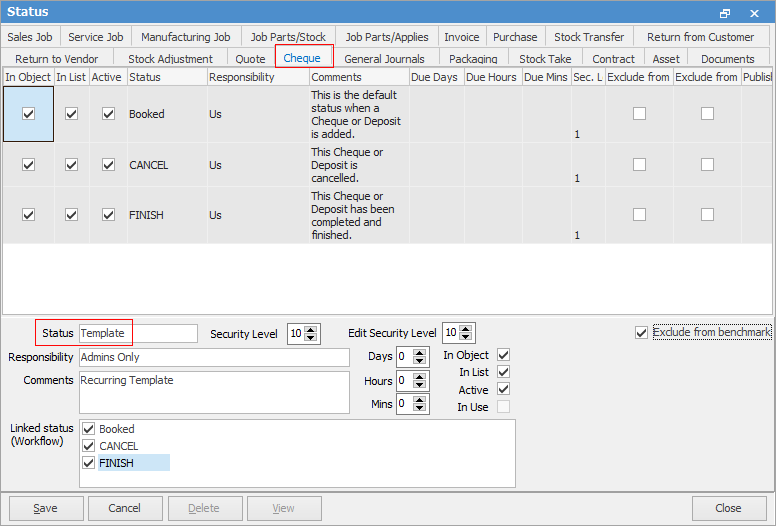
On the ribbon, go to Status and go to the Cheque tab. Add a new status called Template.
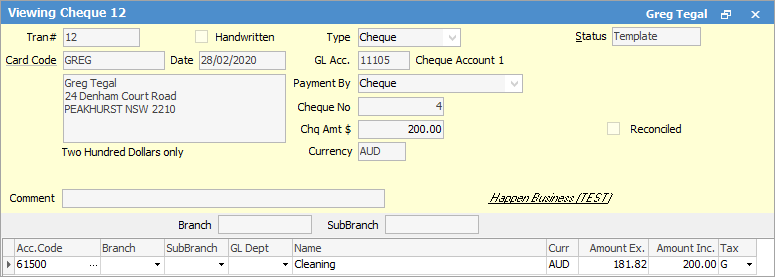
Go to Accounts > Cheque Book and create the recurring cheque, selecting the Status of Template.
You can then create a pinned Cheque Book list using the Status of Template.
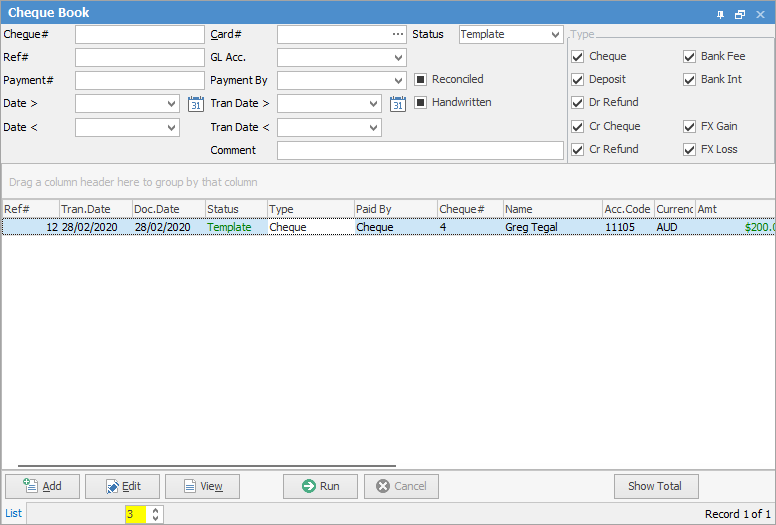
When it's time to add a new recurring cheque, select this template and make changes as appropriate.
Further information
Dealing with Dishonoured Cheques
Edit a Finished Cheque or Deposit
Transfer From One Bank Account to Another