This section of the Expense Order form contains a grid used to record any expenses that have been incurred in relation to an expense order.
Within this grid is displayed information regarding the cost of the goods, the tax free and the tax paid price of the goods, the tax code and total of the expense.

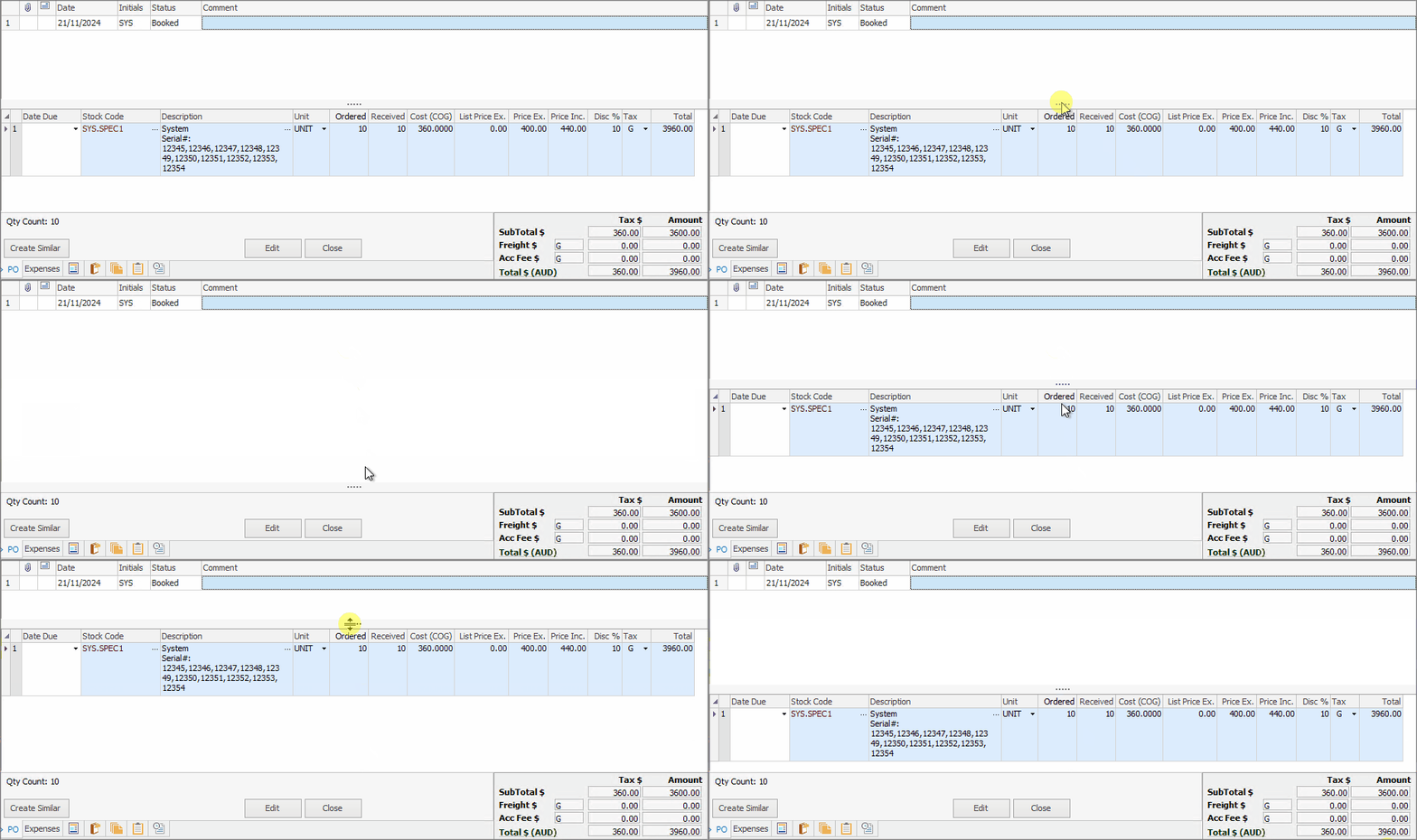
Expense order expanded view

Expense order not expanded
The stock grid area can be expanded by clicking and dragging the horizontal dots up and down. Double clicking the dots will hide the stock grid completely. Double click again to show.
The fields within the expense grid are described below. Depending on the Options/Setups, it is possible that not all of these will be available.
Field |
Explanation |
||
|---|---|---|---|
Date |
The date the entry is made. |
||
Initials |
The initials of the user who made the entry. |
||
PO# |
The purchase order number that the expense relates to, otherwise it will be blank if it doesn't relate to a purchase order. |
||
Account Code |
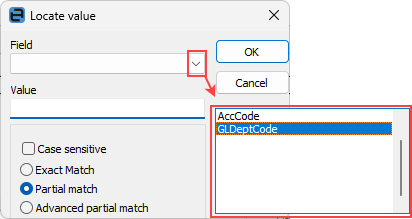
General ledger code for this expense. Use the ellipsis [...] beside this field to search for the correct code.
Note: Ctrl+S will open the Locate value screen to assist in locating the required code.
 |
||
Branch/Sub-Branch |
Enter the branch (only visible if Branches are being used).
|
||
GL Dept |
Select a GL Department (if required). |
||
Description |
This is a description of the expense. |
||
Qty |
Number of the units ordered. |
||
Price Ex |
The price without tax. |
||
Price Inc |
The price including the tax component. |
||
Tax |
Tax code. |
||
Total |
Total amount of the expense. |

|
When entering a negative expense order, the quantity is still entered as a positive number, as quantities for expenses are not kept track of. Only the dollar values should be entered as negative values. |
|
If the expense is applied to a purchase order, it will disregard the general ledger account selected and use the Expenses on Unfinished Purchase Orders account, and from there will be distributed to the correct Stock on Hand – Stock GL Group accounts. A branch (if branches are enabled), sub-branch or GL Department cannot be selected if the expense is applied to a purchase order. |
Further information