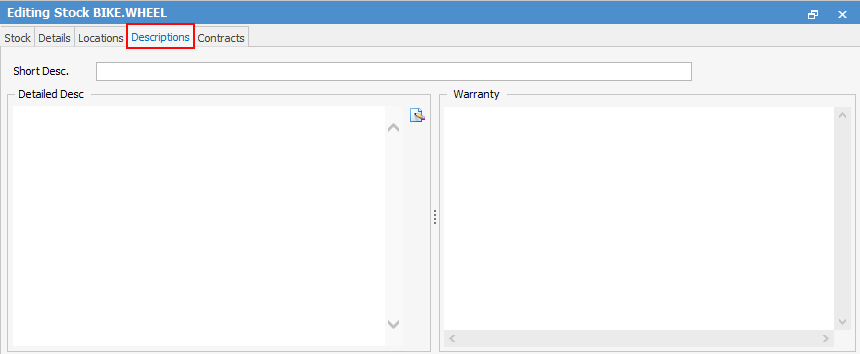
The Descriptions tab is where to add specific information for this stock code.
Field |
Explanation |
|---|---|
Short Desc. |
A short description of this stock – maximum of 256 characters. |
Detailed Desc. |
A more detailed description of this stock and extra notes, if needed. |
Warranty |
Warranty or other information can be entered here. |
These are optional fields that can be used to record extra information.
|
If eBusiness Connect is enabled in the Jim2 licence key, these fields can be populated from Vendor Stock Feeds |


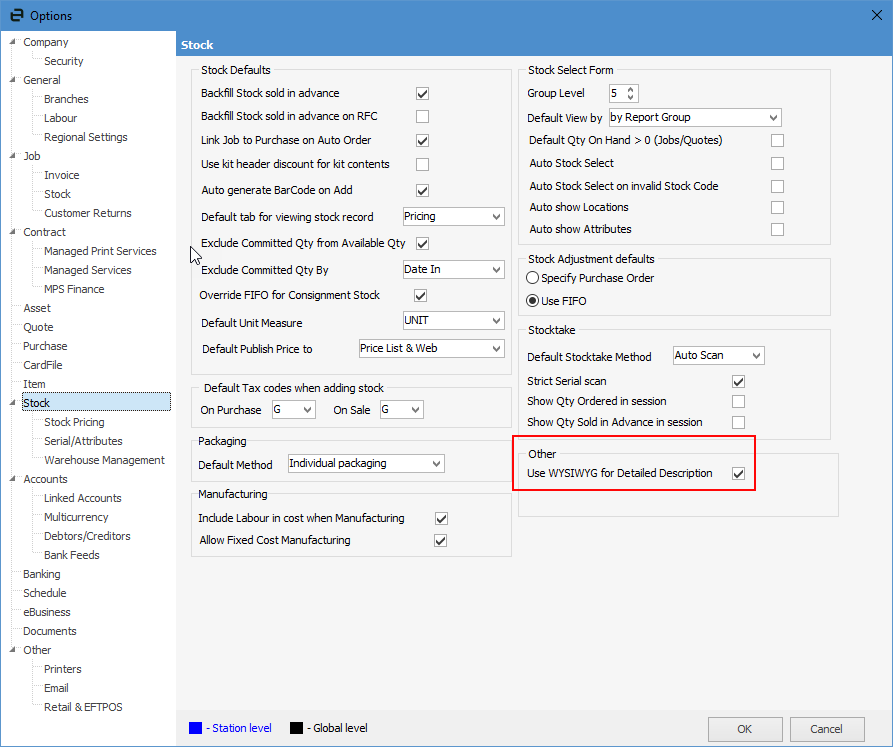
This field allows for WYSIWYG descriptions for use in web portal descriptions.
This must be enabled via Tools > Options > Stock – Other: Tick Use WYSIWYG for Detailed Description.
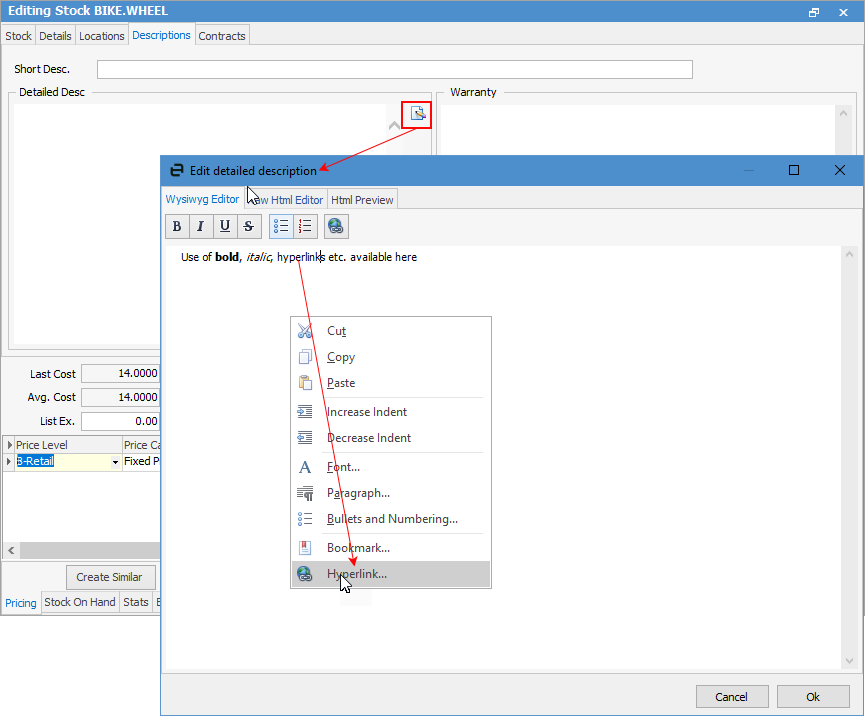
On the Descriptions tab of stock in Edit mode, click the write icon to bring up the WYSIWYG editor where use of bold, italic, hyperlinks etc. available. You can also edit raw Html and view a preview.
 |
Further information