The JEF Setup program is located in C:\Program Files\Happen Business\JES\JEF.
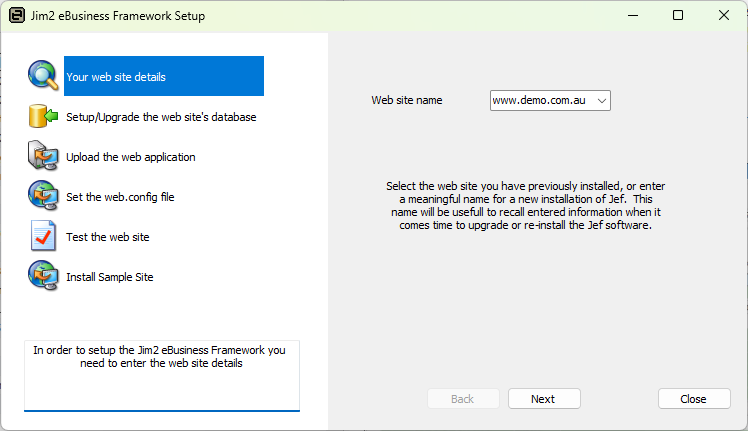
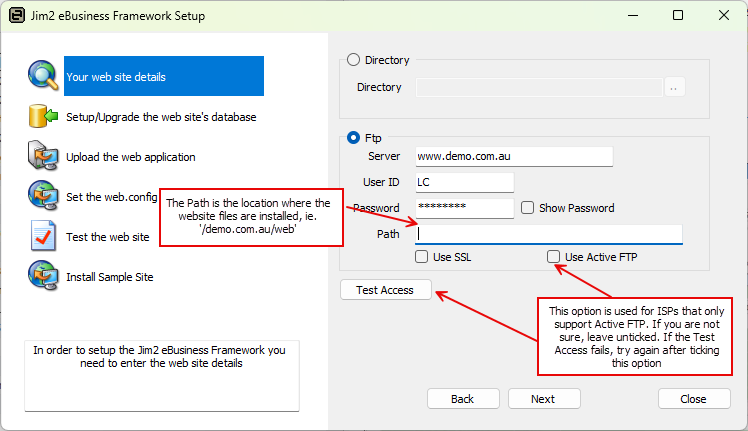
Enter either the directory or FTP details. See Deploy Path for more information.
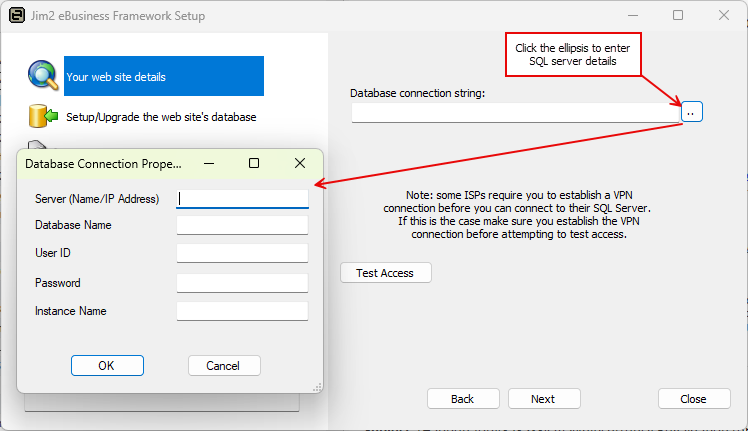
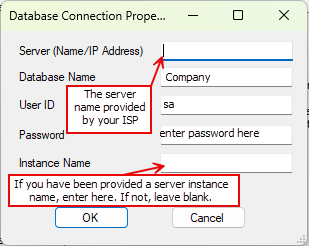
Use the ellipsis [...] to enter the SQL Sever details. See Database Connection String for more information.
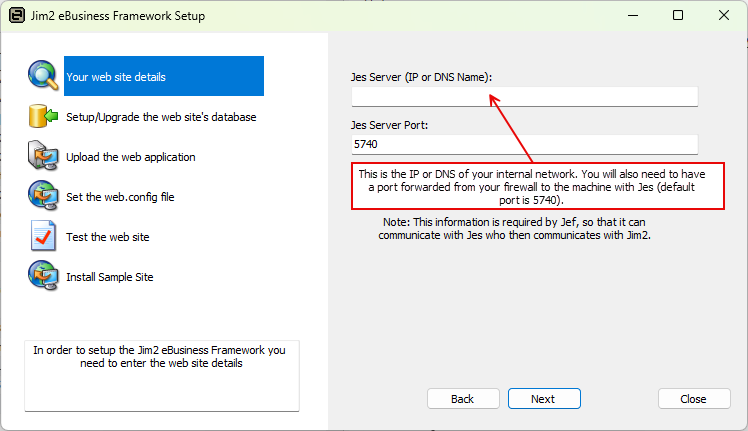
Continue the setup program following the instructions
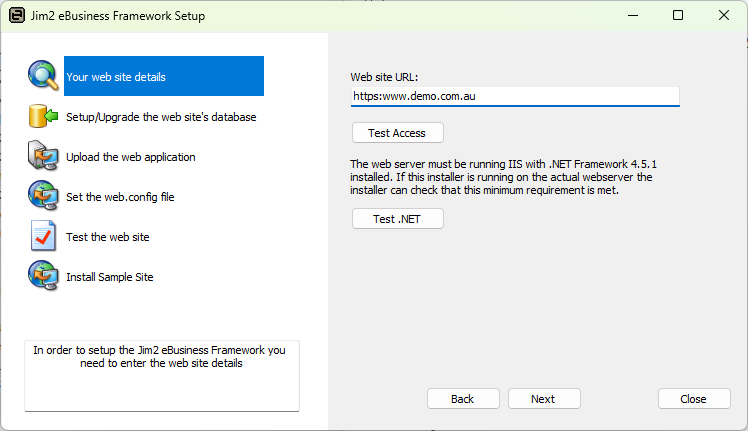
If an error is received during Set web.config file, please check Troubleshooting for more information.
Further information