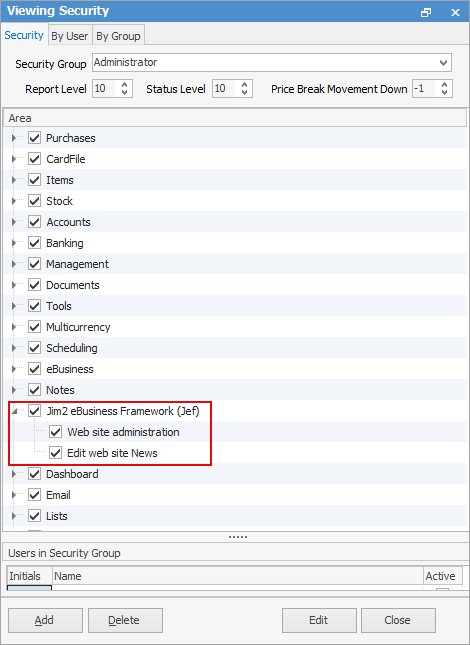
Set up an administrator that has JEF administration access.
In Jim2, on the ribbon, go to Tools > Security.
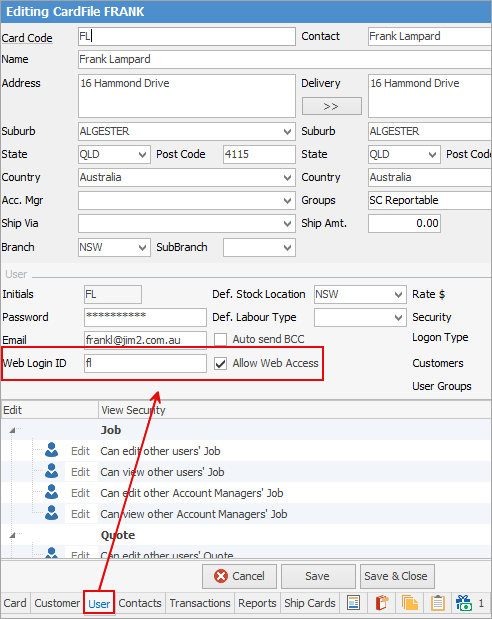
Set up user for web account. Go to the User tab on the cardfile and Allow Web Access as below and enter the Web Login ID.
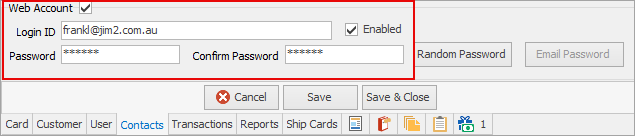
On the Contacts tab, add Type Email Password and enter the password.

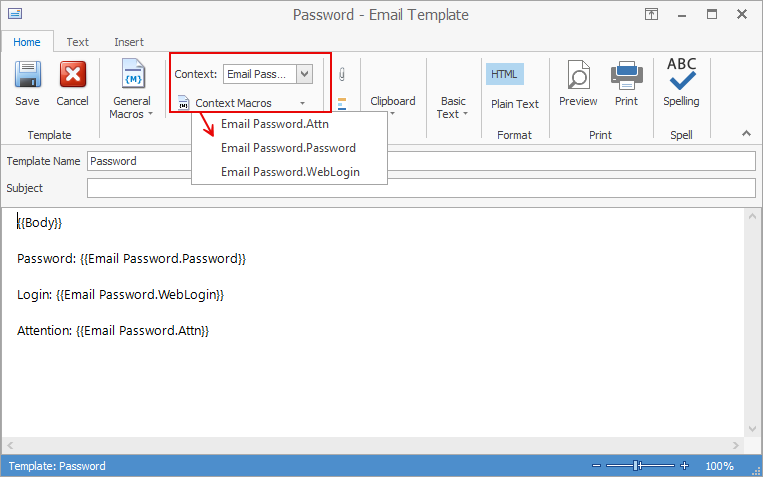
First, set up the password email template via Email > Email Templates on the ribbon..
Use the %WebLogon@ and %Password% macros within the email body.
On the ribbon go to Email > Email Editor Rules and create a rule as below:
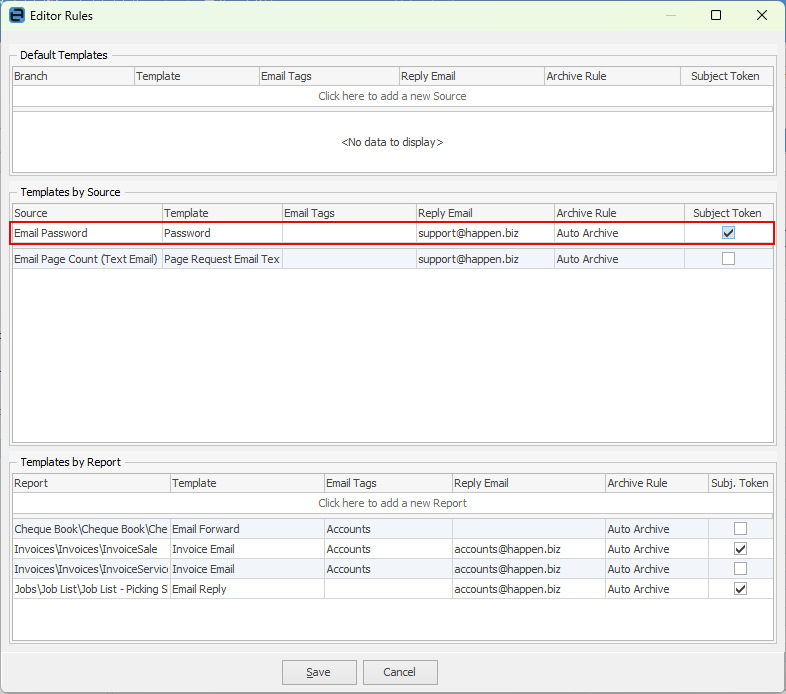 |
▪Restart JES with the Publish module enabled. ▪Wait a few minutes while JES performs its initial publication of data to JEF. ▪Log on with your user account (see here for troubleshooting). ▪Browse to the admin/admin.aspx in order to administer the website.
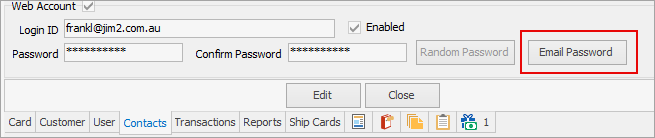
To send the email, go to the cardfile Contacts tab and click Email Password. This will send the email template based on the rule above.
 |
Further information