There are three options for setting up MFA on shared workstations. The simplest method is using a FIDO2 security key, such as a YubiKey.

Use a physical FIDO2 security key (eg. YubiKey) that plugs directly into the workstation's USB port. This allows secure and quick access without requiring a phone or app. See here for instructions. |
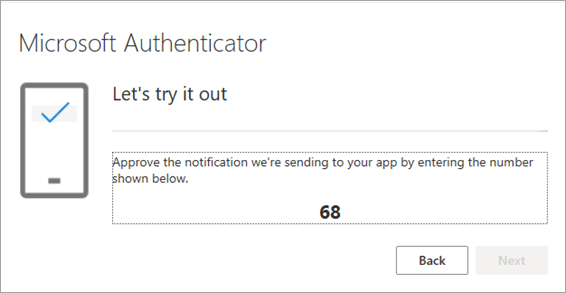
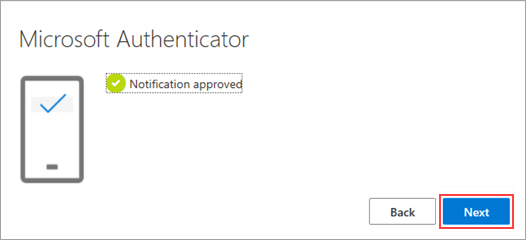
You can link up to five Microsoft Authenticator devices to a shared account, allowing multiple users to access the MFA prompt via their own mobile device. 1.Log in to your Microsoft account using the shared Jim2Cloud account. 2.Select Security info. 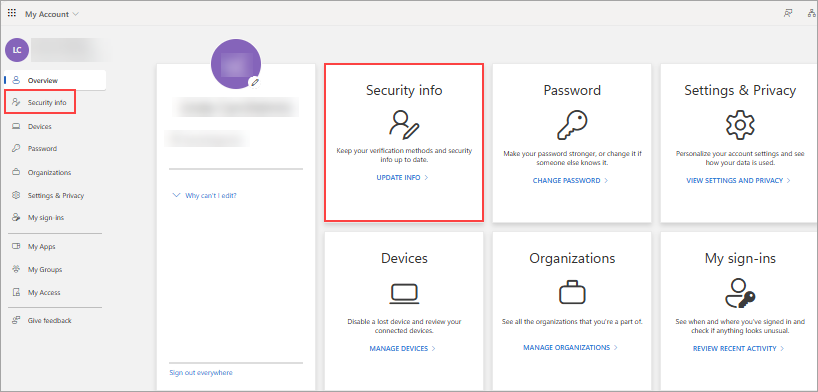 3.Select + Add sign-in method. 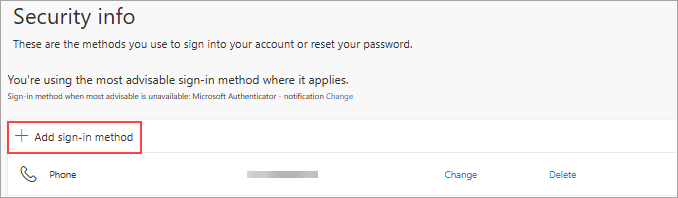 4.Choose Microsoft Authenticator from the list. 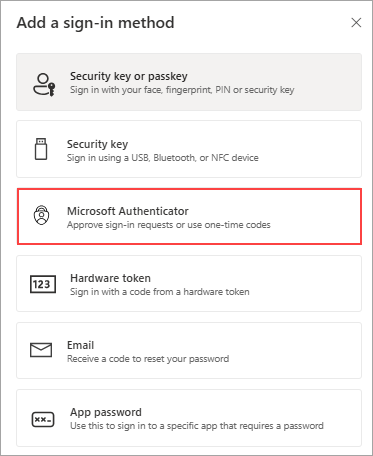 5.Follow the prompts to configure the account on the Microsoft Authenticator app on your mobile device 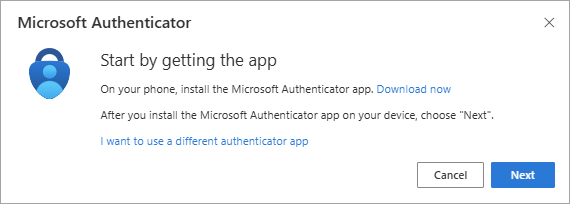 6.Open the app on your phone and tap + at top right to add a new account. Choose Work or school account, then scan the QR code shown on your screen. 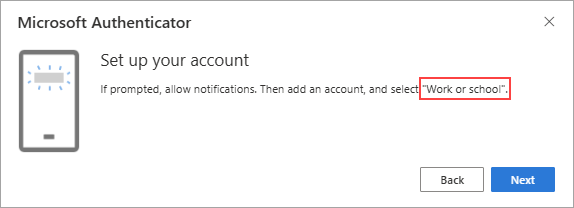 7.Scan the QR code using the Microsoft Authenticator app on your mobile device. Then click Next. 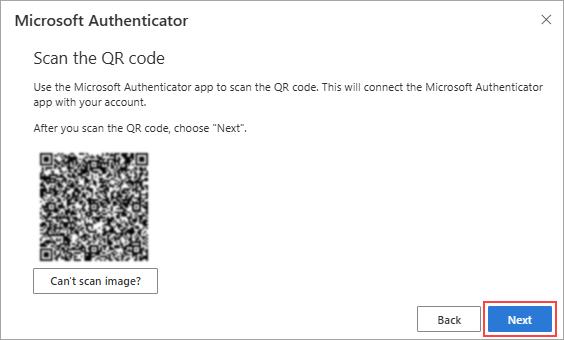 8.Approve the test notification sent to your device.
Repeat Steps 3 to 8 on each device you want to add (up to a maximum of 5).
Each device will receive MFA notifications each time an MFA prompt is made (currently every 90 days). |
You can set up an OATH token in a shared password manager (eg. 1Password, Bitwarden, Dashlane, KeePass).
This allows multiple authorised users to access the One-Time Password (OTP) when prompted for MFA. 1.Log in to your Microsoft account using the shared Jim2Cloud account. 2.Select Security info. 3.Select + Add sign-in method. 4.Choose Microsoft Authenticator from the list. 5.Select I want to use a different authenticator app. 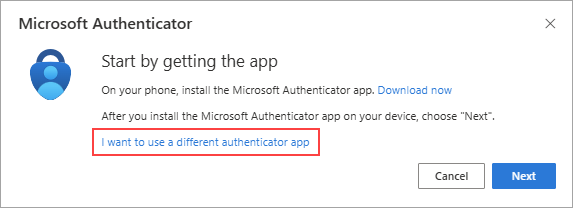 6.Open your password manager and choose to add a new 2FA entry or scan a QR code. 7.Scan the QR code shown on the Microsoft screen using your password manager. 8.Back on the Microsoft screen, enter the 6-digit code generated by your password manager to verify and complete the setup.
Now that setup is complete, any user with access to the shared password manager can use the OTP to approve MFA prompts when logging in from the shared workstation.
|

A single device can be shared amongst users, or up to 5 Hardware OATH tokens can be registered per user account.
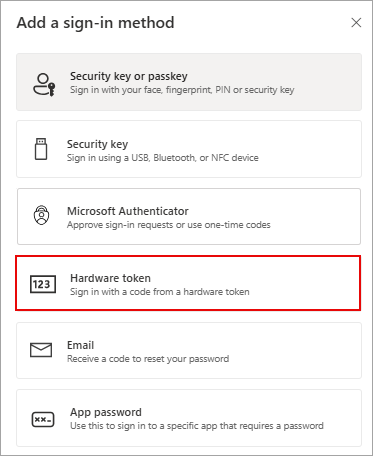
Any OATH-compliant One Time Password token device can be used. Examples include Deepnet SafeID tokens, Feitian OTP c200, SafeNet OTP 111/112, Token2 C202/C203 and Protectimus Slim NFC. 1.Go to https://myaccount.microsoft.com Log in using the shared Jim2.Cloud account. 2.Click Security info. 3. Click + Add sign-in method. 4.Choose Hardware token. 5.Enter the serial number from your OATH device 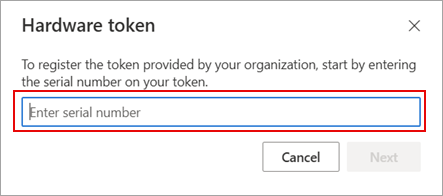 6. QR Code enrolment for TOTP authenticators We can provide a QR Code to enroll as many devices as required using 6-digit TOTP tokens (AKA Google Authenticator). Any app that supports TOTP 6-digit tokens can be used (e.g. Google Authenticator, Microsoft Authenticator, 2FAS, 1Password, KeePassXC, Bitwarden, Duo, etc.) Each staff member will need to onboard an authenticator device using the QR code, or have access to a device that has been onboarded. |
Further information