When accessing your SharePoint or OneDrive integration, you must ensure you're signing in with your Company Microsoft 365 (M365) account.
By default, your Jim2Cloud account may be pre-selected, which will not provide access to your organisation's OneDrive or SharePoint.
To correct this:
▪Select Use another account.
▪Sign in using your Company M365 login details
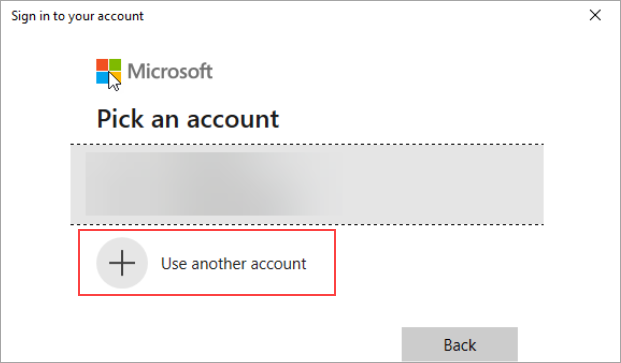
This ensures proper access to your organisation's cloud storage and prevents syncing issues.
Further information
Add and Link to On Premises Document
Add a Document Within Jim2Cloud
Import Files from Your PC to Jim2Cloud
Open or Save Files from Jim2Cloud