There is a selection of products to be sold at an agreed price and period of time, when sold against a project or machine (only applicable to users of Managed Services and Managed Print Services editions).
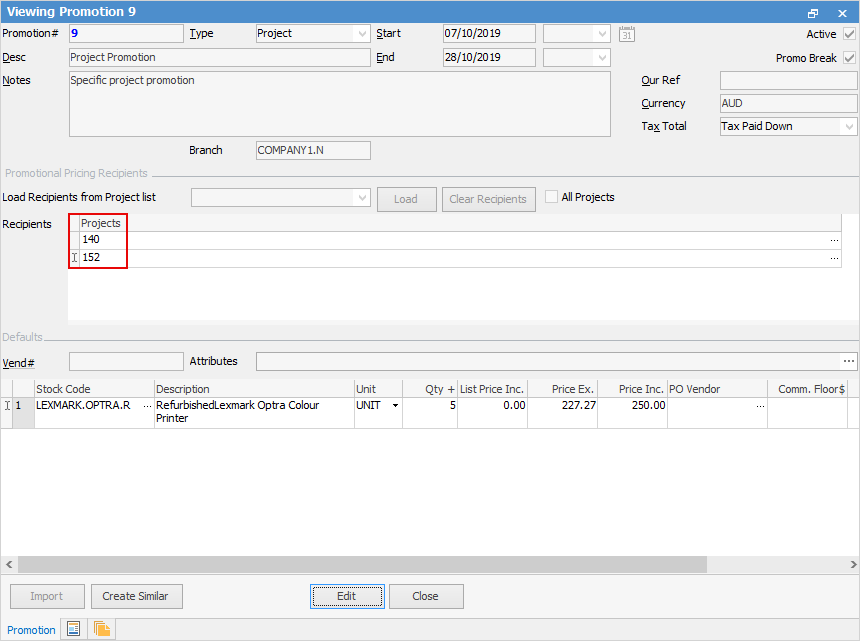
▪Create a new promotion and set Promotion Type to Project (or whatever it is called in your database).
▪Add the project(s) to the promotion Recipients. This can be done individually, or via Load Recipients from Project List. To use this option, create a cardfile list first. This will then be selectable in this area.
▪Set the promotion start and end dates (if based on a period)
▪Add the stock, along with price, buy breaks, etc.
▪Tick Promo Break. The Promo Break forces a price to be calculated at that point, and stops moving down the ranking to see if there are lower prices.
Further information
Promo Pricing for All Customers
Promo Pricing for One or More Customers