Follow these links to set up MPS Finance before continuing:
When adding a contract and selecting a Finance Deal Type, the Finance tab will appear at the top of the contract.
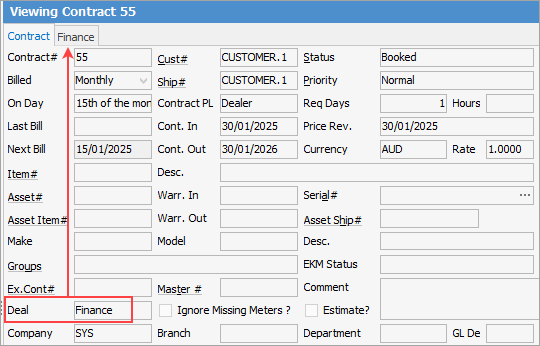
The fields are largely self-explanatory, and defaults for the Finance cardfile and Charge Type can be set up up in the Deal Type setup:
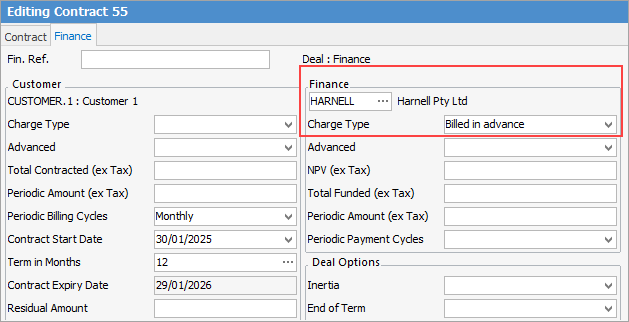
More information can be added via the Deal Type setup to allow automatic population of other fields.
Further information
Add a Child to Master Contract
Assets Swaps and Early Billing
Copy Fields to Child Contract Explanation