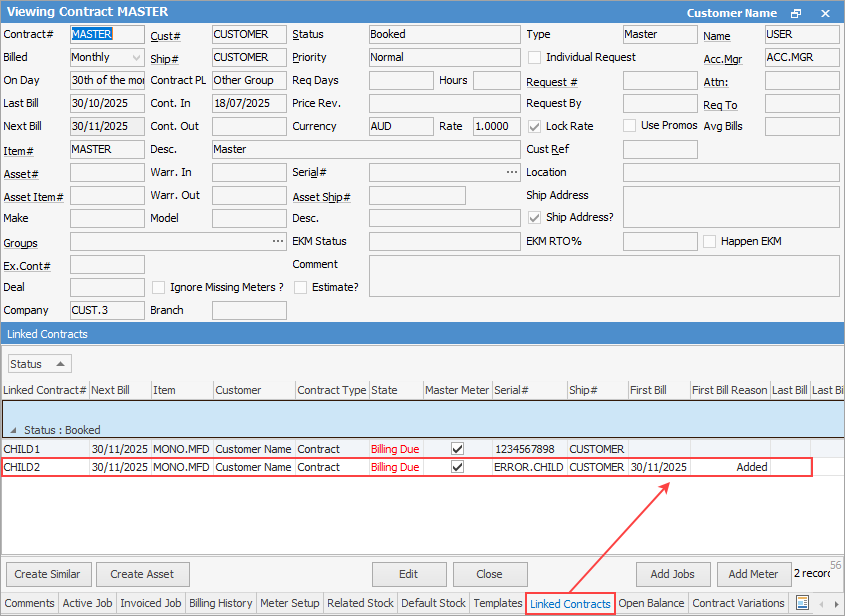
When adding a new child contract to an existing master contract, a contract start read and a reason must be provided.
Open the master contract and click Add Meter, then choose Add Contract Start Read. This will bring up the billing window listing all child contracts that require start reads.
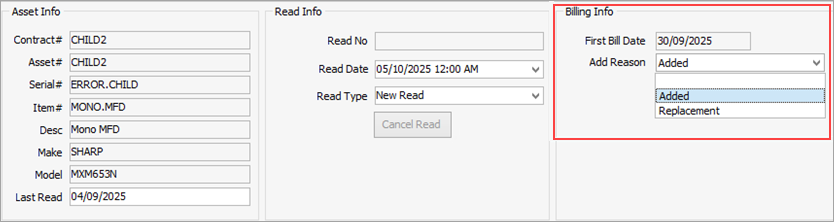
Enter the read date – this must be before the first bill date. Select the Add Reason from the dropdown list:
▪Added means the contract has been added as a new contract to the master.
▪Replacement means it is replacing an existing contract on the master.
Enter the start reads in the contract start read area and repeat for any others, then click Submit Read.

Further information
Assets Swaps and Early Billing
Copy Fields to Child Contract Explanation
Enter Prepayments on Contracts