|
Note: If the line is coloured blue, the stock has been selected on a job already, so it is linked. |

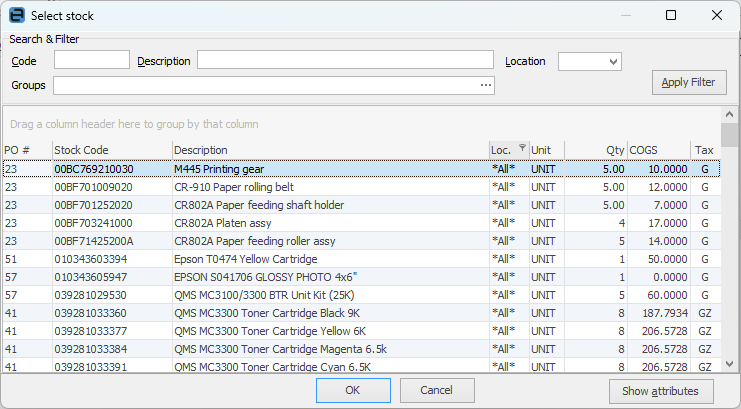
To add stock, click the ellipsis [...] in the Stock Code field, or enter the stock code which will bring up the Stock Select grid displaying any purchase orders for this stock which have a balance remaining.
Otherwise, click the ellipsis [...] within the Stock Code field to display the Stock Select grid and use the Filters and Apply to locate the stock.
Once the stock code and the purchase order have been located, click OK.
Further information