There are two ways to return packages.
1.Return part of a package.
| The entire package does not need to be returned. To return part of a package, enter the stock code into the stock grid of the Return From Customer screen. If the components being returned are serialised, Jim2 will not request a package number. If the components are not serialised, select which package the stock was sold from. If this is known, enter in the value. If not, leave as zero. |
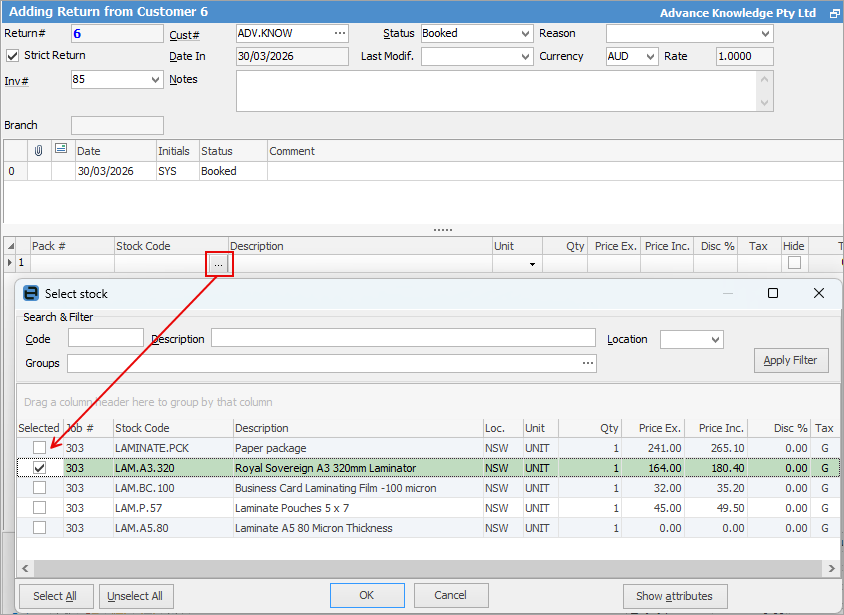
| Once part of a package is returned, you can no longer return the remainder of the package. |
2.Return a complete package.
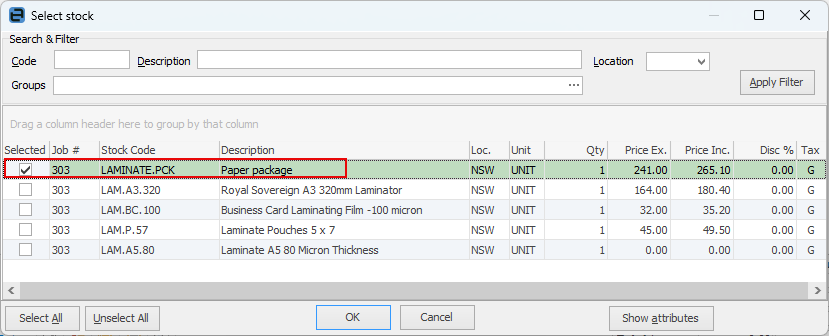
| To return a complete package, select the ellipsis (...) beside the stock code and select the correct package to enter into the stock grid of the RFC. |
Further information