Add a job as per normal and add the package stock to the stock grid, or select the ellipsis [...] in the description of the package header to select the packages. Enter the quantity required,
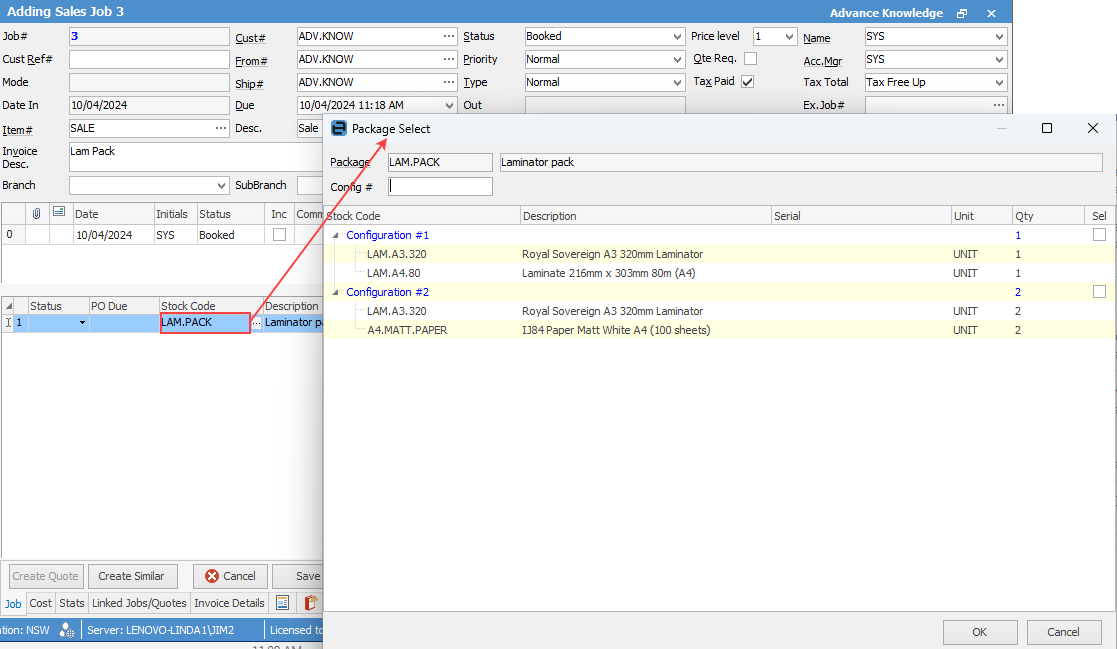
The Package Select screen will appear. Scan or key the package number into the field on the top left, or tick Show all packages on the right and select the package by ticking the appropriate Sel box.
This will fill in the serial numbers for the stock on the job (if required), including marking the package header's pack#, to address this package.
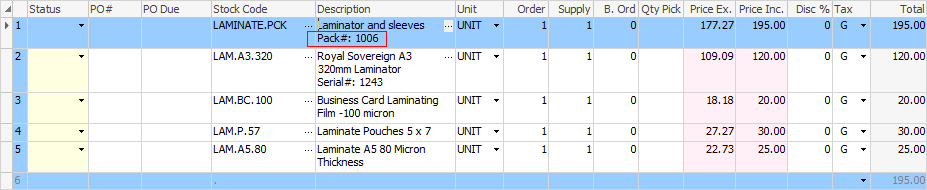
Continue with finishing and invoicing the job as per normal.
|
Some letters in the field names within the header are underlined, eg. Cust#. Using Alt+ the underlined letter will jump to the field beside that heading. |

Further information