There may be an occasion when a component may be needed to be sold from a packaged stock, for example, if there is no separate stock on hand and a customer needs this stock now. Unpackage either an entire packaging session or just one package from a packaging session.
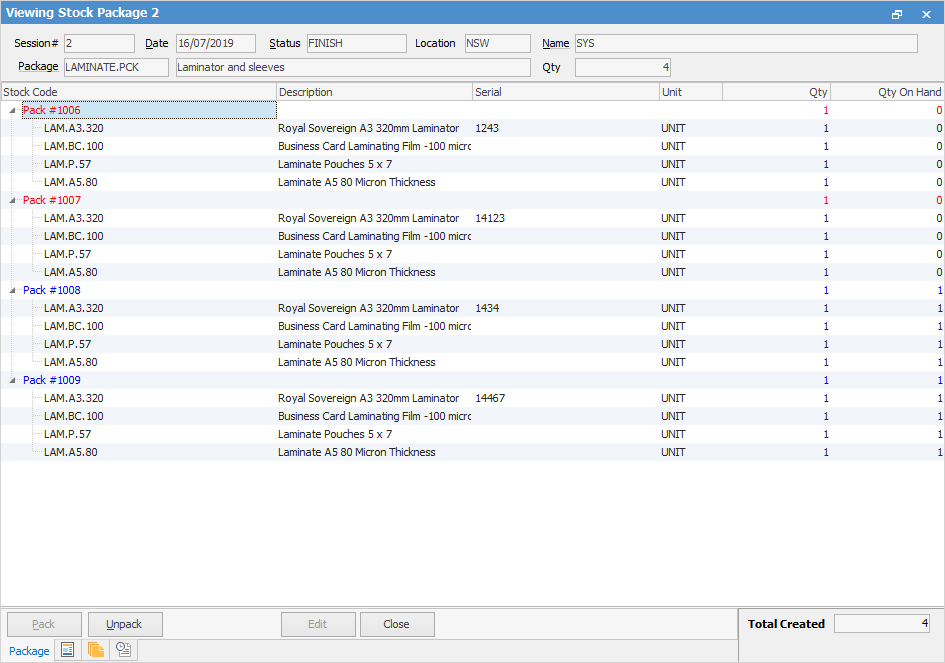
Red text colour indicates packages that have been sold. Blue text indicates packages in stock and that none have been sold as yet.
Open the packaging session containing the package(s) to be unpacked, and choose the package. Click Unpack at the bottom left of the screen.
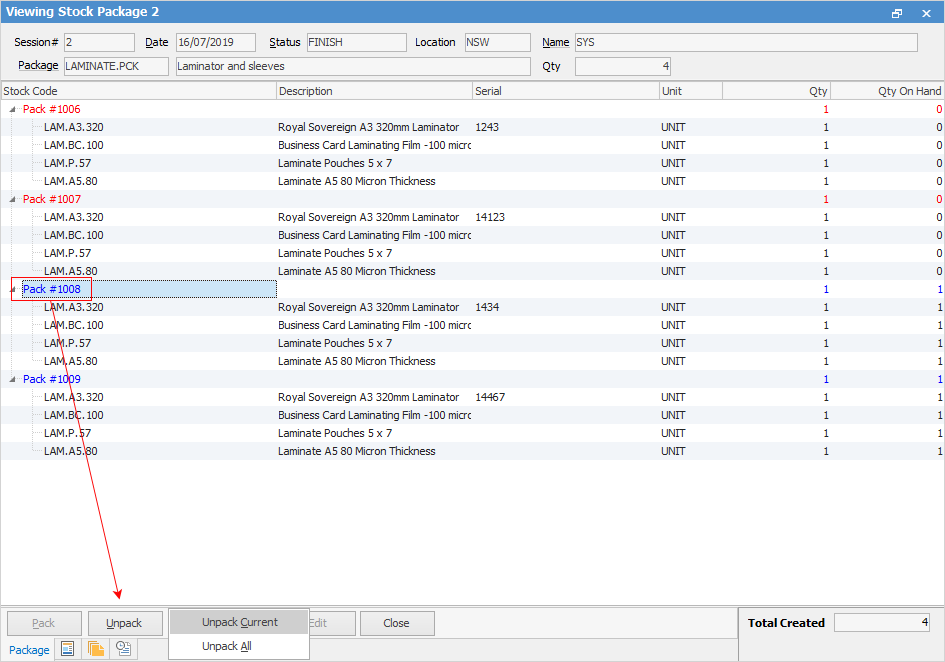
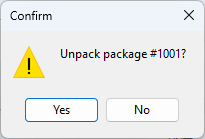
Click either Unpack Current (the selected package) or Unpack All. A confirmation message will appear, so click Yes to unpack.
Further information