When unprinting a Manufacturing job the Manufacturing purchase order will be placed on the status of Cancel. The stock grid in the purchase order will be cleared, but the Manufacturing job number will remain in the Notes field, for future reference.
To unprint the Manufacturing job, locate the Manufacturing job number to Unprint.
To unprint, go to Jobs > Unprint on the ribbon. Three options will drop down, the last one being Unprint Manufacturing Job.
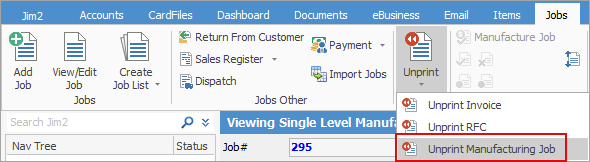
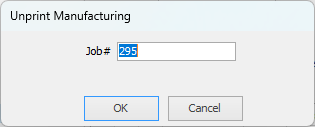
Select this option and the following will appear to enter the job number.
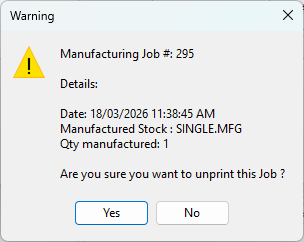
A warning screen confirming the Manufacturing job details will appear. If these are correct, select Yes.
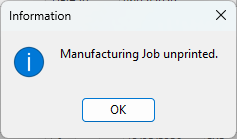
Once the Manufacturing job has been unprinted, there will be an Unprint confirmation.
The Manufacturing purchase order will have its status changed to Cancel, and the stock removed from the grid.
Reprinting a Manufacturing job will offer to use the original purchase order, or a new one.
Further information
Add Single Level Manufacturing Stock
Set up and Use Multi-Level Manufacturing
Add Stock to a Manufacturing Item