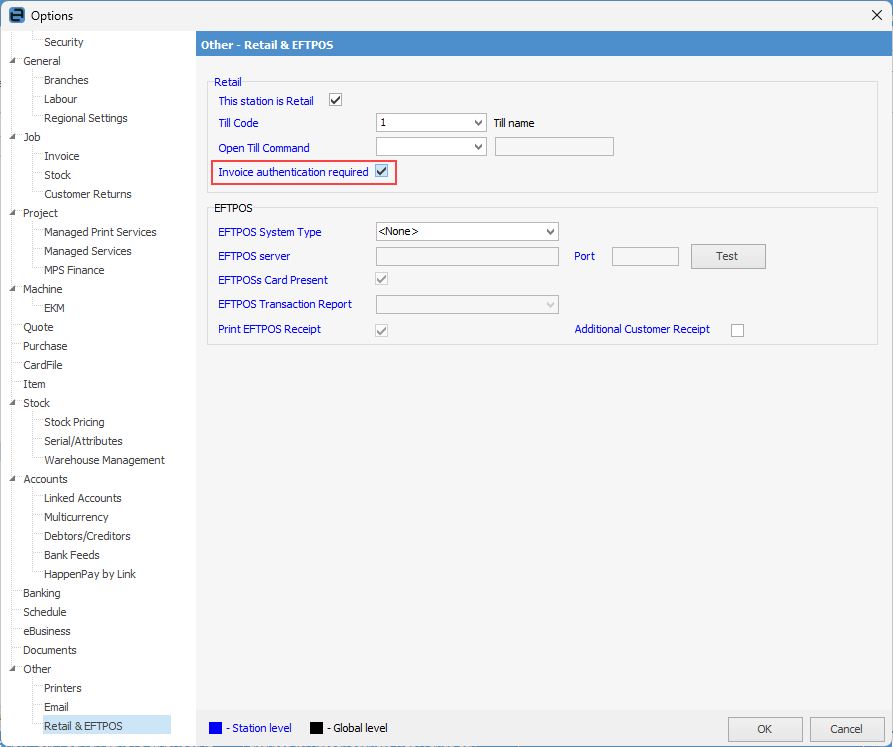
If this option is ticked, Jim2 prompts invoice authentication security to ensure invoices are logged specifically to the user creating the invoice without the need for the user to log on to the workstation.
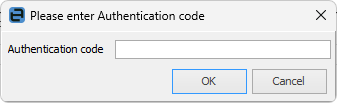
The authentication code is the user's initials(space bar)password (ie. sys password).
 |
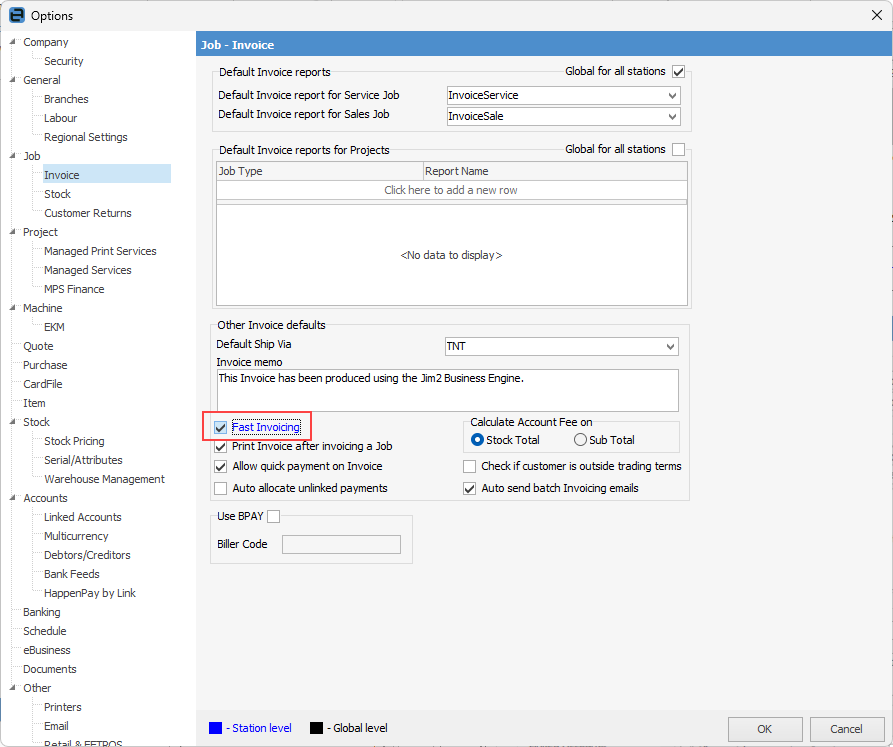
To enable fast invoicing on the ribbon, go to Tools > Options > Jobs > Invoice and tick Fast Invoicing.
On the ribbon, go to Tools > Options > Other > Retail & EFTPOS and tick Invoice authentication required.
At the point of invoicing, any user will need to identify themselves with their user initials(space)password and press Enter before the sale is processed. |
The following screen will appear for entry of the authentication code (user's initials(space bar)password (ie. sys password)).
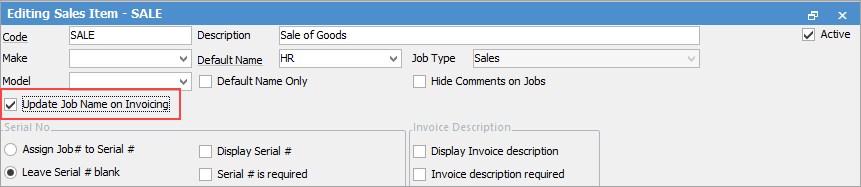
If multiple people are putting sales through the same terminal and you want to know who processed which sale, then as well as Invoice Authentication being ticked, you also need Update Job on invoicing ticked on that Job Item.
Fast invoicing can be used without a till being present, however it does not replace full job-based invoicing where detailed job tracking or batch invoicing is required. Invoice authentication should also be require in this instance to ensure that every invoice is logged against the correct user.
Further information