Most Jim2 objects support linked documents. This is useful for attaching documents that are specific to the object, for example:
▪a picture of a faulty product linked to a service job (ie. attach a photo to a job)
▪a signed service report linked to a service job
▪a signed delivery docket linked to a sales job
▪a product picture linked to stock
▪a network diagram linked to a project
▪a signed acceptance form linked to a quote
▪a document linked to a cardfile
▪in fact, any type of file linked to almost anything.
A document in Jim2 is a standalone document, and it can be linked to one, many or no Jim2 objects.

View the object, then drag and drop the file (from the drive/network) directly onto it.
See Add a Document for more detailed information.
A document added in this way would normally be flagged as Hidden, meaning that it won't be displayed in a document list, unless the Show Hidden icon is clicked on the ribbon.

|

Manually add or link to an existing document directly from the object's Documents tab. |
Unlink a document (ie. remove the link) or delete a document from an object.
See Add or Link Existing Document for more detailed information.
|

When viewing an object (job, quote, etc.), all documents related to that object are available from the object’s Documents tab.
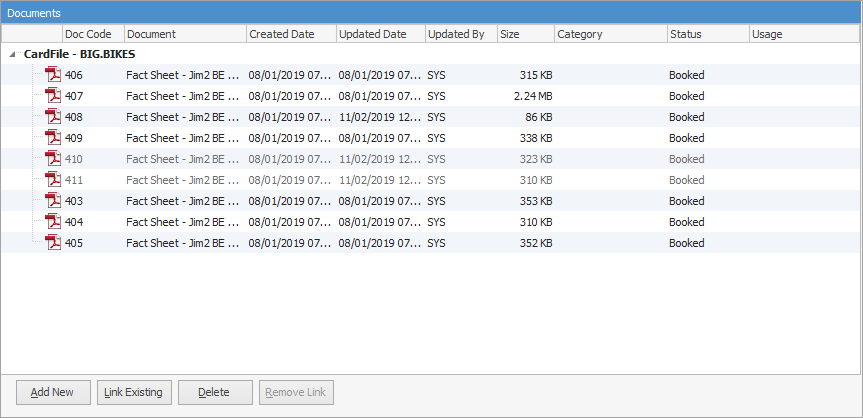 |
Additional documents related to objects:
Jim2 object |
Documents available from object’s Documents tab |
|---|---|
Job |
Job Item Project Linked Quote Previous Job All Cardfile Documents |
Quote |
Quote Item Project |
Purchase |
Purchase Linked Expense Linked Job |
Project |
Project Item Master Project |
Stock |
Stock Manufacturing Item Service Item |
Item |
Item Stock (if linked) Related Service or Manufacturing Item |
|
Since all documents are stored within the Jim2 database, the Jim2 backup file size will increase accordingly. See Database Size Maintenance for more information. |

Further information