|
Following Jim2’s workflow methodology, documents are status driven. There are four inbuilt (system) statuses as shown in the table below.
|
|
|
Booked
|
The default status when adding a new document.
|
Cancel
|
The document has been cancelled.
|
Check Out
|
The document is currently checked out.
|
Finish
|
The document has been completed.
|
In addition to Folders, Tags and Category, documents can also have a defined usage. There are seven built in usages:
|
|
|
Image
|
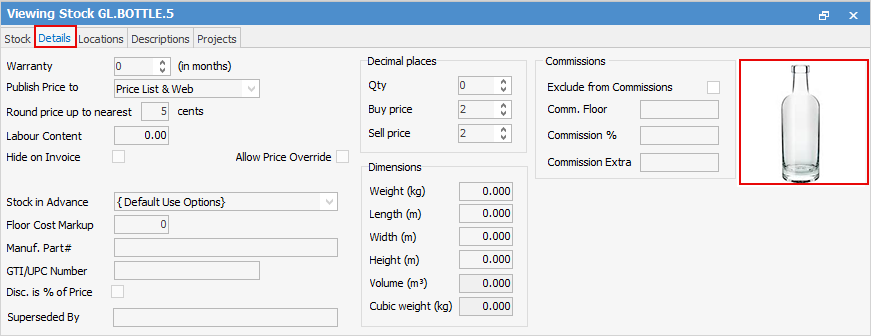
The document is an image that may be used to add to a quote, stock, etc. For example, a picture of a faulty product linked to a service job.
|
Signed Document
|
The document is a signed report, ie. a report generated by Jim2 which has been signed by a customer and/or technician and has been saved as a document. This feature is available via Jim2 Mobile.
|
Signature
|
The document is an image of a user’s signature. This is used when signing reports via Jim2 Mobile.
|
Picture
|
The document is a picture typically used to identify a document as an image to be used on websites, etc.
|
Image 16x16,
Image 32x32,
Image 128x128
|
Different sizes of images, which may be used to add to stock, etc. For example, a product picture linked to stock.
|
|
|
The purpose of usage is mainly for filtering lists, and for default stock images, etc.
|
|

|
Since all documents are stored within the Jim2 database, the Jim2 backup file size will increase accordingly. See Database Size Maintenance for more information.
|
Further information
Document Security
Document Lists
Folders, Tags and Categories
Hidden Documents
Document Preview
OneDrive and Sharepoint Integration
Tabs in the Footer
Version Control
Add Documents
Add or Link Existing Document
Check Out/In a Document
Documents and Objects
|