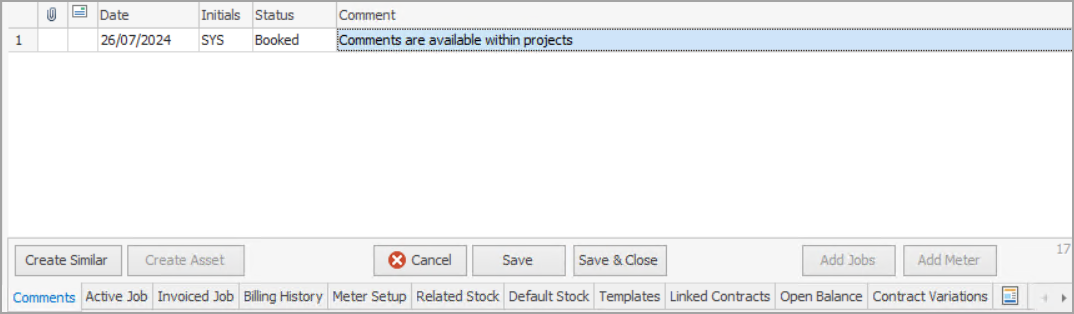
This screen lists all comments entered into the Contract. Unlike the Comment field in the header, these comments are not visible to customers.
You can also highlight any comment line and pin to the top of the Comment grid by right clicking in the Comment grid and selecting Highlight & Pin to top.
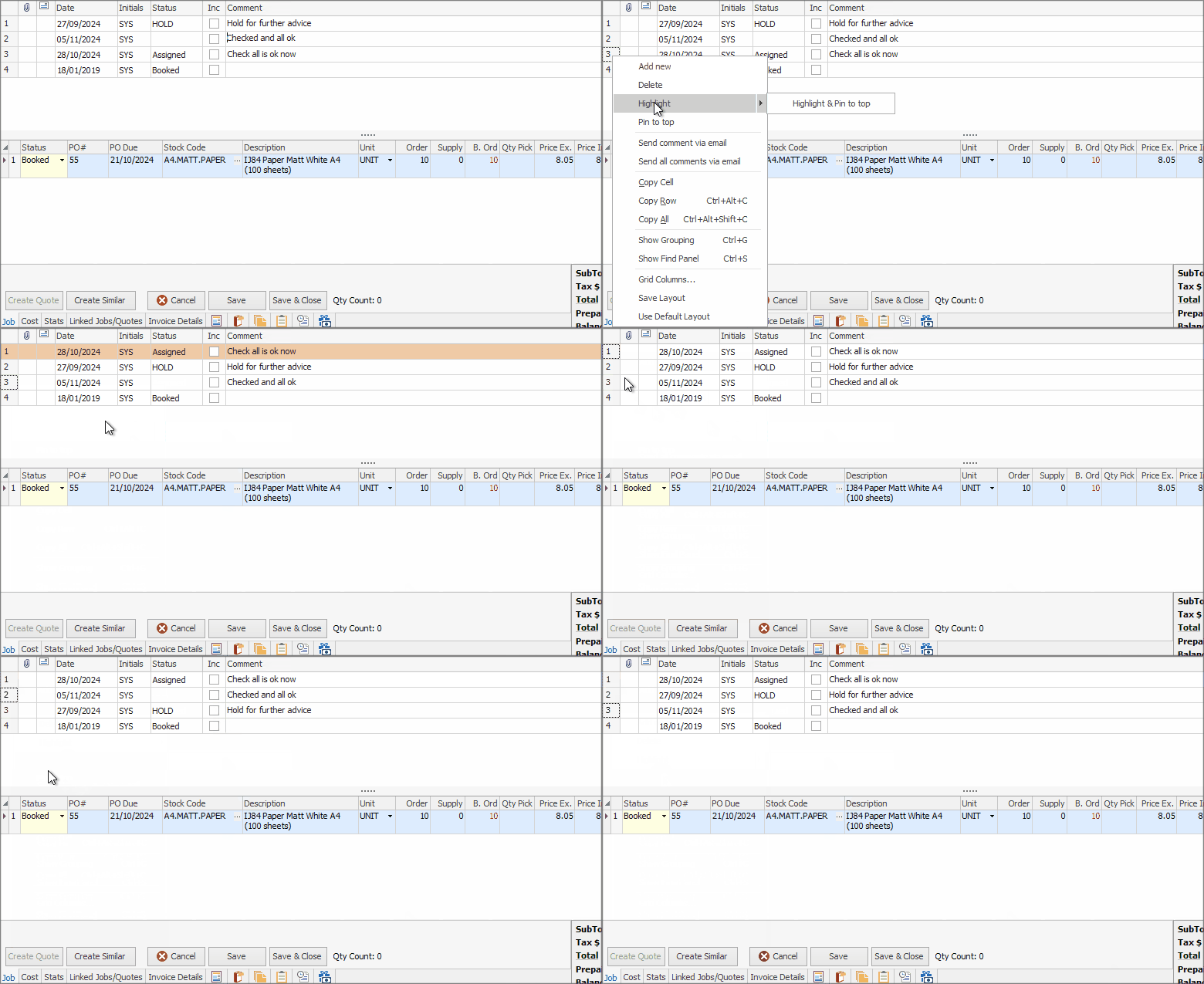
Above shows for a job, however it is the same for projects.
This tab allows right click within the lower area where comments can be added at any time.
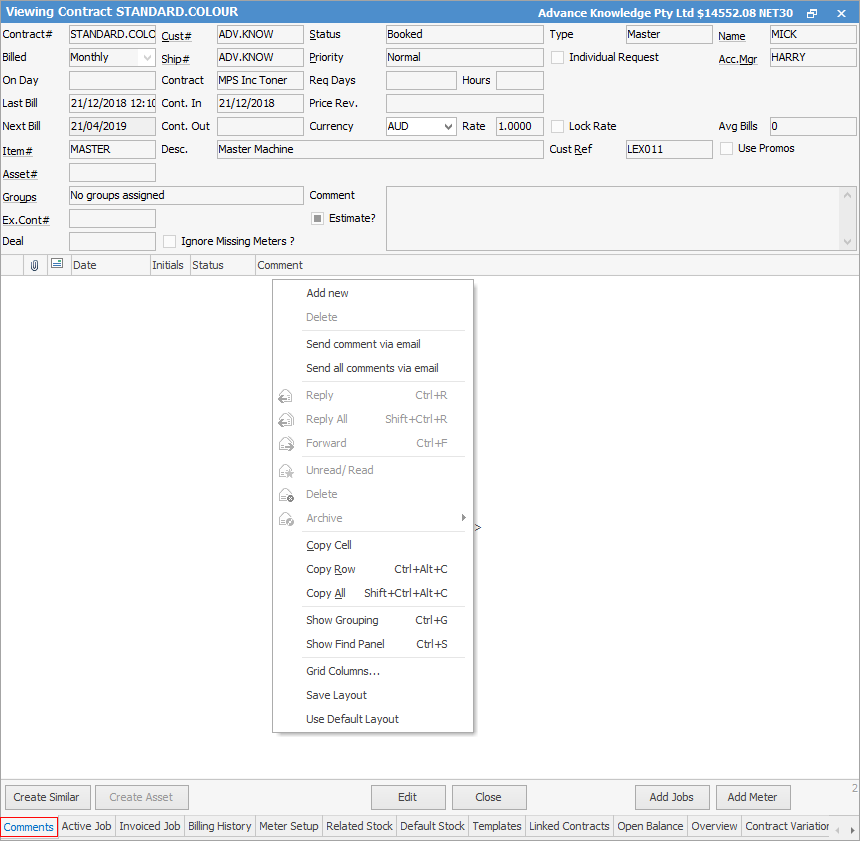
As can be seen in the above image, there are further right click options within the Comments area, all self explanatory.
Further information