To reverse a discount or account fee entry in the Credit screen:
1.Open the creditor and stay in View mode.
2.Go to the Payments tab of the creditor's record.
3.Locate the discount or account fee to be reversed.
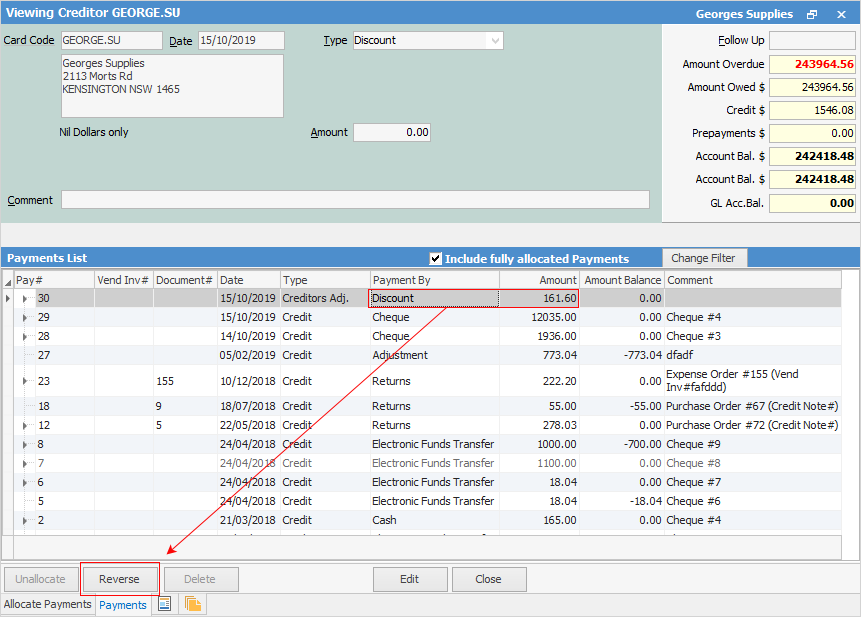
4.Click Reverse (at the bottom left of screen).
5.A message to confirm this action will appear.
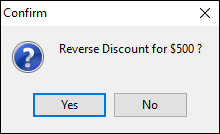
6.Click Yes.

8.Now the discount or account fee will not be shown, and the purchase balance has been changed.
Further information
Discounts and Account Fee entries