The email preview pane sits to the right of the email list in Jim2.
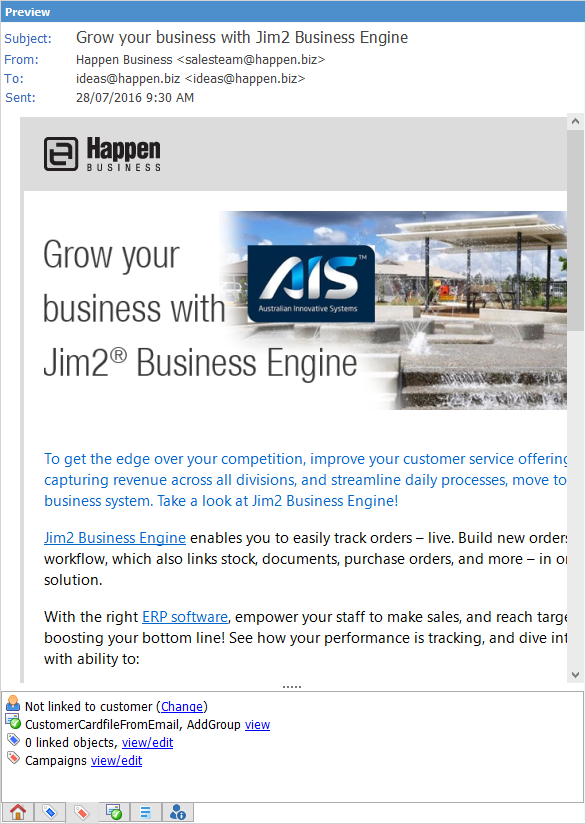
|
Note: You can enlarge the text in the preview pane by pressing the Ctrl key and using the mouse wheel to scroll up. Reverse of this will reduce it. |
 |
Note: The security level for the preview pane defaults to 5. |
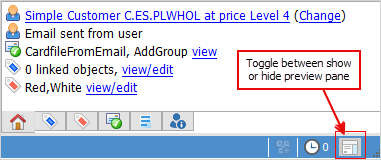
The Preview pane icon in the bottom right of the Jim2 task bar will show/hide the preview pane, and the pane splitter  to the left of the preview pane allows resizing the width of the pane.
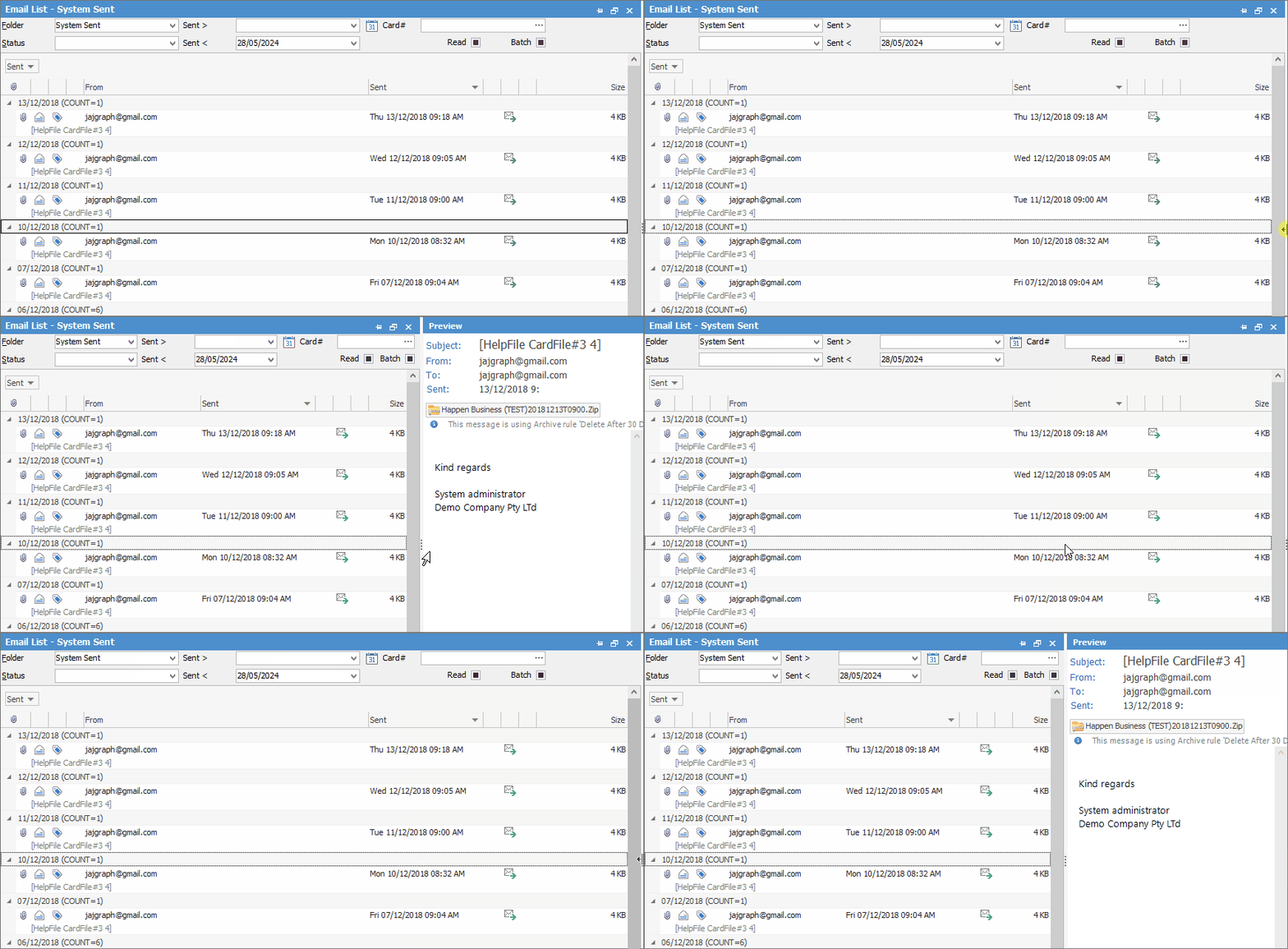
If the Preview Pane does not appear, click on the 3 vertical dots at far right and drag to the left, or double click for it to appear:
 |
At times the preview pane might fail to generate due to delay if resources are in use elsewhere. This can usually be resolved by closing/reopening the preview pane. |

You can right click in the header area as shown below to bring up the following options:
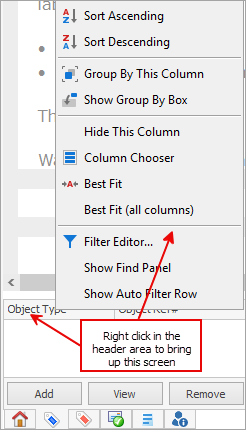
The Column Chooser allows you to drag columns into the header area as well.
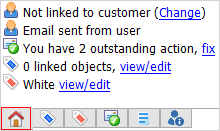
At the bottom of this area, you can see who has marked an email as read/unread, and when.
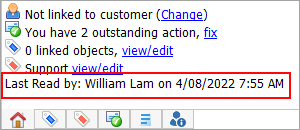
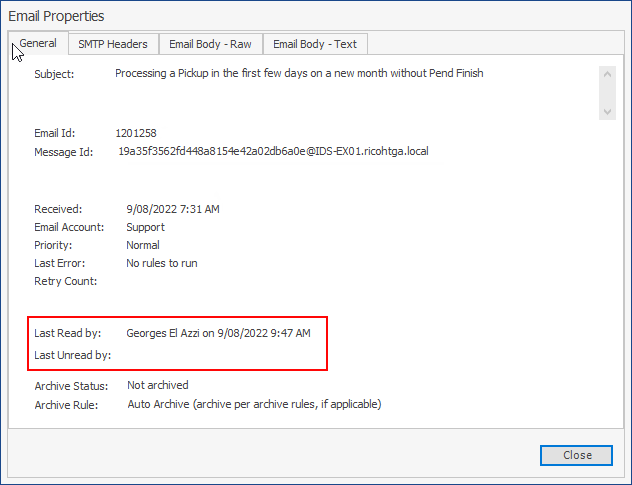
This will also appear at the bottom when an email is opened, and also on the Properties of the opened email.
 |
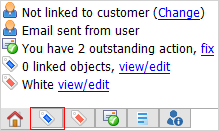
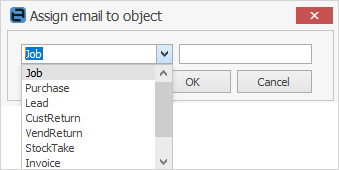
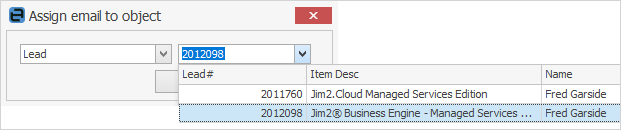
|
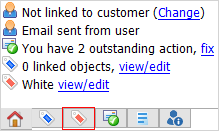
Select the folders to re-tag the email to. |
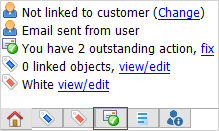
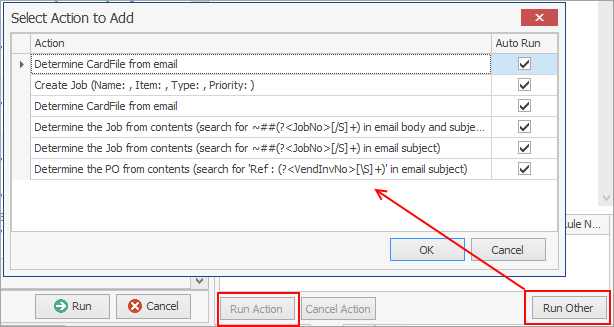
Shows a list of Email Rules related to this email.

Click Run Other to choose other actions.
 |
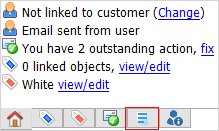
Displays a brief summary of the email content, which can be edited.
 |
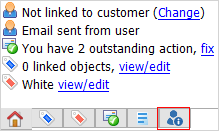
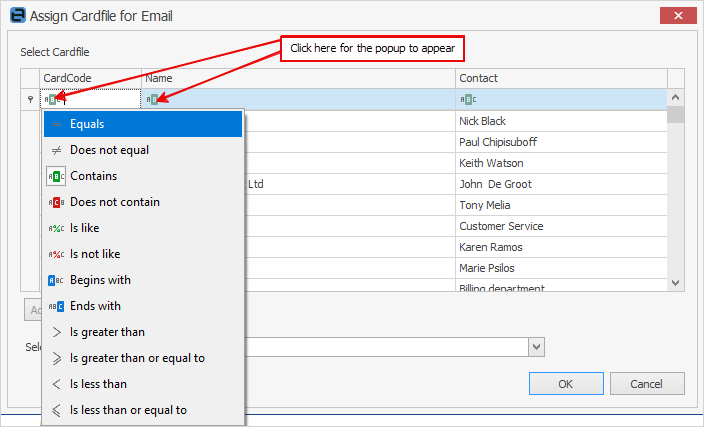
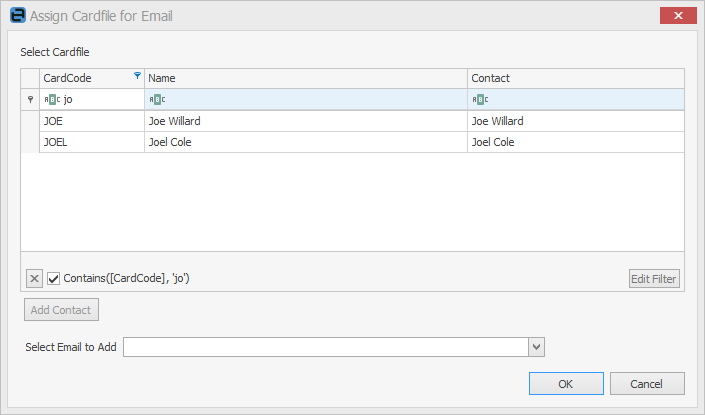
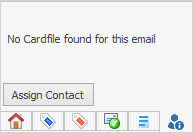
Displays the cardfile related to this email. A contact can be assigned if no cardfile is found.
 |
 |
At times the Show Remote Content button will appear within the header of the email in the preview pane.
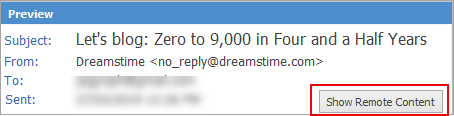
This means that there are images within the body of the email which are actually links to an external secure server, and will not automatically appear. Click Show Remote Content to see them. |
Further information