Before starting a new stocktake session, it is advisable to configure who will be allowed to do what. From Tools > Security, configure stocktake security (under the Stock node) for each user/security group.
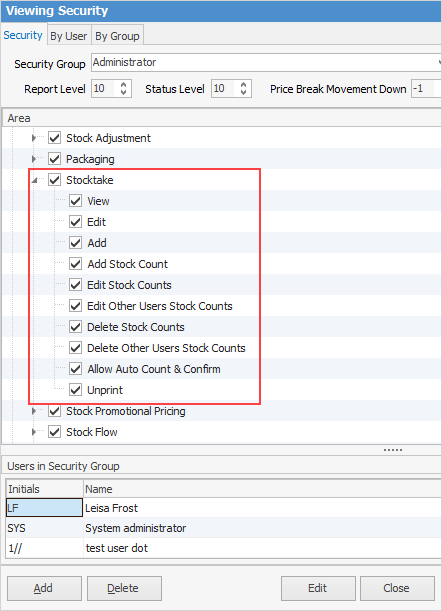
Configure the Stocktake security options for three types of users:
User type |
Security settings |
|---|---|
Complete control (Jim2 administrators) For complete control, all checkboxes under Stocktake should be ticked. |
 |
Counting control For count controllers, only these five security options need to be ticked. |
 |
Counters Normally, these two security options would be ticked for those who are doing the actual counting. |
 |
Further information