Unfortunately the windows API specification is not a highly detailed, nor rigorous specification. This means that printers and drivers can vary slightly.
Sometimes printers will work differently within different programs, eg. a printer might work in Microsoft Word but not in Jim2, or vice versa.
If experiencing any printing issues, it is recommended to download the most recent driver for that particular printer, as installing the latest driver quite often corrects bugs, etc. that may have been present in the driver that was originally supplied with the printer.

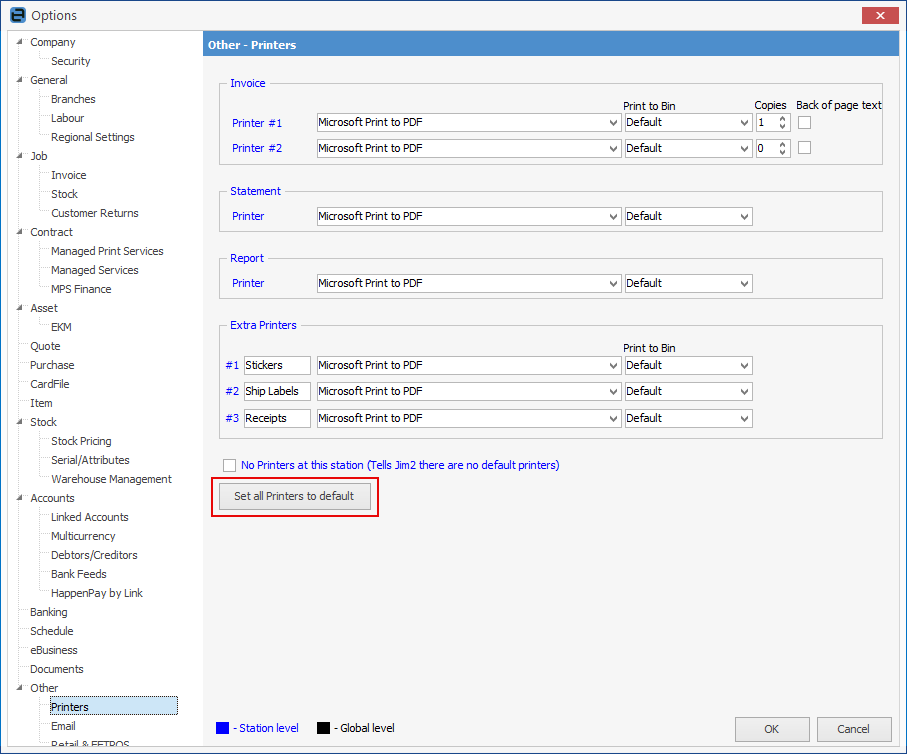
Are you printing to a local printer? If so, please go to Tools > Options > Other > Printers and click Set all Printers to default:
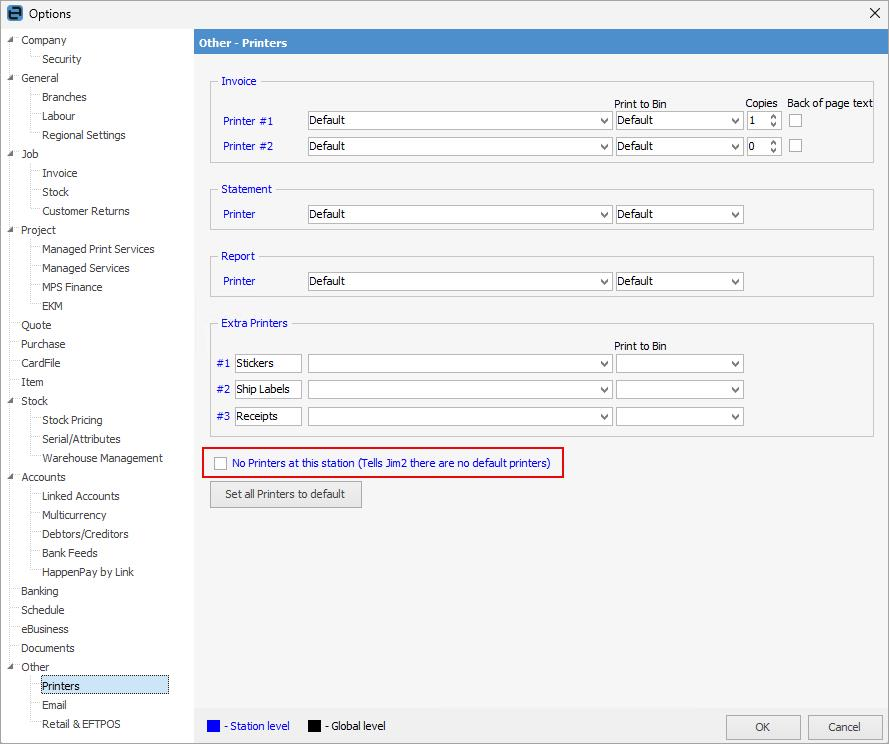
If you are printing to the company printer, tick No printers at this station:
|
Internet disconnection or disruption can cause printers to go missing from Options. Logging out of the Windows app and back in should refresh the printers. |
Further Information
Jim2 Server Scheduled Backup Fails