If the lists are no longer appearing in the Nav Tree, you can open another Jim2 instance via Jim2 in the ribbon.
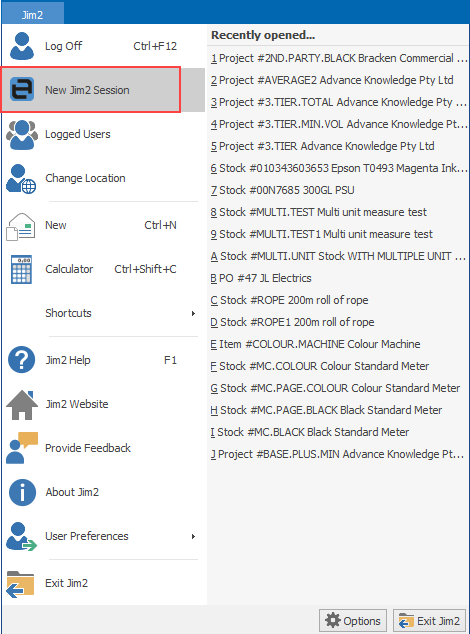
This will launch a second session of the same database. Log out of this session, then log on to the Training database.
You can then place the two sessions side by side (or on different monitors) so you can recreate the lists in the main database following the setup in the Training database.
To ensure this doesn't happen again, publish the lists. This way, it is simply a matter of reinstating the published lists if they disappear again.
Further information
Jim2 Server Scheduled Backup Fails