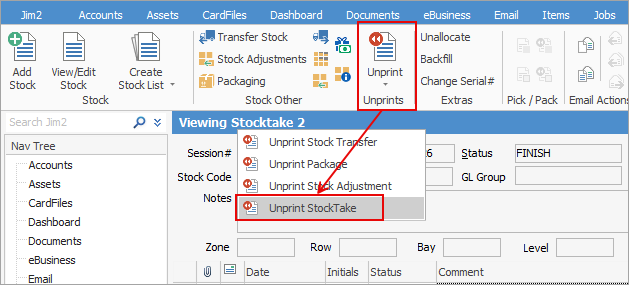
Finished stocktake sessions can be unprinted, if required.
On the ribbon, go to Stock > Stocktake and locate the finished stocktake session:
|
Note: If the stocktake has been finished and any resulting stock adjustment has also been finished, you will need to unprint the stock adjustment first.
If the resulting stock adjustment has not been finished, upon unprinting the stocktake session, the stock adjustment will be automatically cancelled. |

Further information