
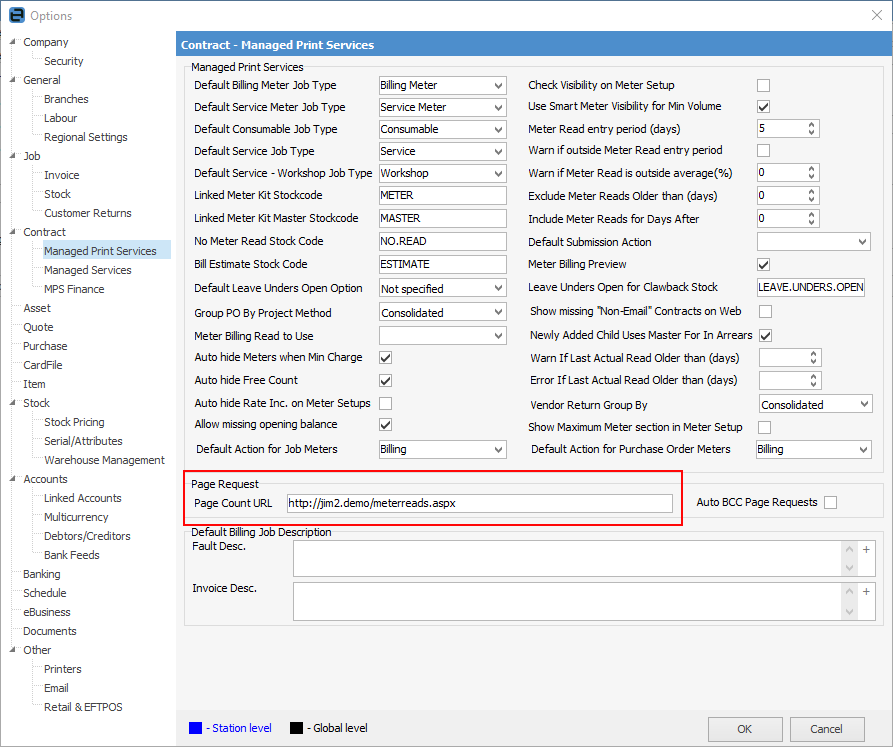
On the ribbon, go to Tools > Options > Contract > Managed Print Services, and enter the web address for the meter reads (this is set up via eBusiness Service). Tick Auto BCC Page Requests to receive them via an email address as well.
Set up web user security to allow access to the web page.
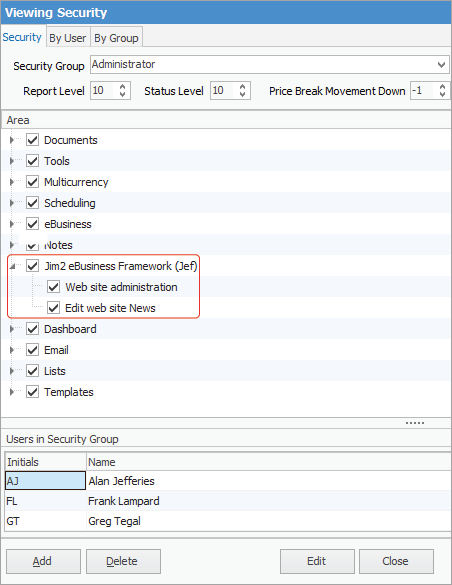
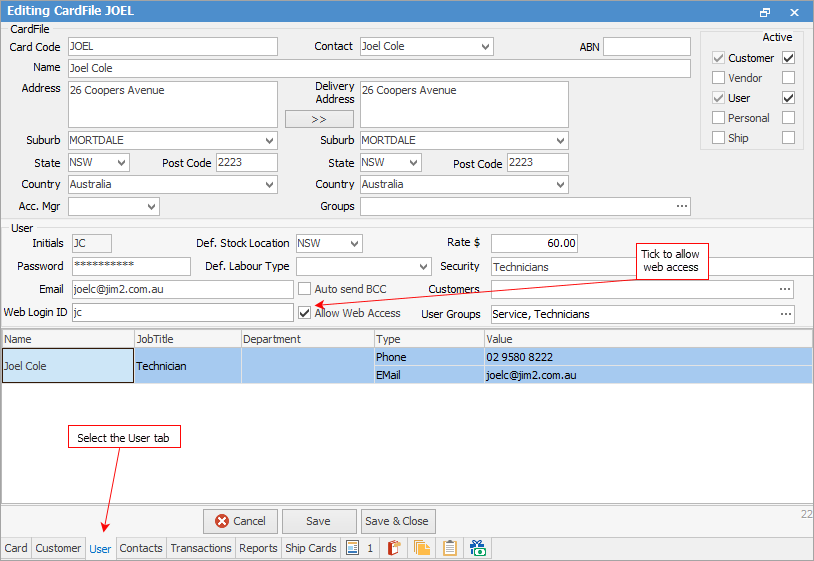
Set up an administrator to have JEF Administration access, and/or enable a user for a web account.
 |
Log on to the website as an administrator. Go to Site Admin > Manage > Pages, go to the Meter Reads page, then click Edit on the right hand side. Tick Anonymous, then select the template eBusiness No Logon.
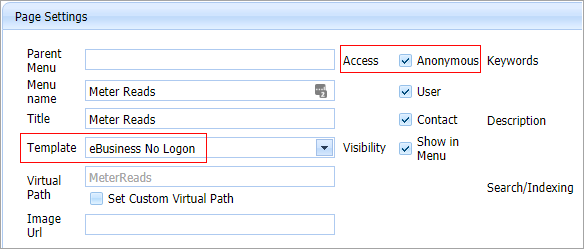
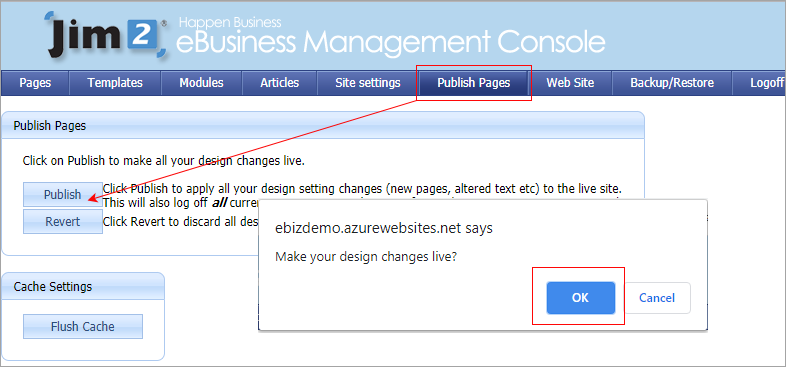
Publish the pages to ensure this change is live on the website.
 |

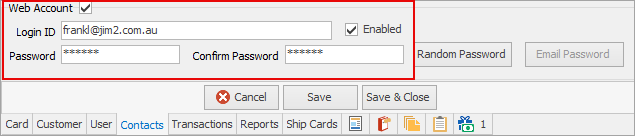
On the Contacts tab of the customer cardfile for the person who will be entering the meter reads (Request By on contract see here for more information), enter details as shown here:
|
The welcome email provides username and password to log on to the portal to submit reads.
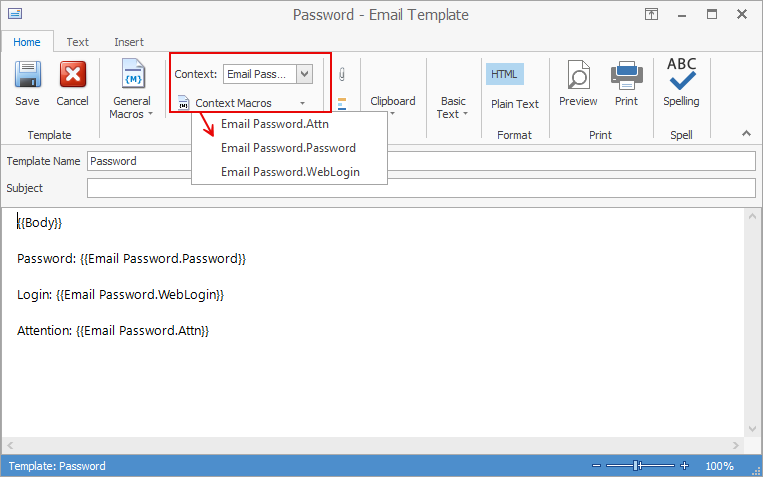
The next step is to set up the password email template via Email > Email Templates on the ribbon..
Use the WebLogin and Password macros within the email body.
On the ribbon go to Email > Email Editor Rules and create a rule as below:
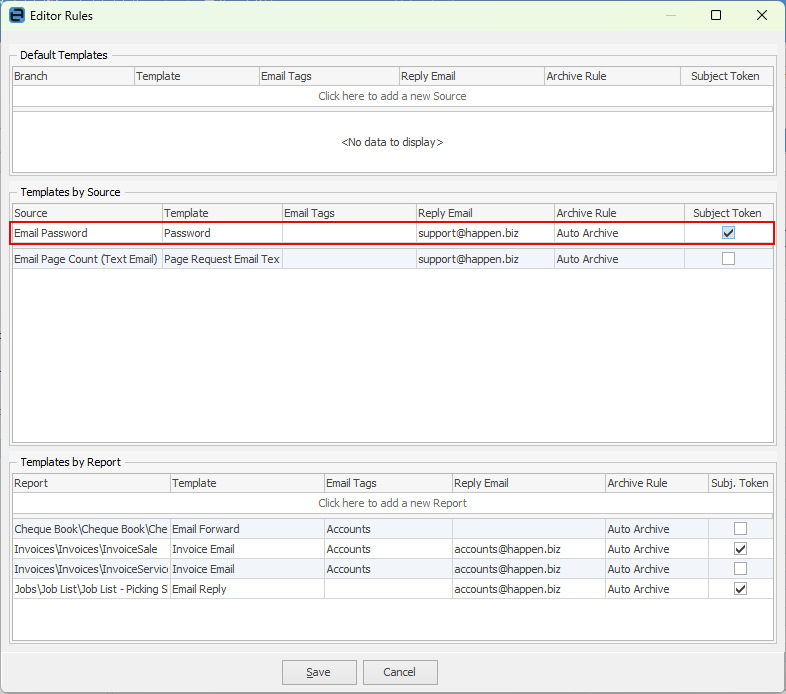
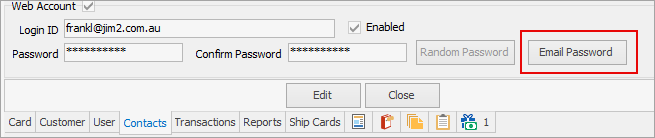
To send the email, go to the customer cardfile Contacts tab (as above) and click Email Password. This will send the Welcome email template based on the rule above.
 |
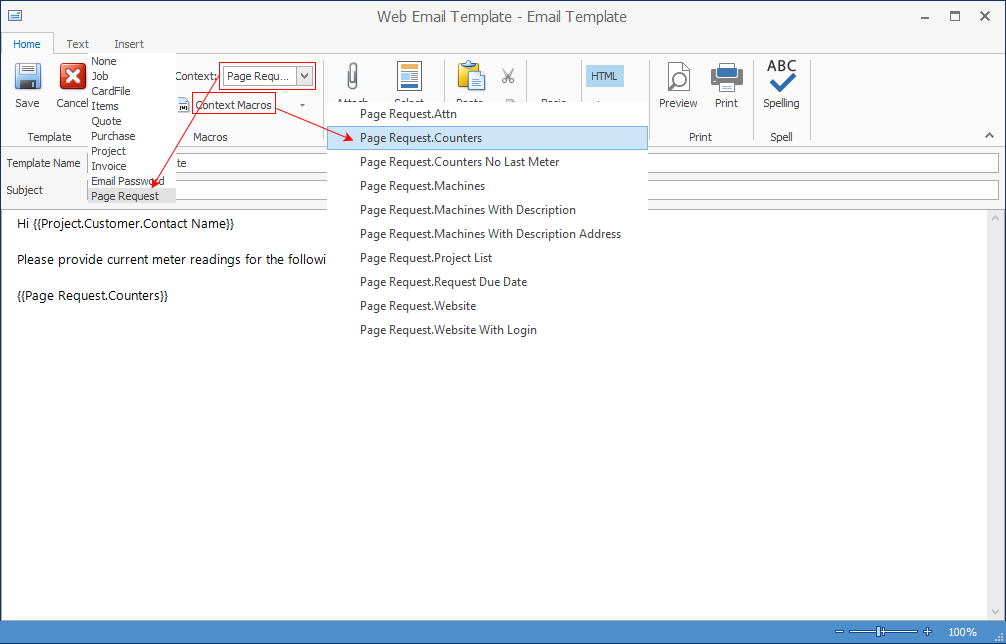
Email Templates need to be set up using macros for page requests.
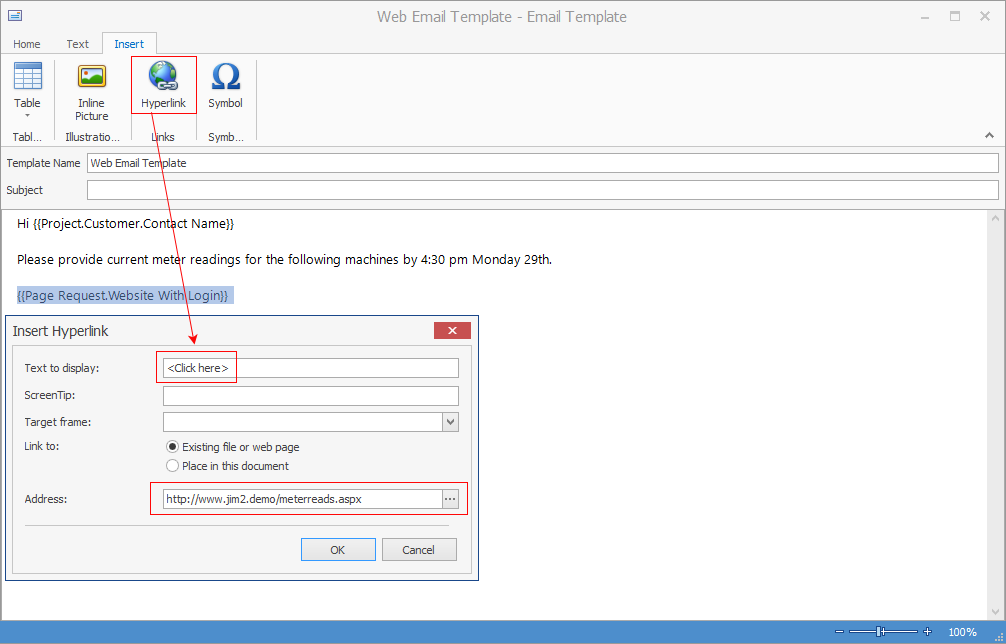
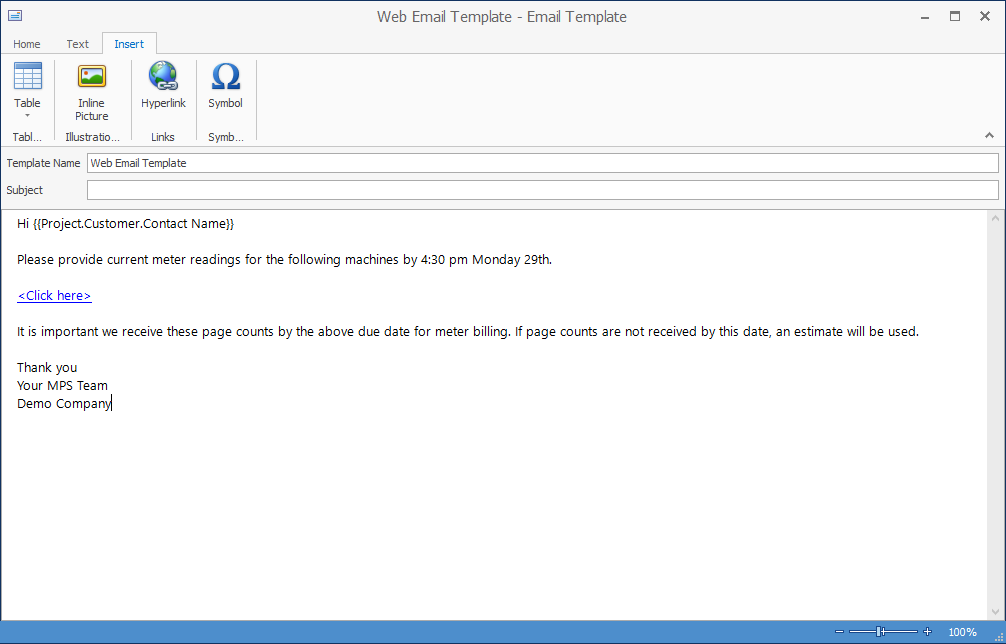
The following shows how to add a hyperlink to the web portal:
 |
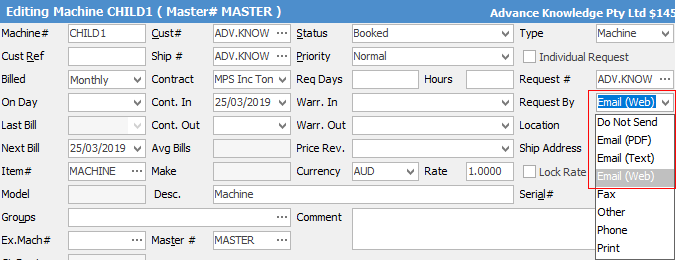
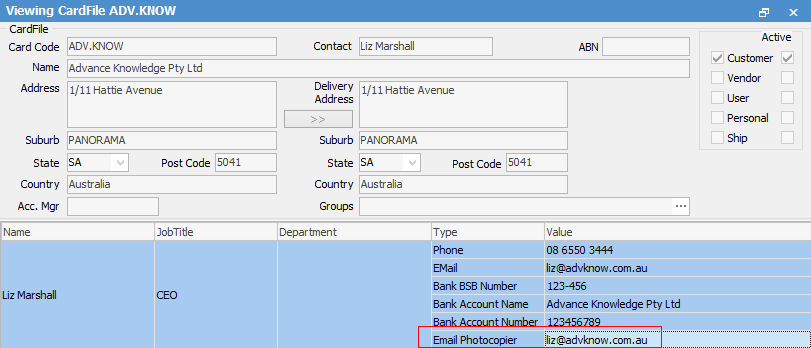
Run a contract list, and filter as required (ie. select a particular cardfile, etc.). Select Report > Contract List – E-Meter Read Setup.
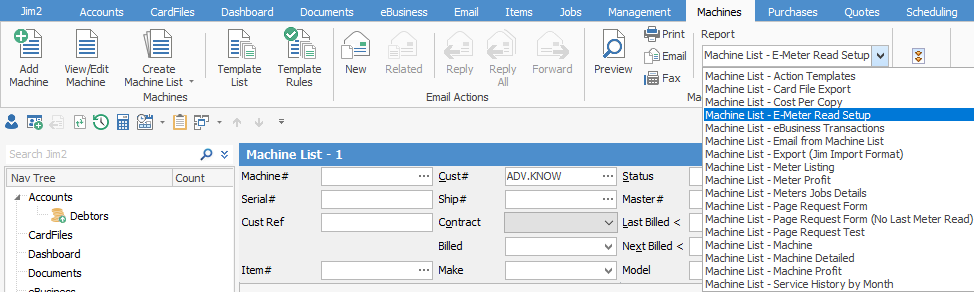
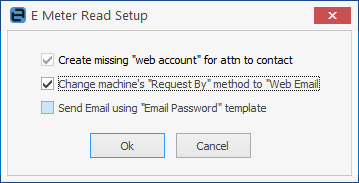
Click Preview, tick Change machine's Request By method to Email (Web), then click Run.
On the ribbon, select the Report Contract List – E-Meter Read Setup.
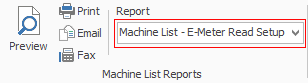
Click Print.
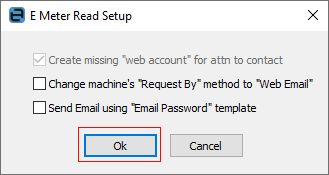
Click OK (do not tick any other boxes).
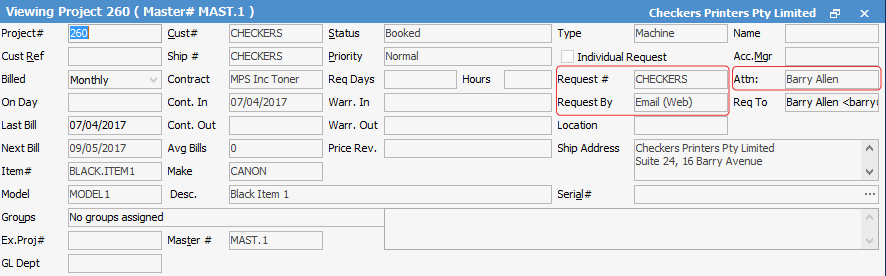
Go into one of the contracts and ensure that Request #, Attn: and Request By have been properly populated.
Once complete, then request meter reads either via a list, or via a contract. Select the Contract – Page Request Form report, then click Print.
The email according to the template set up earlier (see point 3 above) will open.
Click Send. |

Further information
Contract List Meter Averages Report
Contract List - MIF Sales Report
Managed Print Services Reports
Refurbishing and Replacing Machines