Project templates are job templates that can be used to apply jobs with default values and stock lines. They can create completely new jobs or update existing jobs. They can be used for:
▪Recurring scheduled job creation.
▪Email job creation rules.
▪Via dynamic menus within a Project list, Project or Project-linked job.
This functionality also enables multiple jobs to be created simultaneously from a Project. This may be for split billing or to create a set of jobs that make up a Project.
|
Please take the time to read this entire section prior to attempting to set up and use this functionality. |

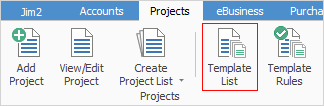
There are a number of templates already set up in the Jim2 database:
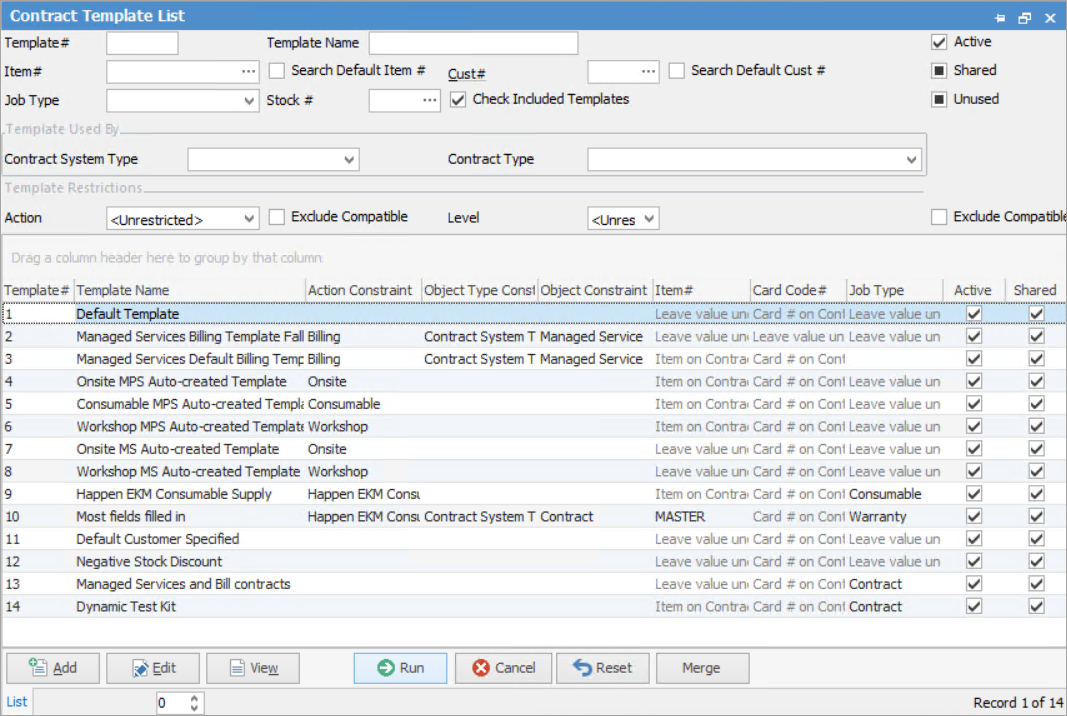
See here for information on the use of the Reset button.
|
Some letters in the field names within the header are underlined, eg. Status. Using Alt+ the underlined letter will jump to the field beside that heading. |

 | Header fields in the Project Template List |
Field |
Explanation |
|---|---|
Template# |
Entering a template number here will return a list for that template only. Leave blank to return a full list of templates. |
Template Name |
Entering a template name here will return a list for that template only. Leave blank to return a full list of templates. |
Item |
Selecting an Item here will return all templates where the Item is on a Project or template. Leave blank to return a full list of templates. |
Search Default Item # |
Ticked will show templates where the Item is on any templates. |
Cust# |
Using the ellipsis in the field beside Cust# to select a customer will bring up all templates where the customer is either on a Project or a template. Leave blank to return a full list of templates. |
Search Default Cust # |
Ticked will show templates where the customer is on any templates. |
Job Type |
Entering a job type here will return a list for all templates using that job type. Leave blank to return a full list of templates. |
Project System Type |
Select a Project system type – these are system types set up in Jim2 that cannot be changed or edited. Leave blank to return templates for all system types. |
Stock# |
Selecting a stock code where will bring a list of all templates to screen using that stock. |
Check Included Templates |
When ticked, this will also check included templates that may be using the selected stock code. |
Project System Type |
Selecting a Project System Type from the dropdown will allow filtering by that type. |
Project Type |
Entering a Project type here will return a list for all templates using that Item. Leave blank to return a full list of templates. |
Action |
Selecting an Action here will return a list for that action only, or left blank will return a full list. |
Exclude Compatible |
Tick this box and the list will show only specific templates with no Action constraints. |
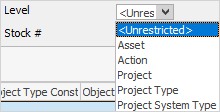
Level |
Leave blank for a list of all templates, or select from these:
 |
Exclude Compatible |
Tick this box and the list will show only specific templates with no Level constraints. |
Check boxes (Unticked will show none, ticked will show only what's ticked, solid black box will show all) |
|
Active |
Ticked will show currently active templates. |
Shared |
Ticked will show shared templates only. Shared templates can be used by many Projects. |
Unused |
Ticked will show all active templates that are not in use. |
Exclude Compatible |
Most templates use inherited templates – for instance, the Default Template (or whatever it may have been renamed). Tick this box to exclude compatible inherited templates in the resulting list. If this box is ticked and Project System Type Managed Service is selected, it will show the specific templates with no constraints for that Project System type. |
|
A template that has been used cannot be deleted. Untick Active to make it inactive and it will no longer appear in an active template list. |

The managed service/recurring job contract value can be seen within the Project and Project list. All billing templates include a total contract value that can be seen within both the Project and the Project list.
 Contract value in list
 Contract value in Templates tab on Project |
The following pages will explain the concepts and setups associated with the Project Template functionality.
Templates can be used to apply default values and stock lines during job creation.
Within Templates, you can view which Projects and Assets are using the template. If the Status column is blank, this means that the contract or Asset is on FINISH.
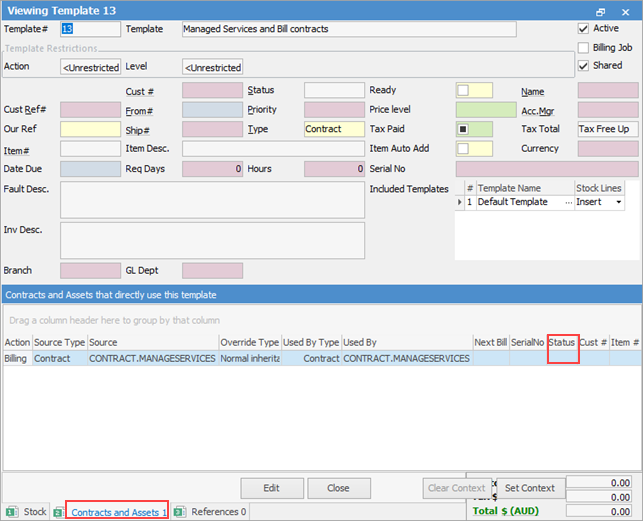
Jim2 Projects requires at least one Billing template to be linked to a Project to generate a billing job.
|
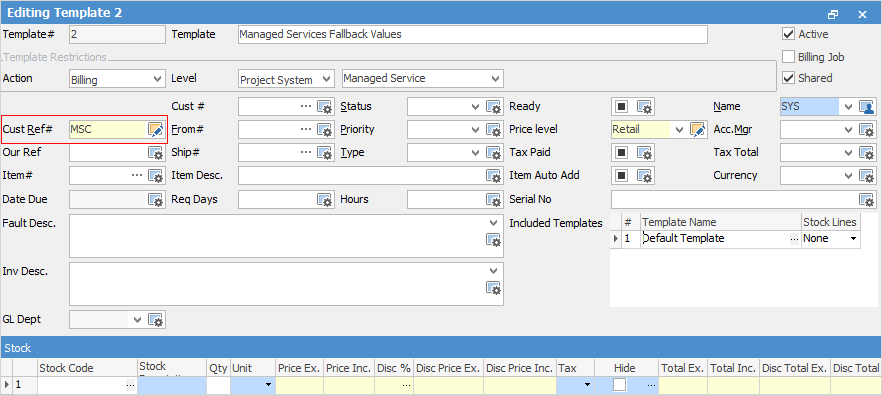
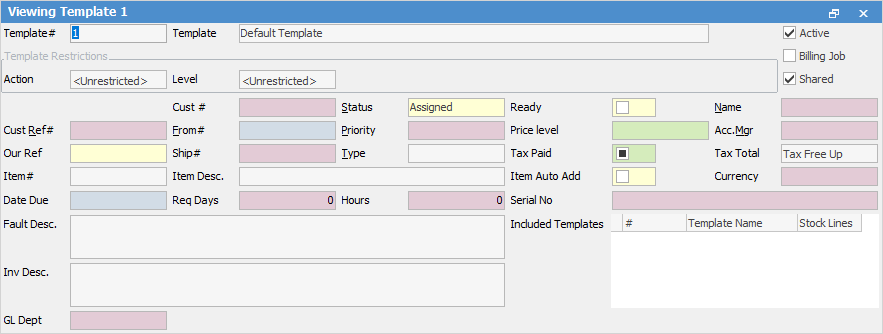
When billing a Project, a Cust Ref# is required on at least one template or included template, otherwise Jim2 will error. If not on the template or included template, a template should be set up with fallback values, then added as an included template:
 |
|
Further information