If you always want to show stock availability in the quote stock grid go to Tools > Options > Quote.
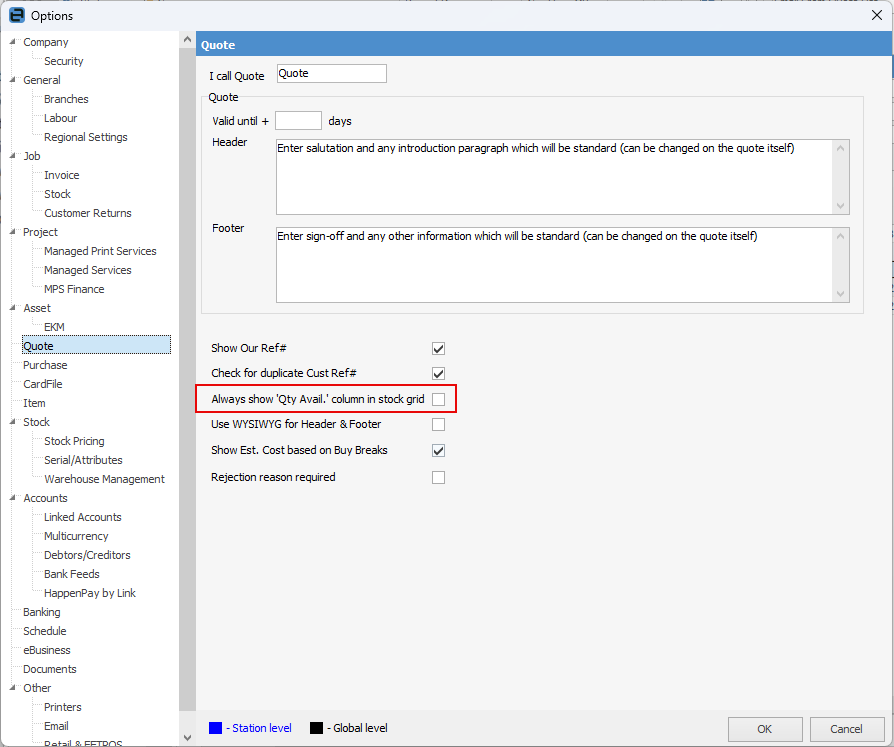
Tick this box to show the Qty Avail column within the stock grid of a quote.
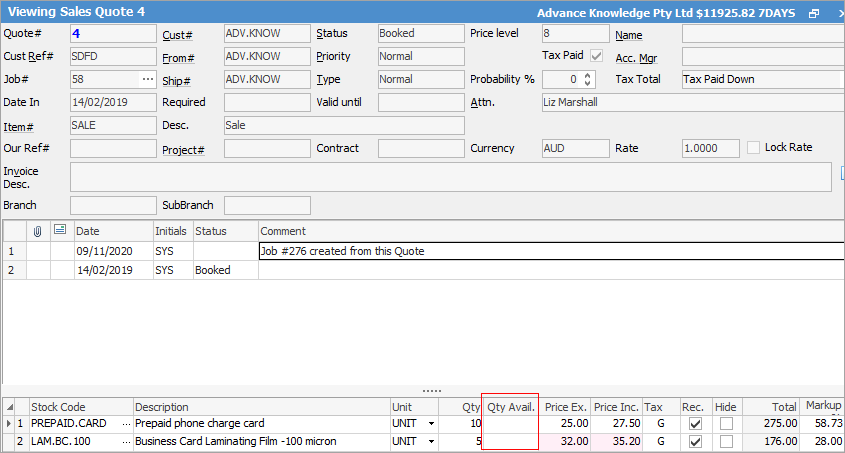
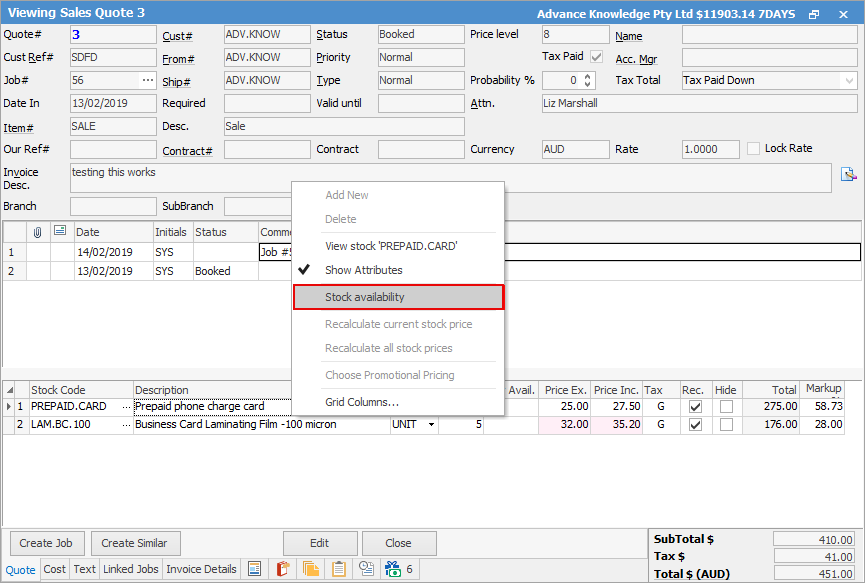
You can also right click within the stock grid of a quote and select Stock Availability.
This will populate the Qty Avail. column with all stock available.
 |
Note: This column does not continually update – it will only provide a snap shot at that point in time.
For example, if you change the location, it won't update, nor will it update if you go into the quote two days later. The field will appear blank once the screen is refreshed.
To see the Qty avail on the fly you will need to right click and select Show Availability. |
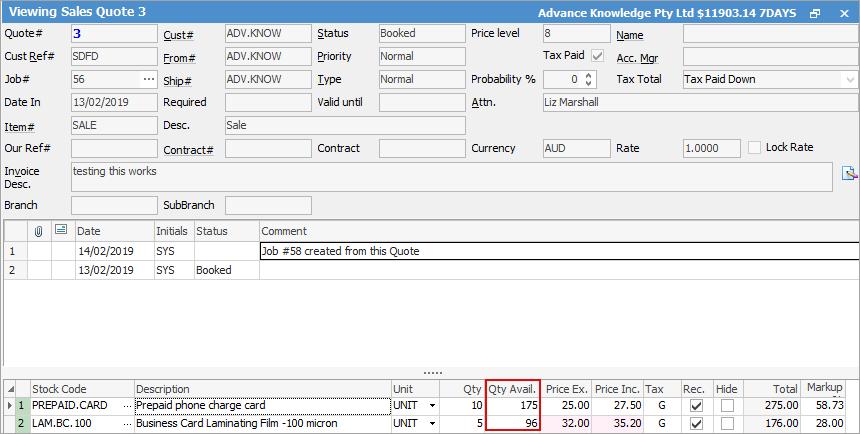
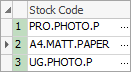
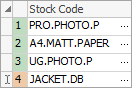
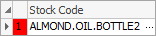
The background colour of the first column will change as per below:
Green – all stock is available
Orange – some stock is available
Red – no stock is available.
Further information