The third section of the Quote form contains a grid that is used to record and automatically price any stock being quoted to the customer. Price calculations are determined by the price levels, price breaks and tax requirements, as set in the customer's cardfile, as well as the stock mark-up calculation, that is set in each stock record.
The initial view of the grid is the:


However, by clicking the arrow |
 at the top left of the grid, change to the:

The stock lines within the grid can be reordered:
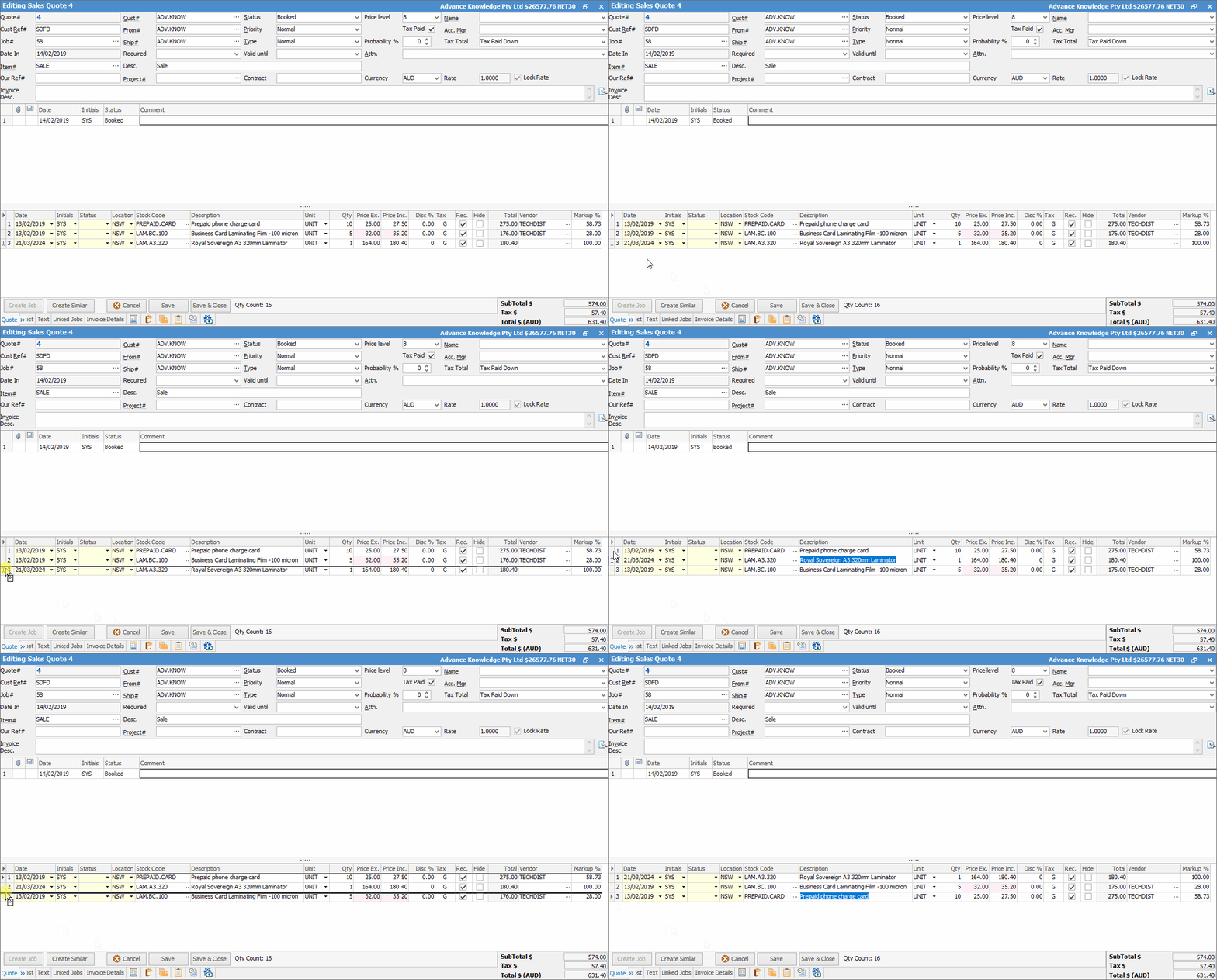
The stock grid area can be expanded by clicking and dragging the horizontal dots up and down. Double clicking the dots will hide the stock grid completely. Double click again to show.
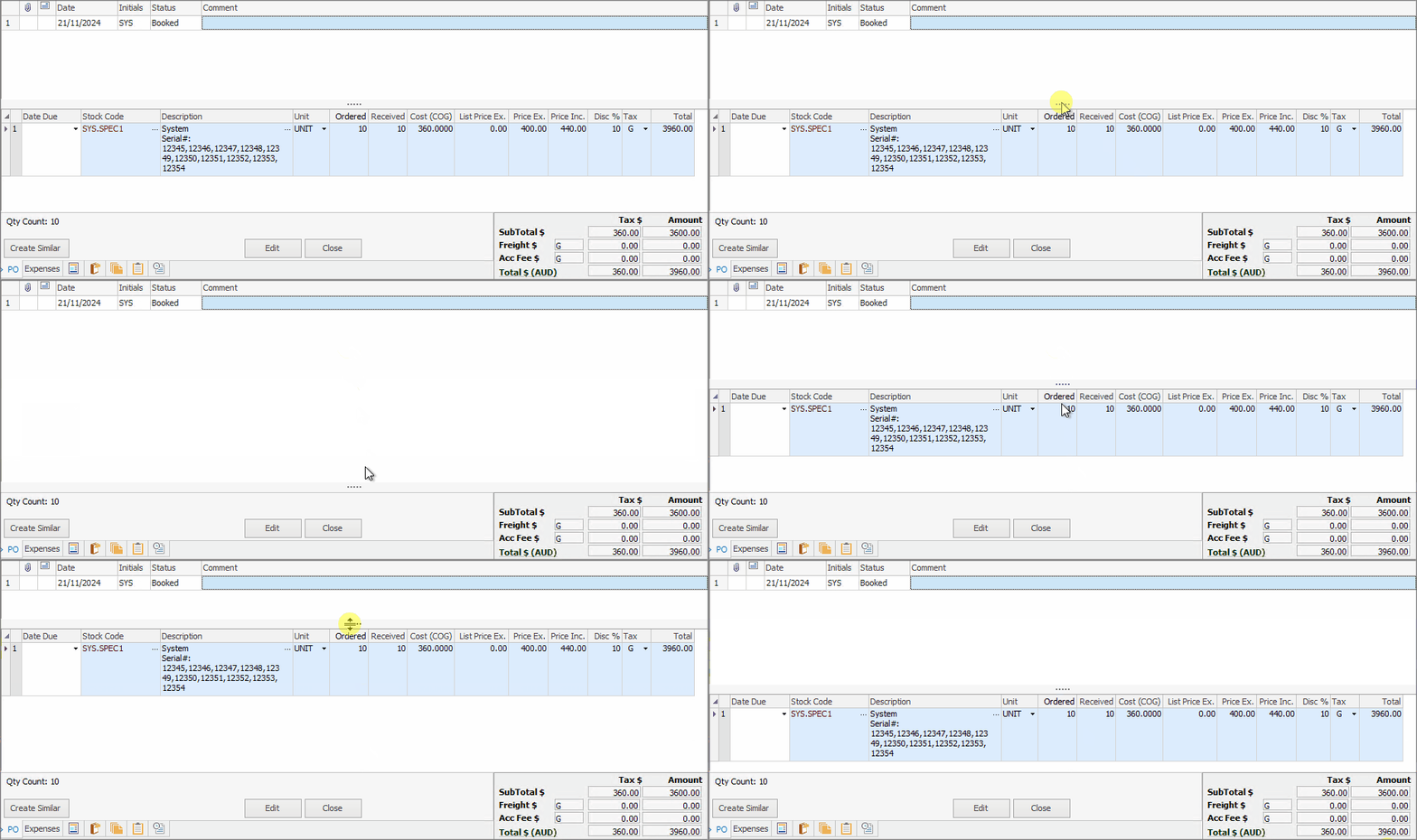 Whilst this shows an expense order, the process is the same for all objects |
Field |
Explanation/Purpose |
Notes |
||
|---|---|---|---|---|
Date |
The date the stock line was added to the quote. |
Only shown in expanded view. |
||
Initials |
The initials of the user who added the stock. |
Only shown in expanded view. |
||
Location |
The location of the stock when quoted. |
Only shown in expanded view. |
||
Status |
Allows selection of status for that particular stock line. |
|||
Stock Code |
The stock code will identify the product or service being ordered. Selections can be made from the Stock Select screen – stock records via the ellipsis [...] drop down list beside this field. |
|||
Description |
The description of the stock code from the stock record is automatically placed in this field. If there are multiple measures for this stock, it will use the description appropriate for that measure. |
|||
Unit |
The unit measure to use to sell for that stock code is selected. |
|||
Qty |
Quantity quoted. |
|||
Qty Avail. |
This will show the current available quantity for that stock. You can right click within the grid to show quantity available on the fly to see what is available to sell right now. Once selected the first column will change to a green background. |
This must be set up in Tools > Options > Quote first. |
||
Price Ex. |
This is the price of the goods tax free (excluding GST). |
|||
Price Inc. |
This is the price of the goods including tax (including GST) – the tax code is set up within the stock record. |
|||
Disc % |
Discount provided, if any. |
Only shown in expanded view. |
||
Tax |
Tax code. |
|||
Rec. |
Recommended stock – tick for yes, leave blank for no. |
This allows flagging stock as recommended at a line level. When printing the quote, include both the total of the recommended options as well as extras. Very useful when used in conjunction with Kitting.
If left unticked, the value will drop down into the Optional Extras field on the quote report. |
||
Hide |
When printing the quote, this provides the option of hiding individual quote lines or prices. |
If a black box shows in the Hide box, this will hide the pricing but still show the stock. |
||
Total |
Total price of that stock line. |
|||
Vendor |
If the price for this line of stock is obtained from a particular vendor for the quote, record that vendor in this field. It will also automatically populate if there is a Vendor in the Cost tab. |
Only shown in expanded view.
|
||
Markup % (this may also be called GP%) |
This is the difference between cost and sell prices as a percentage. Determine this percentage by entering the price and letting Jim2 calculate the margin, or enter the cost and a percentage (say, 10% margin) and let Jim2 calculate the price. |
The field, and actual figures displayed, depend on the Show Profit Percent as .. choice, made in Tools > Options > Job. |


Sell details are automatically added or updated when adding stock to a quote, or when recalculating the selling price. The sell details show the source of the selling price (price level, promotion, project, etc.) and the source reference. The selling price is colour coded to indicate the source, and hovering over a sell price cell will display the details.
|
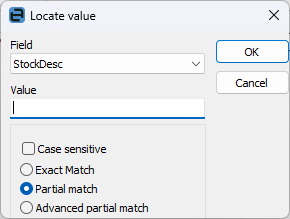
Within the stock grid, search all columns and rows by pressing Ctrl+S. This will bring up the Locate value screen, where select which field to search by entering the text to search for in the Value field.
Right Click Option |
Explanation/Usage |
|---|---|
Add New |
Will add a new line. |
Delete |
Will delete the line including the stock that has been added to the quote. |
View Stock |
Is a hyperlink and will move to that particular stock record. |
Show Attributes |
This will show attributes of the stock, if attributes are enabled. |
Recalculate Current Stock Price |
This will recalculate the value of the stock selected in the grid. |
Recalculate All Stock Prices |
This will recalculate the value of all the stock in the grid. |
Grid Columns...
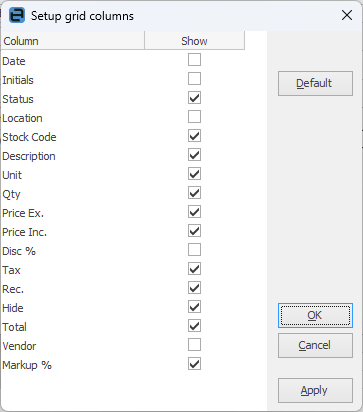 |
This sets up the grid columns that will be displayed for either this user or all users. In expanded view, all grid columns are displayed by default. In collapsed view, the following columns are not shown: ▪Date ▪Initials ▪Location ▪Disc % ▪Vendor
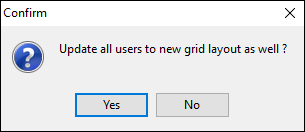
Add or remove grid columns by ticking the box, then clicking Apply. Click OK and a message will appear offering to update all users to the new layout as well.
Upon saving, all columns will be shown. Click on the arrow at top left of the grid in either Edit or View mode to view only the columns required.
 |
Further information