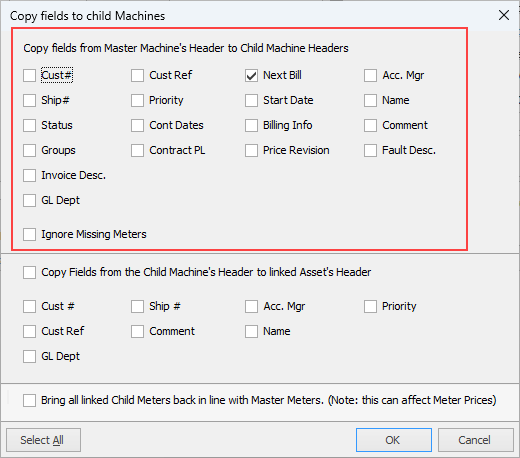
The Top Section is asking if you have made changes to any of the fields in the header of the contract that relate to the check Box labels. If so, they should be ticked.
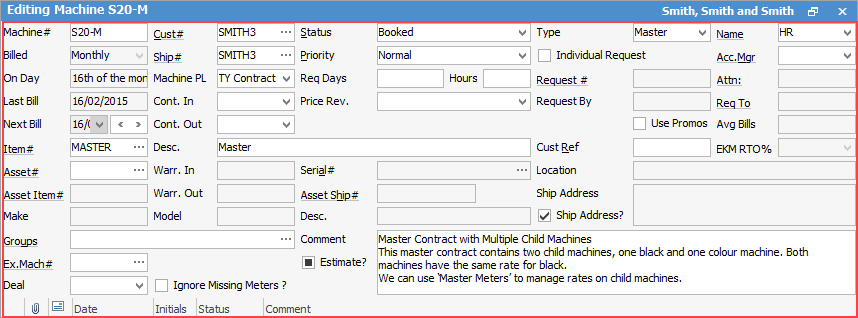
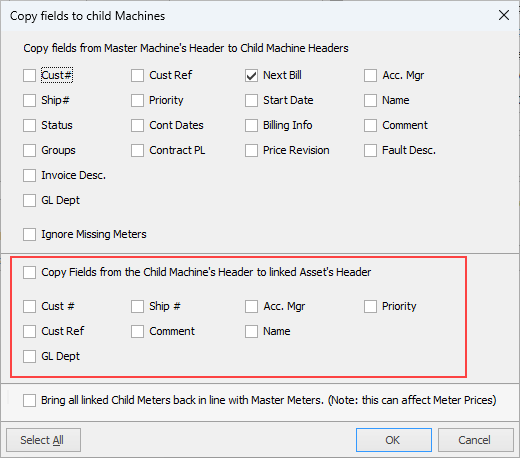
The bottom section is referring to the Assets that are linked to the child contracts. For example, a customer sells their business, and the copier contract is transferred to the new owner. You would create a new cardfile for the new business, edit the master and change the Cust# and Ship# fields to the new cardfile. When you save the master, you would tick Cust# and Ship# fields on all the child contracts – the same for the Assets linked to those child contracts.

When you edit meters on a master, the changes are pushed down to all child contract meters where the child meter type is set to C, indicating the meter is to be reflected from the master.
You may have some child contracts where the CPC price is different to the majority of other child contracts linked to the master. For example, a master may have five A3 copiers at CPC's of .0005 black and .0050 colour and 1 A4 printer that is charged at .0010 Bblack and .0100 colour. The meter setting for the A4 printer in would be CO, indicating that this child's meter prices override what the master is set to.
If you were to edit the master and change the prices to .0006 black and .0060 colour, when you select Save and the window appears, you need not select any of the checkboxes. The new prices will be pushed to the children with the meter set as C. The printer with meters set as CO will retain their existing price of .0010 black and .0100 colour.
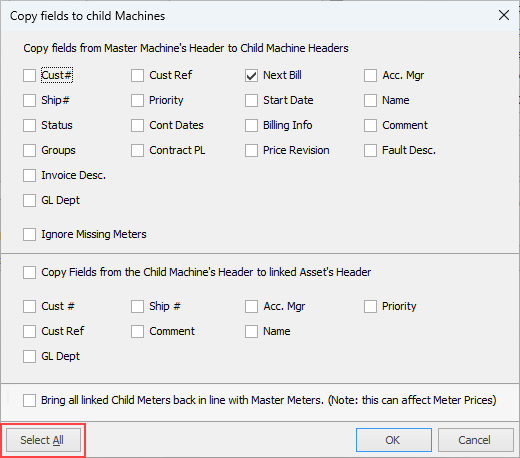
If you were to select the very bottom check box labelled Bring all linked Child Meters back in line with Master Meters and select Save, the printer would have the CO meters changed to C meters, and the prices would then match the master and the A3 copiers' CPC prices of .0006 black and .0060 colour.
 |

Further information